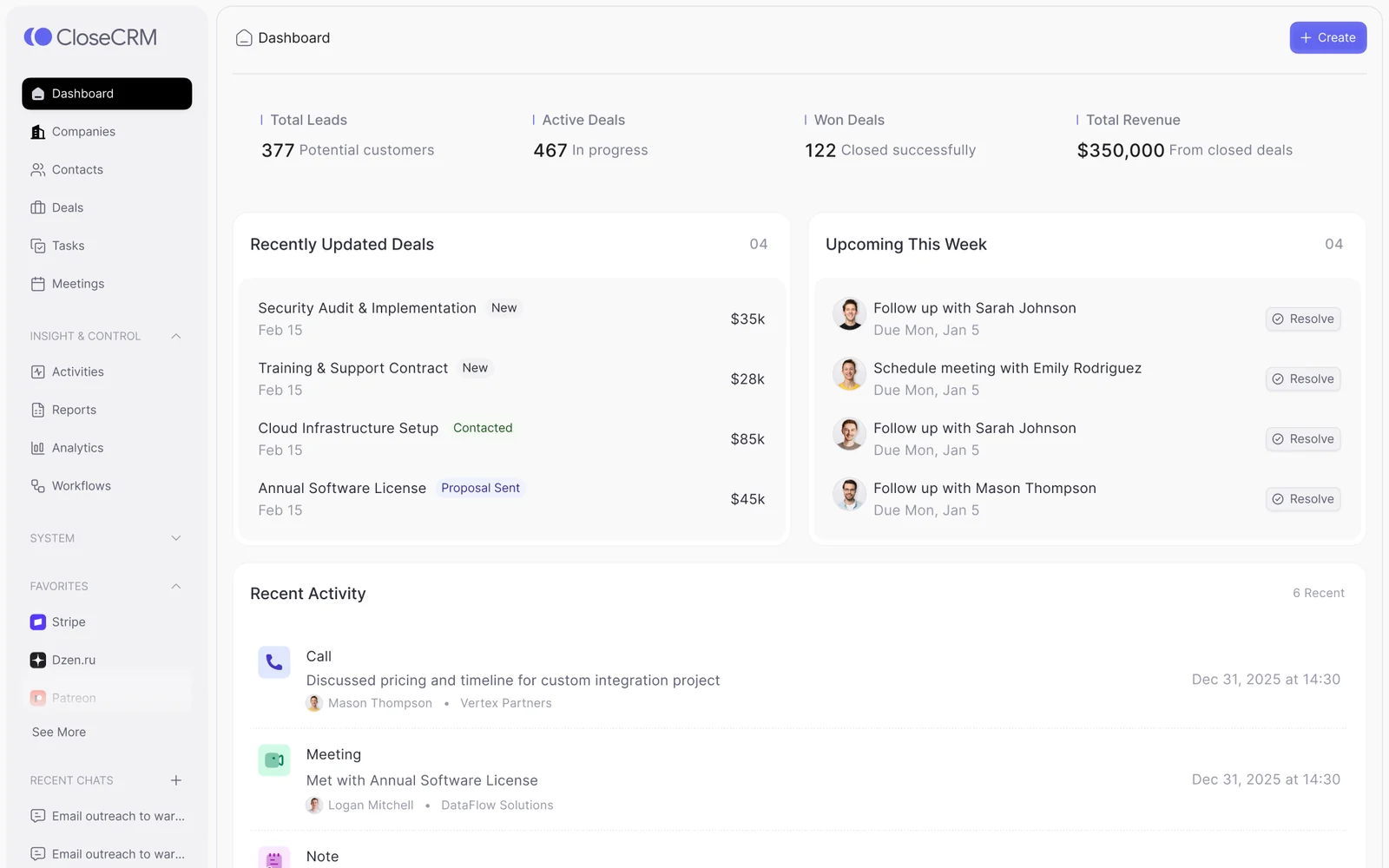
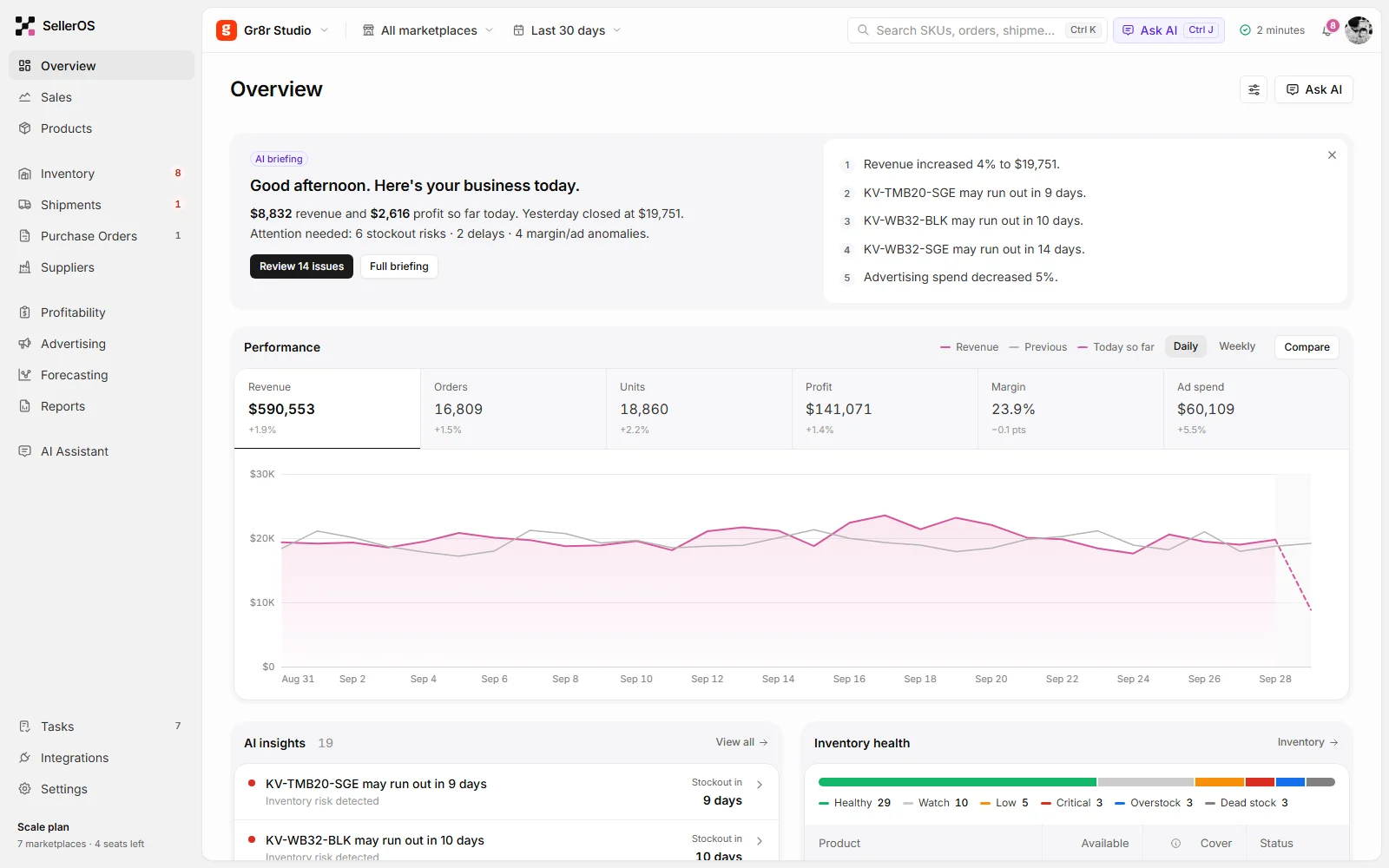
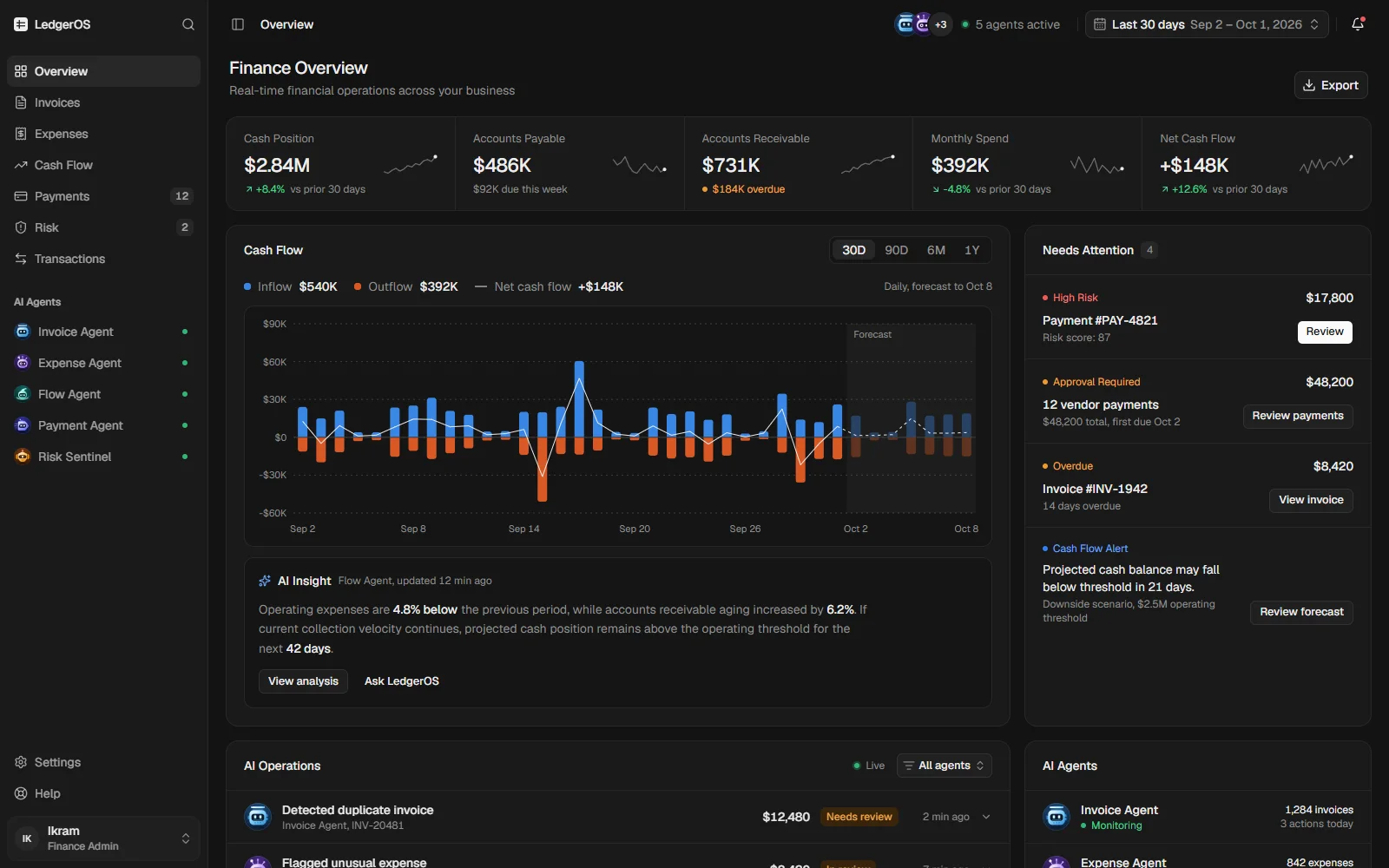
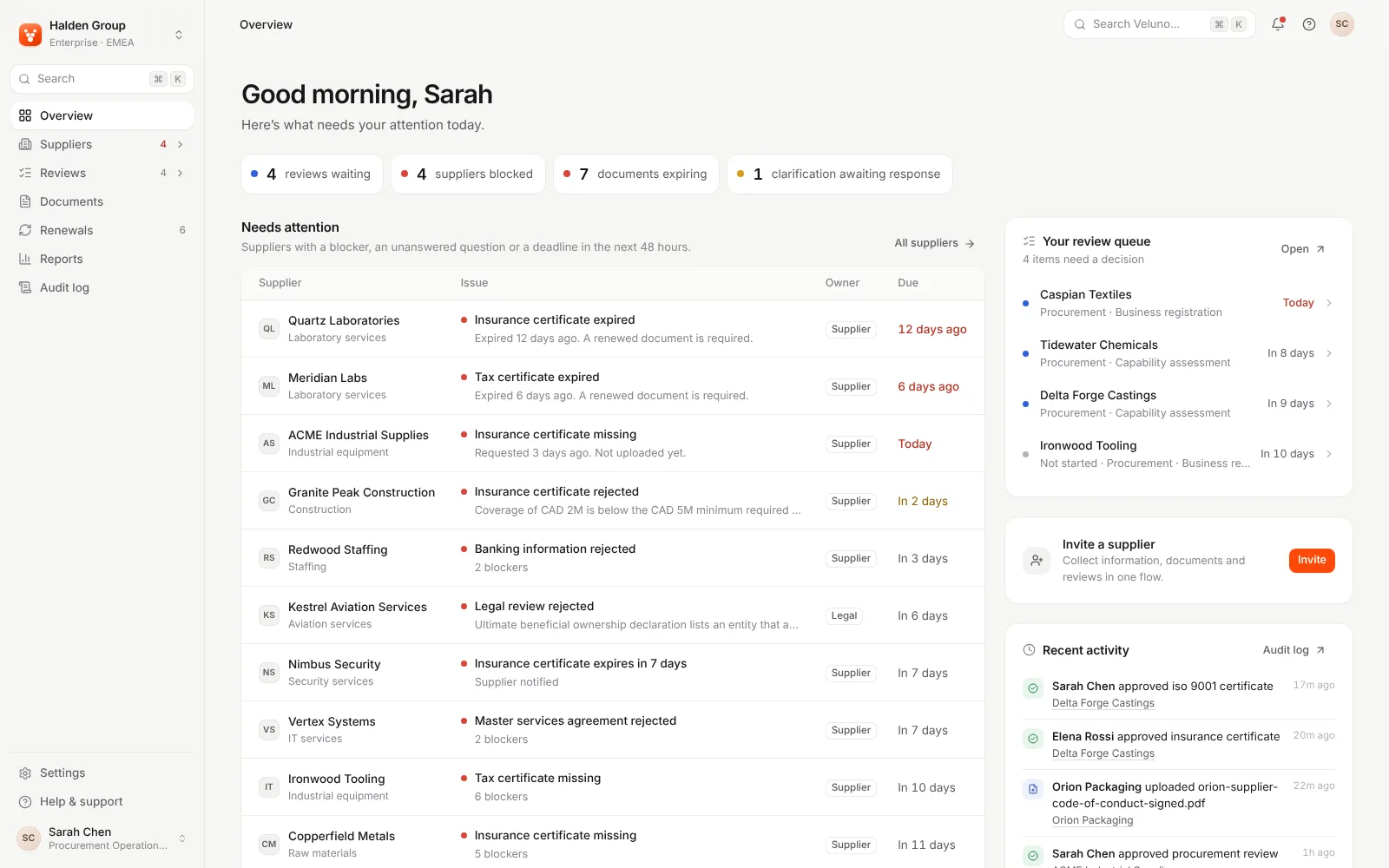
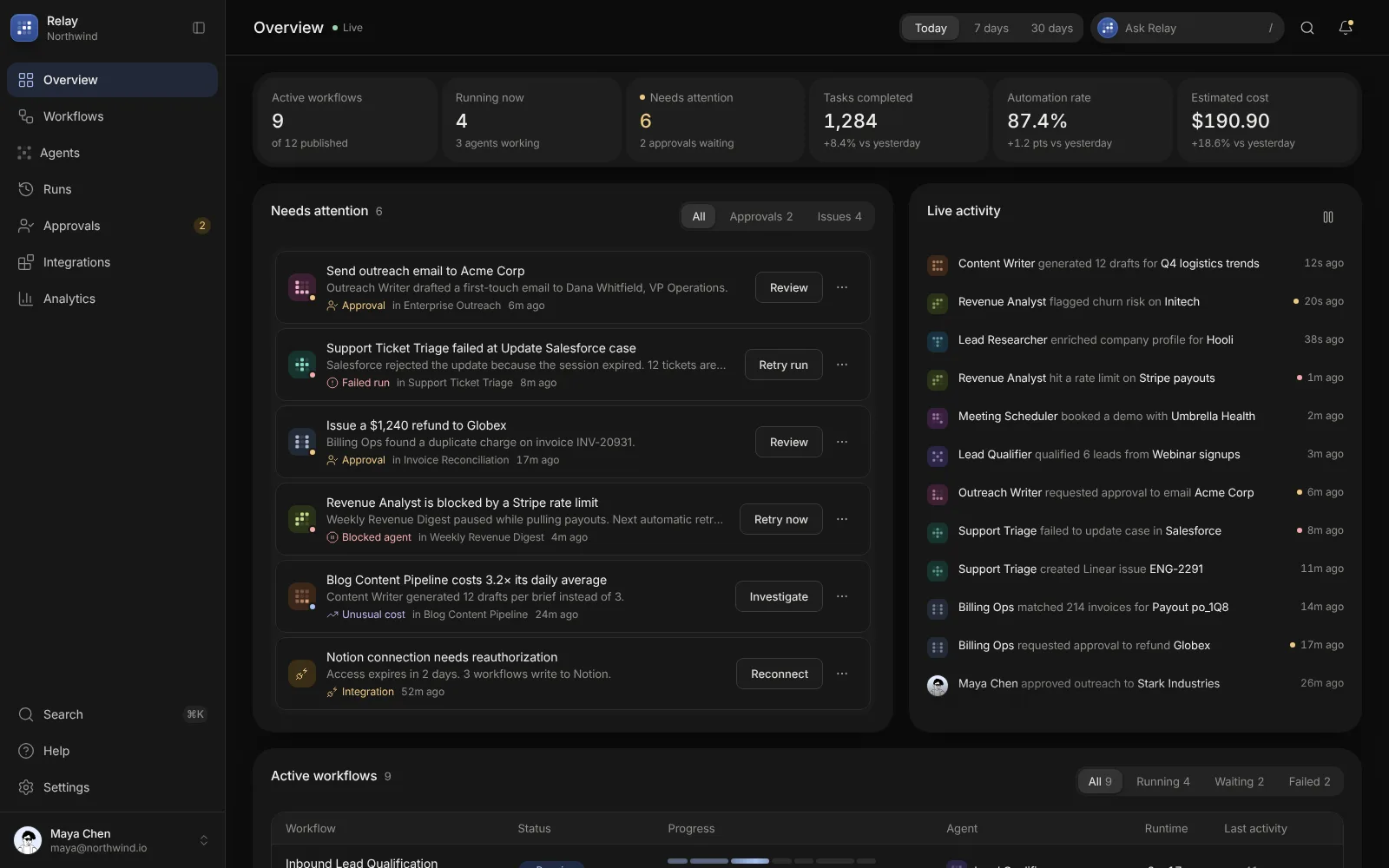
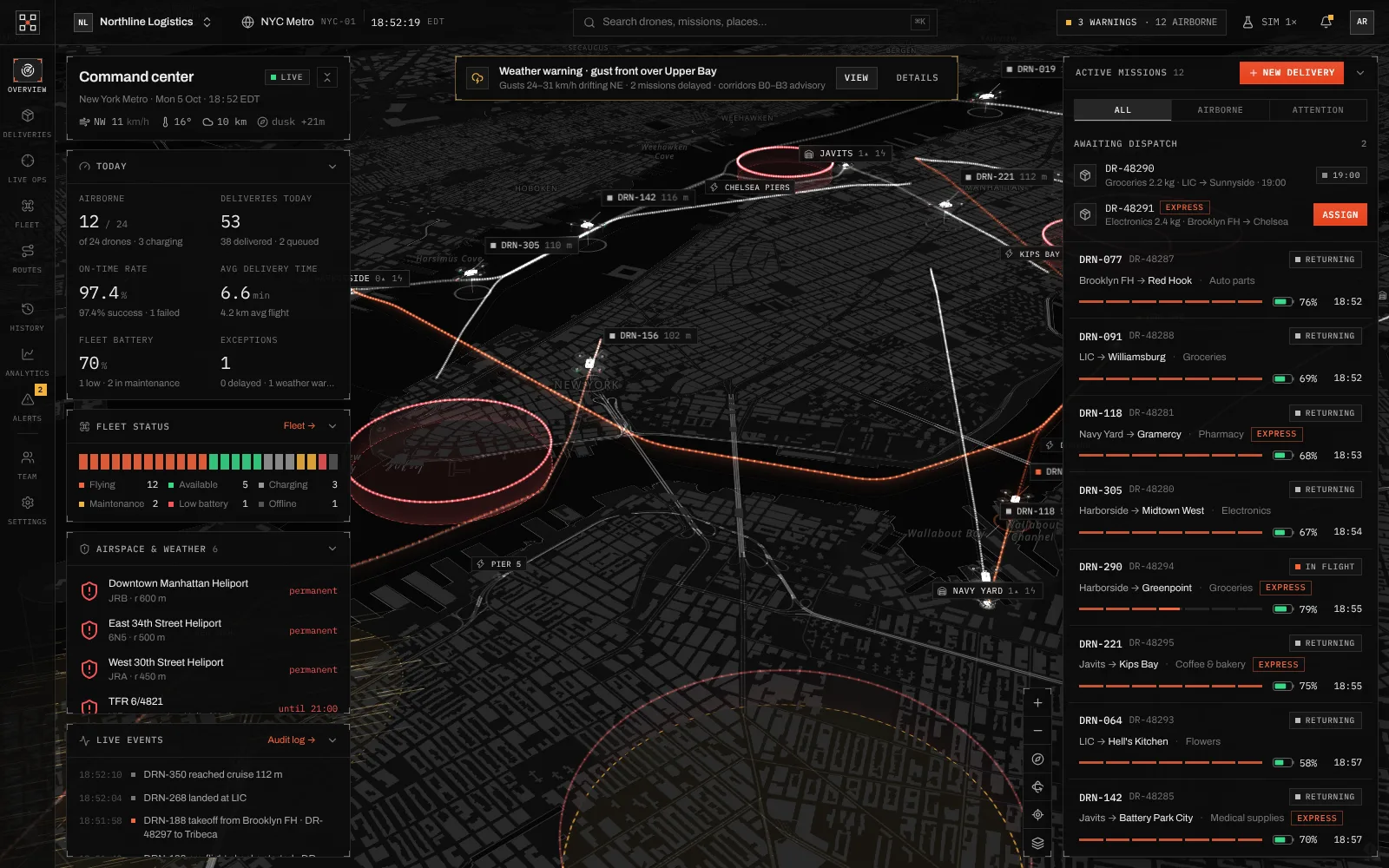
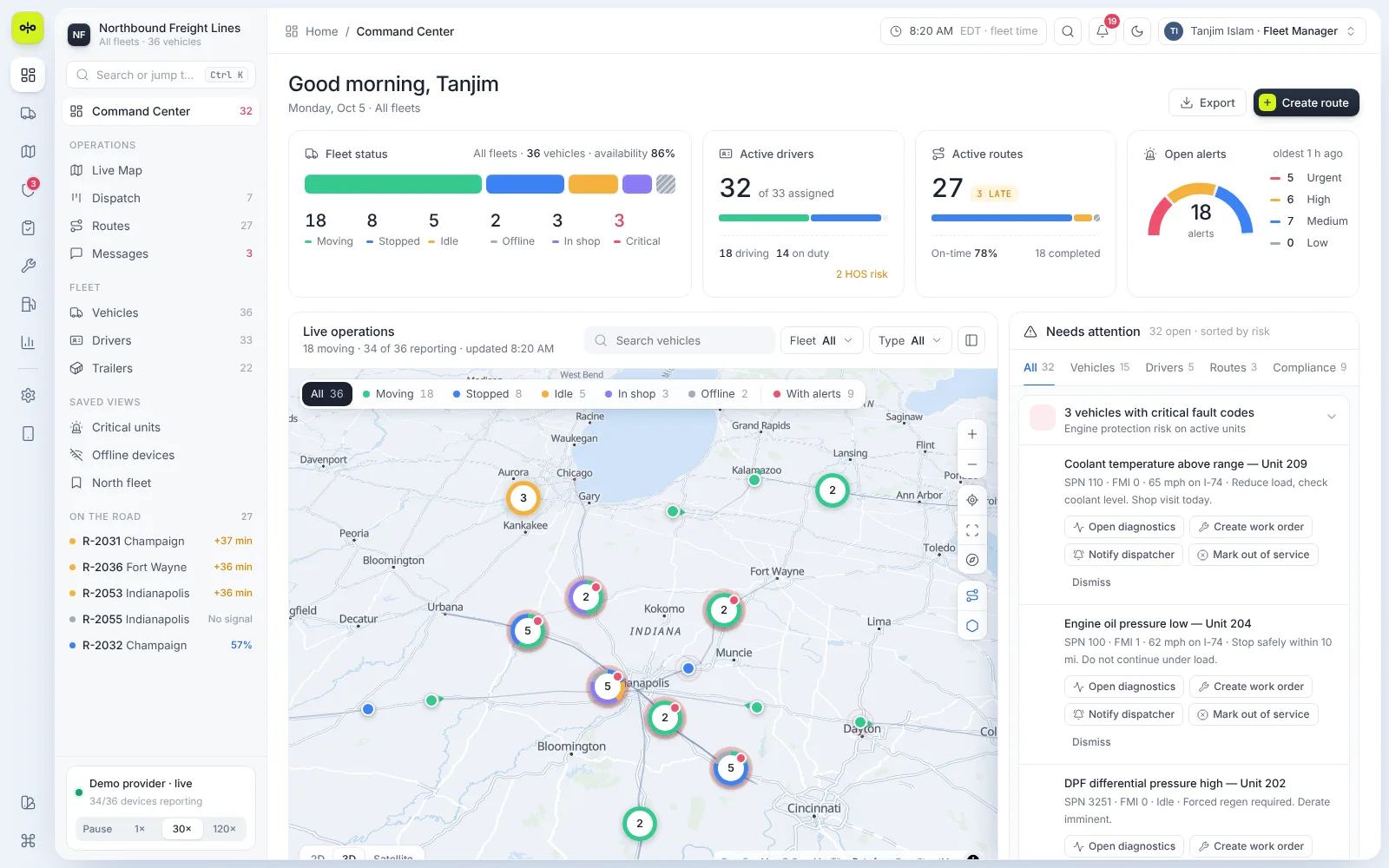
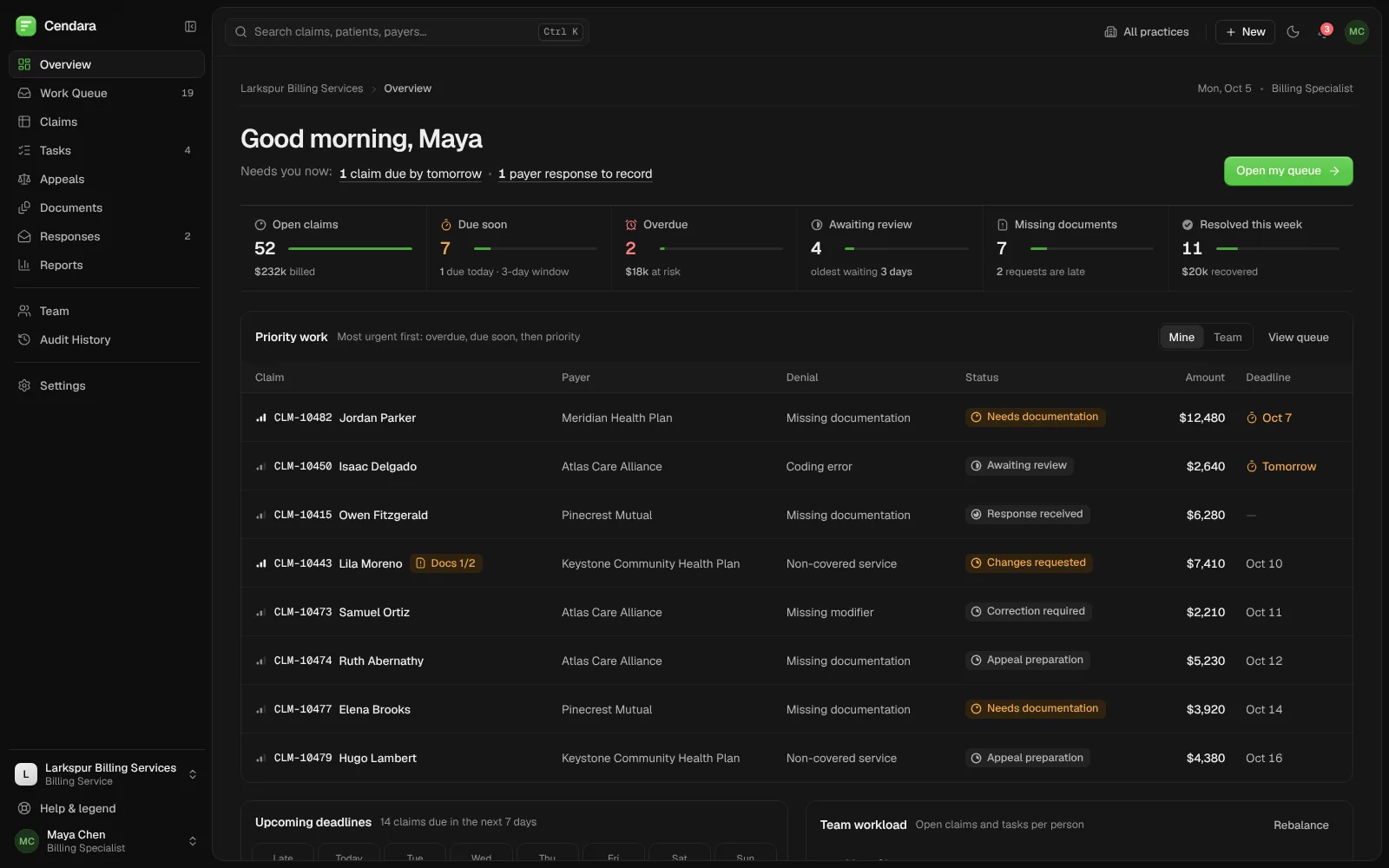
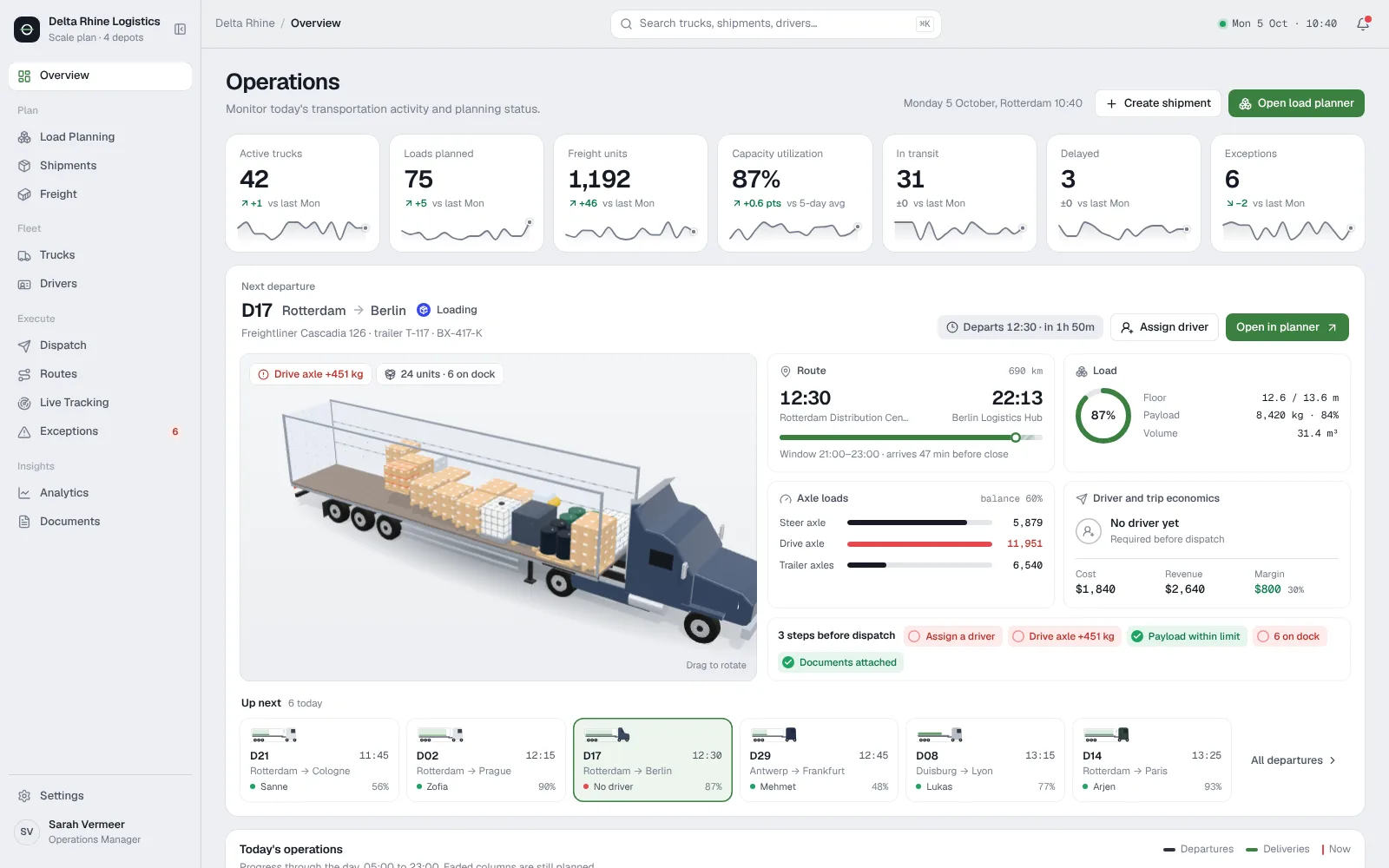
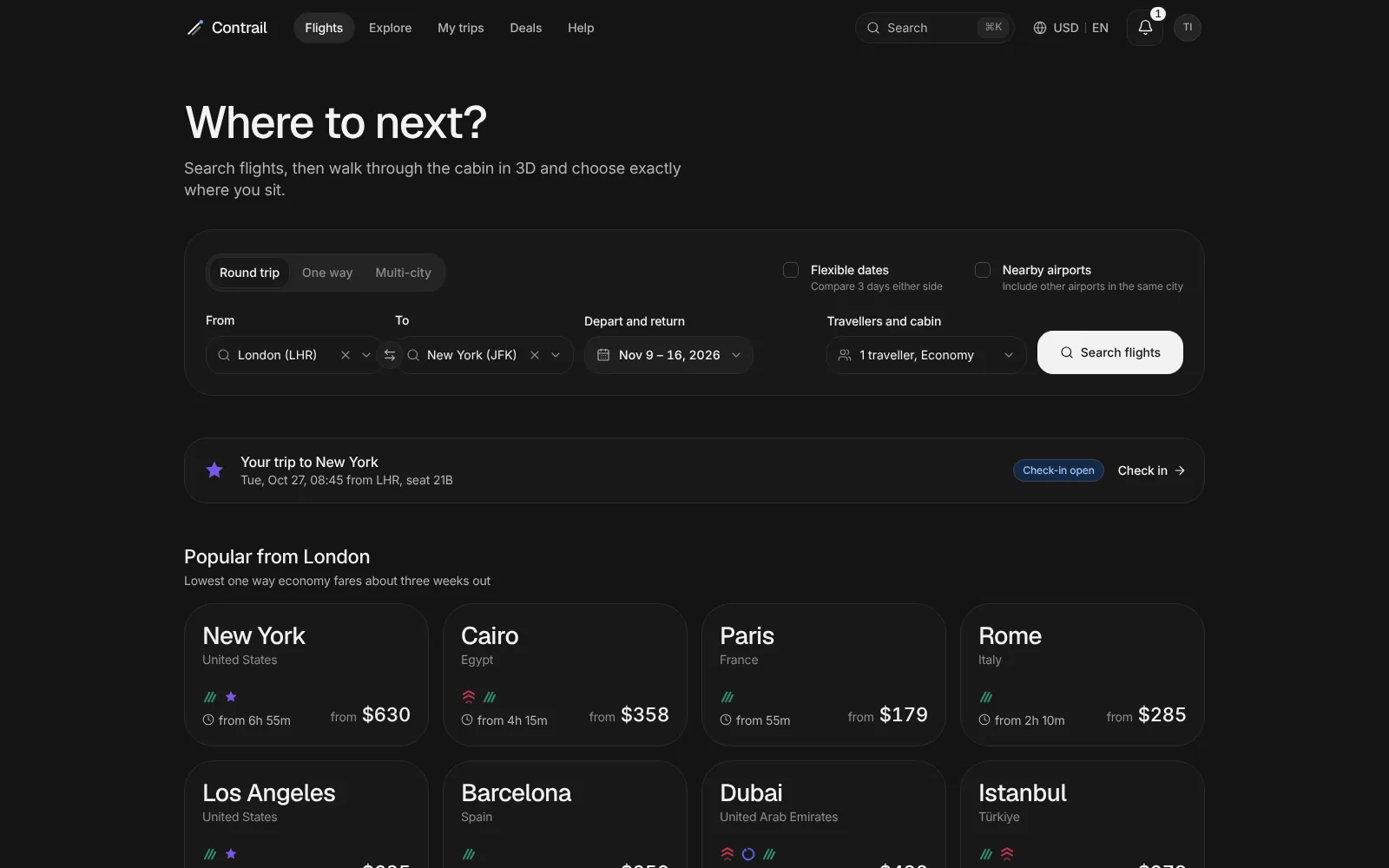
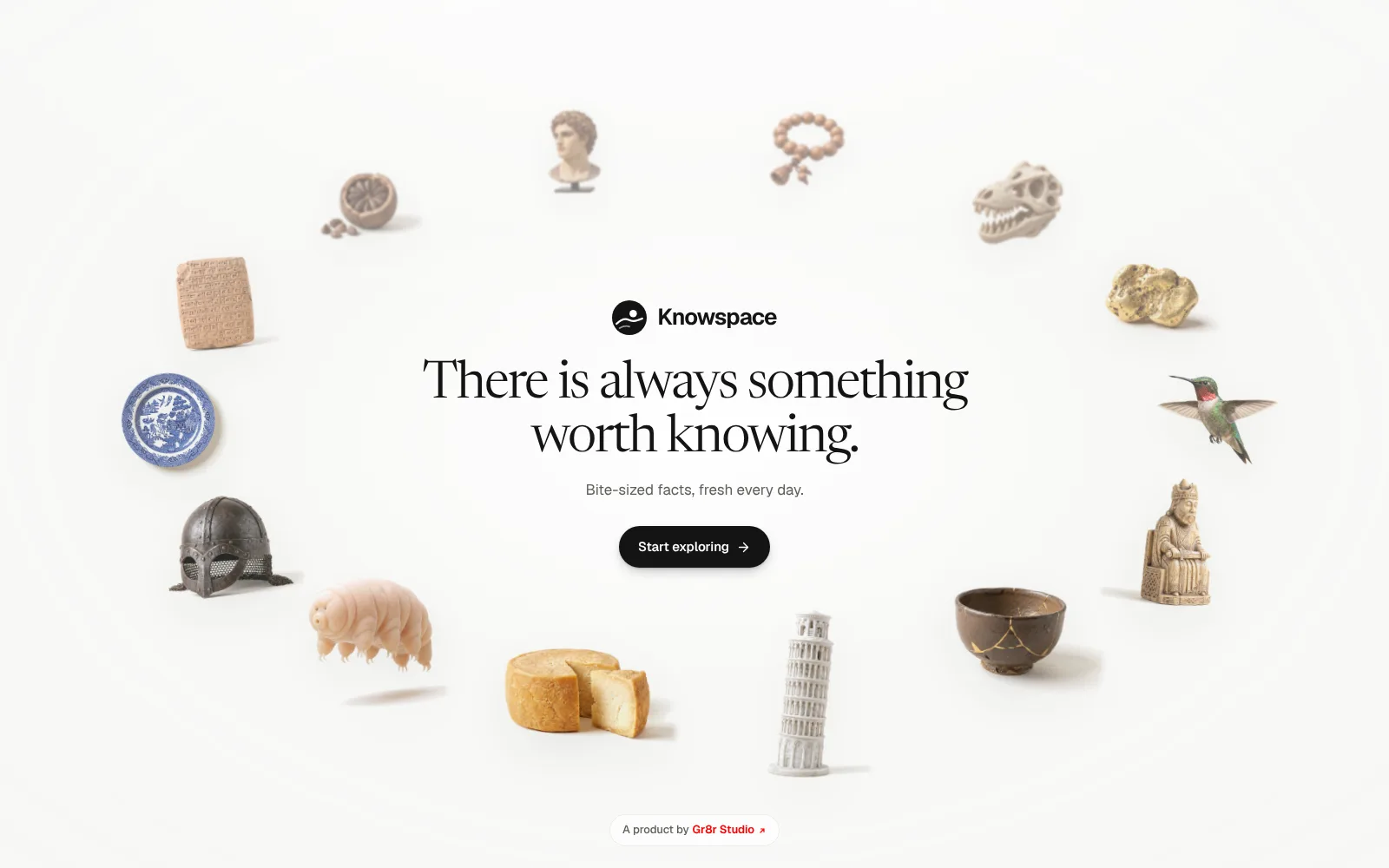
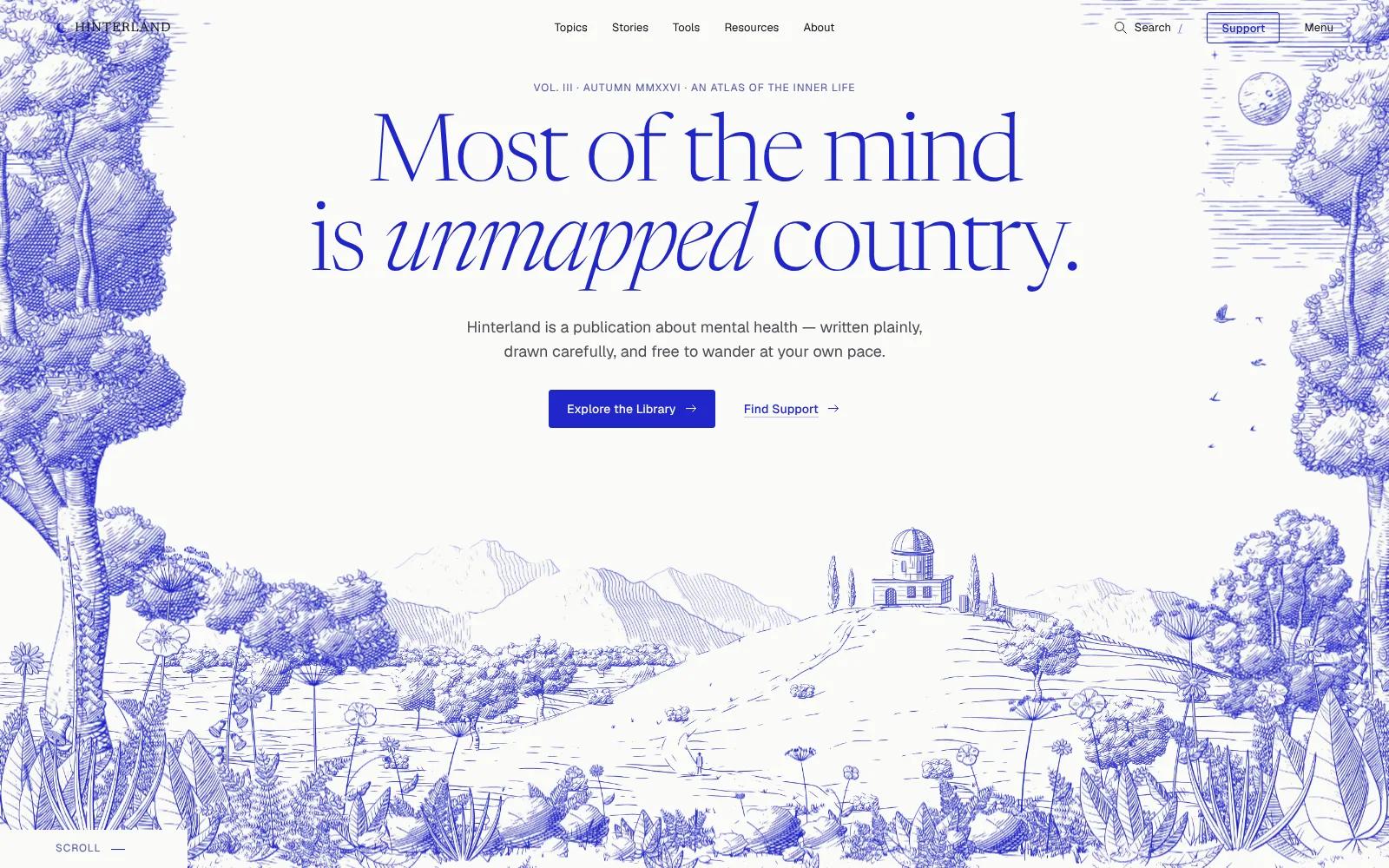
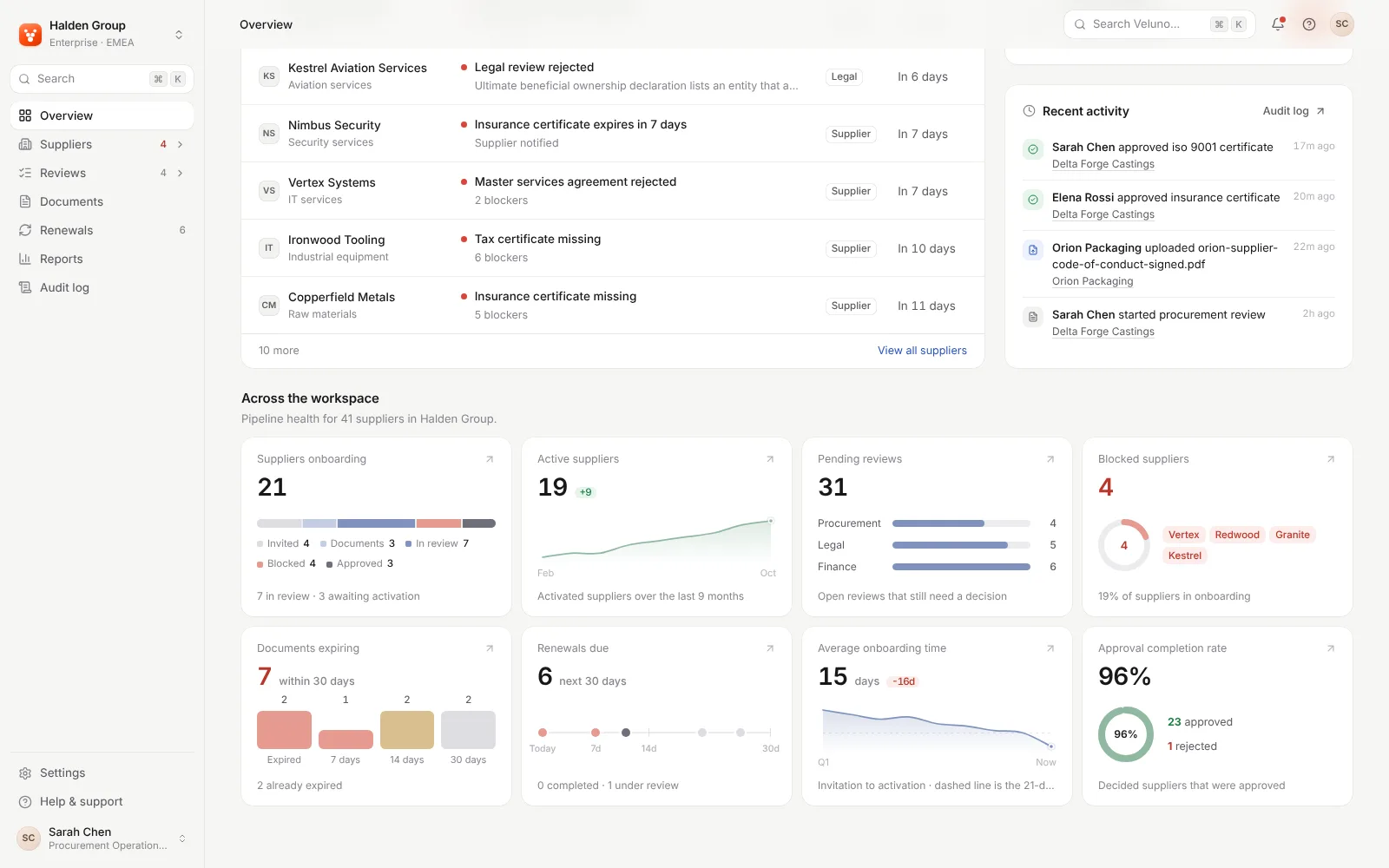
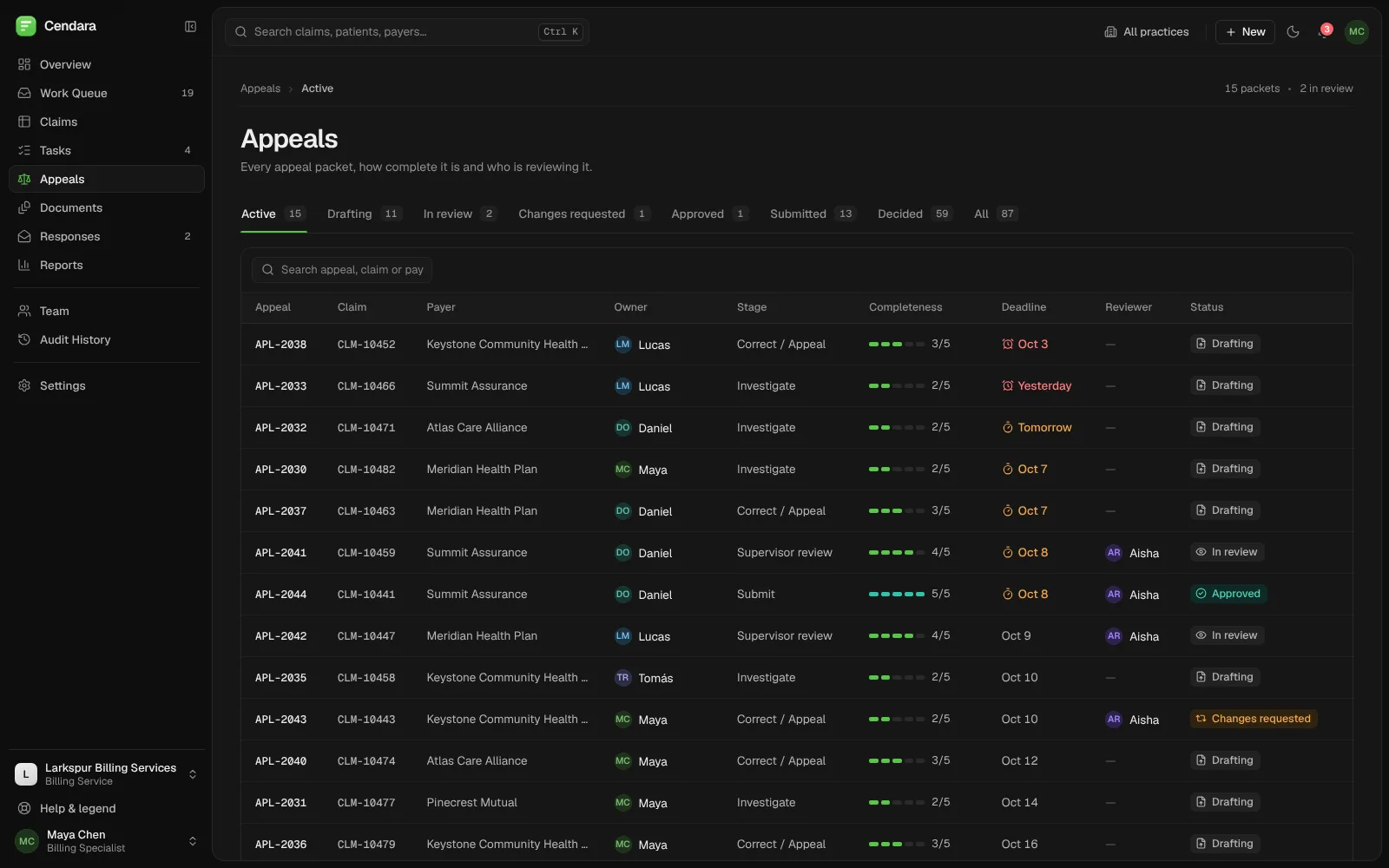
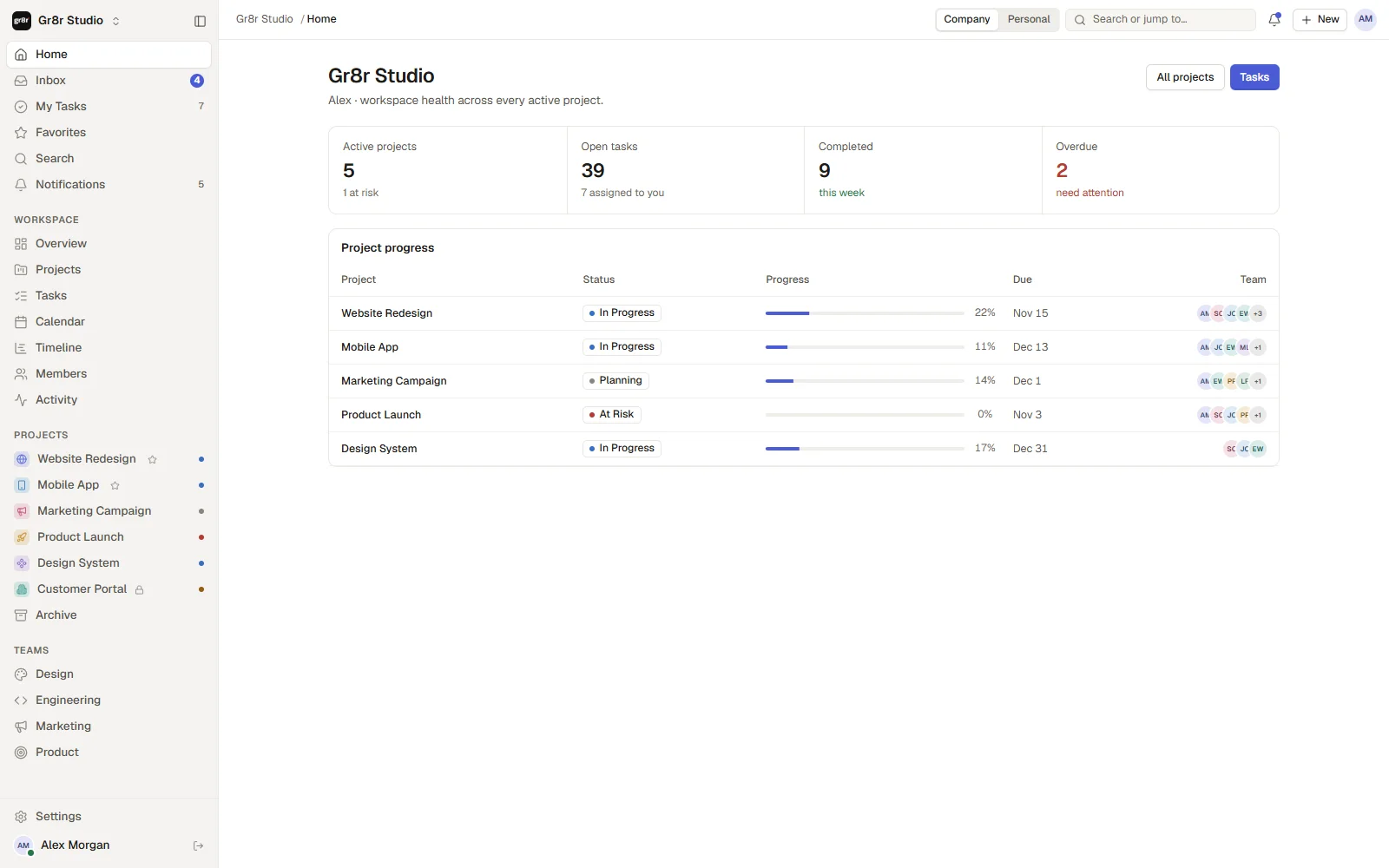
A task workspace that shows the whole team's work at a glance.
Projects, tasks, deadlines and updates in one calm workspace, from each person's own list to the whole company's timeline.
Built by Gr8r for its own portfolio. Not client work.
- Client
- Task management app
- Project
- Project and task management
- Platforms
- Web app, desktop and mobile
The problem
Make a busy team's work easy to follow.
As a team grows, work scatters across boards, chats and calendars. People lose track of what is theirs, what is late and which project is at risk. The product had to give each person a clear list and give leads the whole picture, without adding process.
- 1
Work is scattered
Tasks sit in boards, chats and calendars, so nobody sees one list of what is theirs.
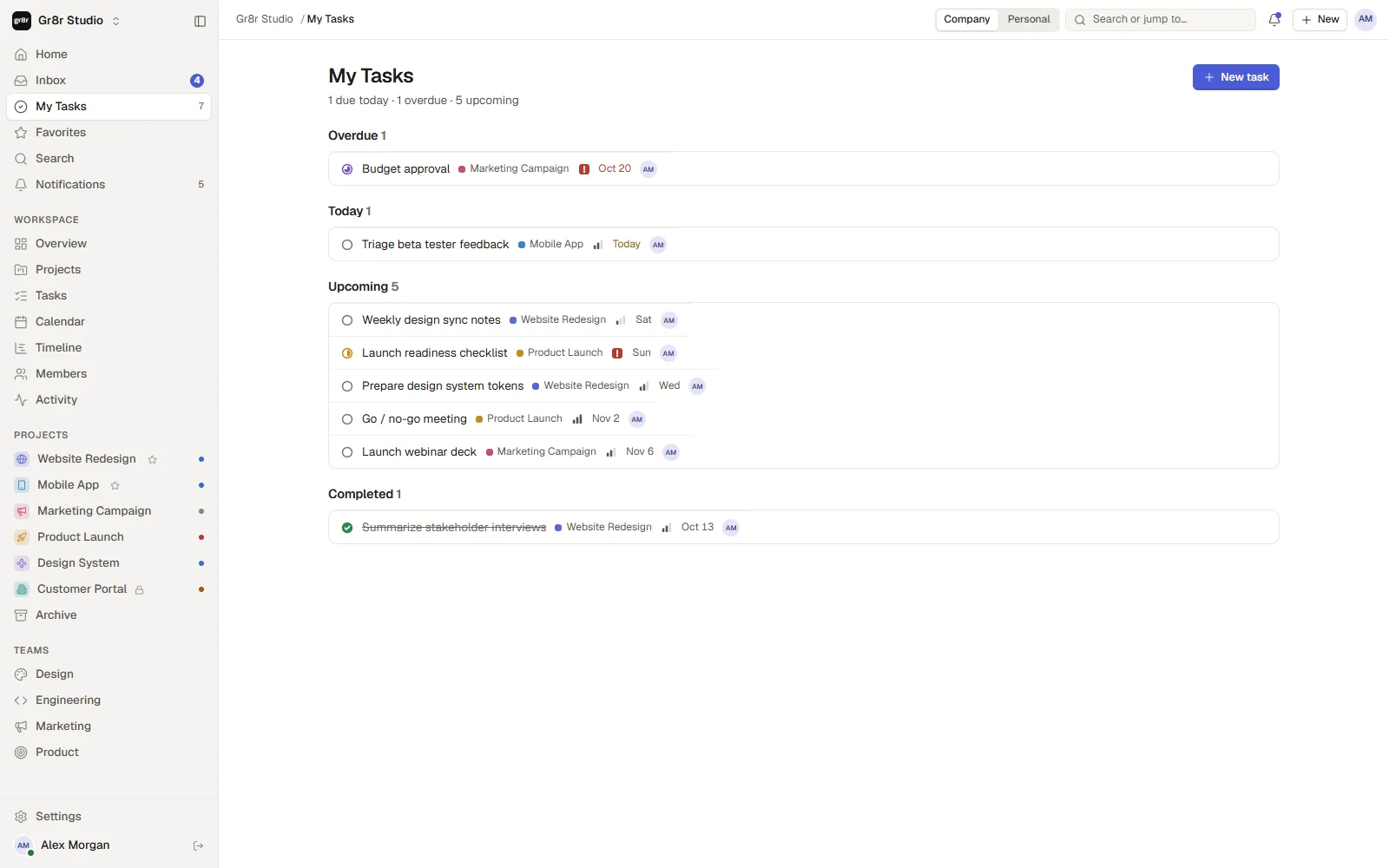
“What's mine today?”
- 2
Late work hides
A project can slip for days before anyone notices, because progress lives in people's heads.
“Which project is slipping?”
- 3
Updates get buried
Comments, mentions and status changes scroll past in chat and get lost.
“Did anyone answer my comment?”
Problem map
Six themes behind the product.
We grouped a growing team's problems into themes first, then gave each one a view in the product.
My work
- No single list of my tasks
- Due dates in many places
- Priorities unclear
Projects
- Progress hard to see
- At-risk projects noticed late
- Scope lives in docs
Planning
- Deadlines and meetings apart
- Quarter view missing
- Workload unclear
Updates
- Mentions lost in chat
- Status changes unseen
- Comments away from the task
Teams
- Who owns what?
- Handoffs unclear
- New people get lost
Process
- Too much setup
- Tools don't match
- Boards go stale
Design hypotheses we built the product around, drawn from the product brief. Not interview data.
Information architecture
Personal, workspace, projects, teams.
The sidebar moves from your own work out to the whole company, as in the app. Each project opens into five views.
Personal
- Home
- Inbox
- My Tasks
- Favorites
- Search
- Notifications
Workspace
- Overview
- Projects
- Tasks
- Calendar
- Timeline
- Members
- Activity
Projects
- Website Redesign
- Mobile App
- Marketing Campaign
- Product Launch
- Design System
- Customer Portal
- Archive
Teams
- Design
- Engineering
- Marketing
- Product
Inside a project
- Board
- List
- Overview
- Files
- Activity
The workflow
From plan to done, in one place.
- 1
Plan
Create a project and break it into tasks on a board.
- 2
Assign
Give each task an owner, a priority and a due date.
- 3
Track
Follow progress on the board, calendar and timeline.
- 4
Follow up
Mentions, comments and status changes arrive in one inbox.
The product
One workspace, viewed the way you need it.
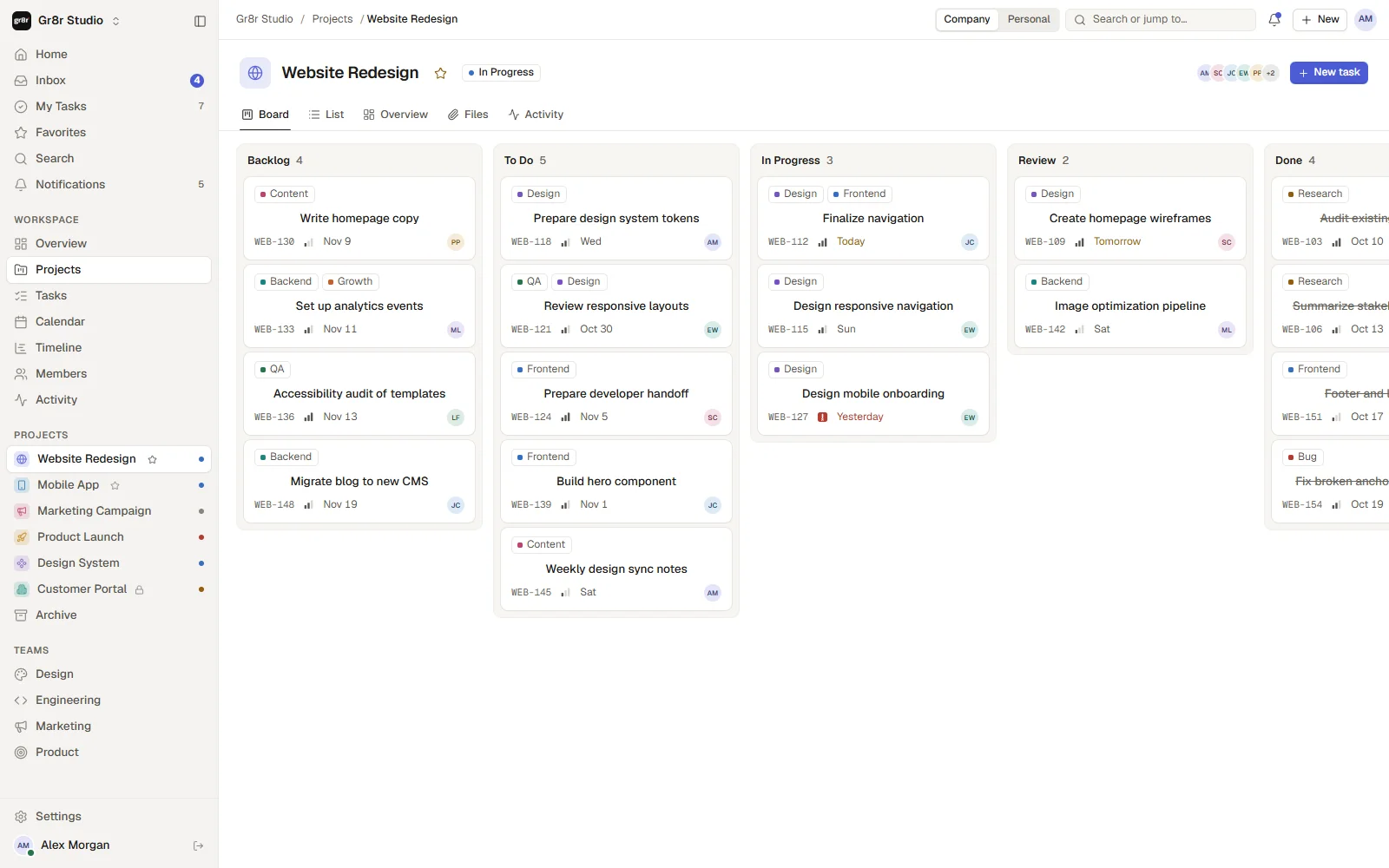
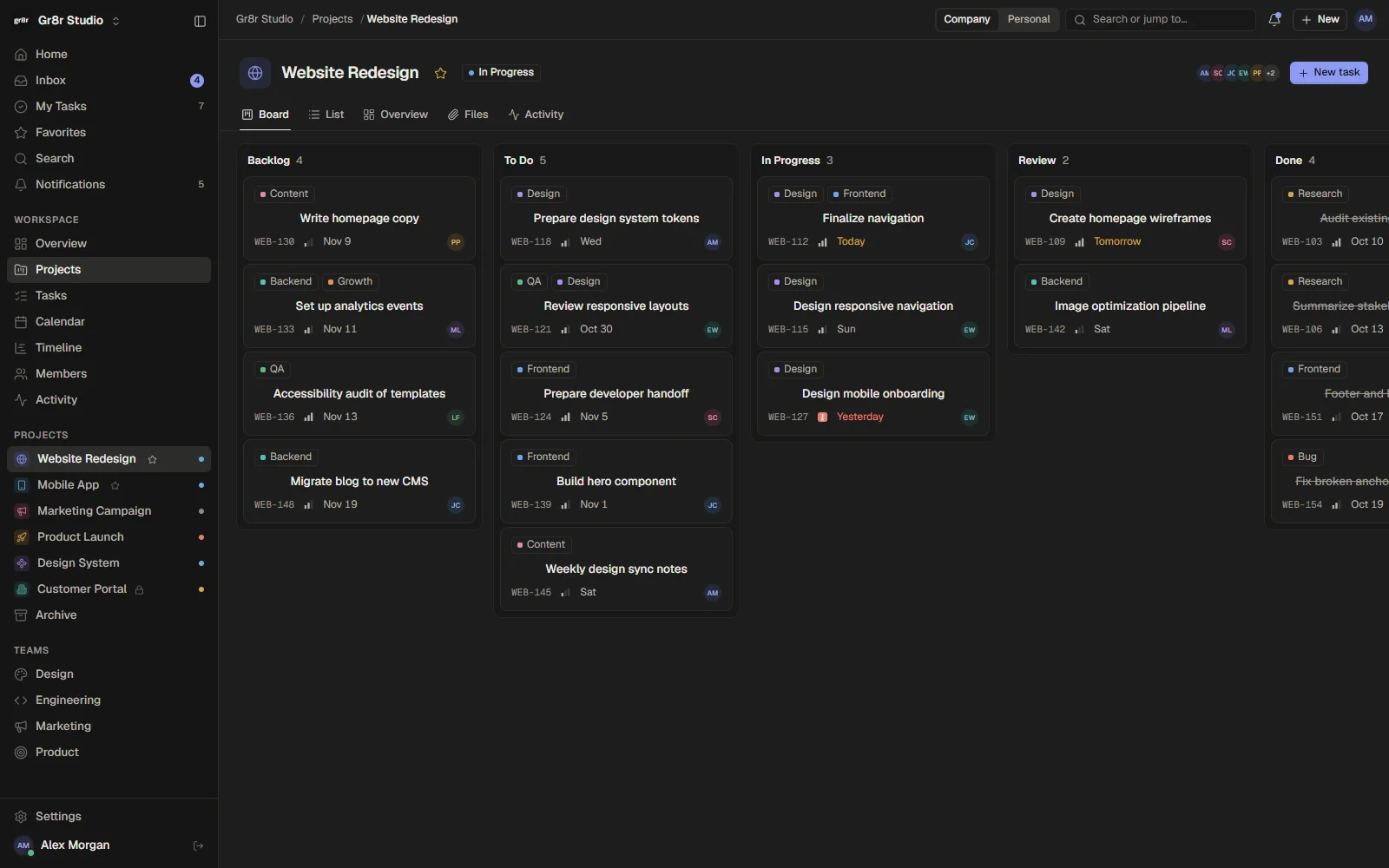
The same work as a board, a calendar, a timeline or an inbox, so each person sees it the way that helps them act.
- Board
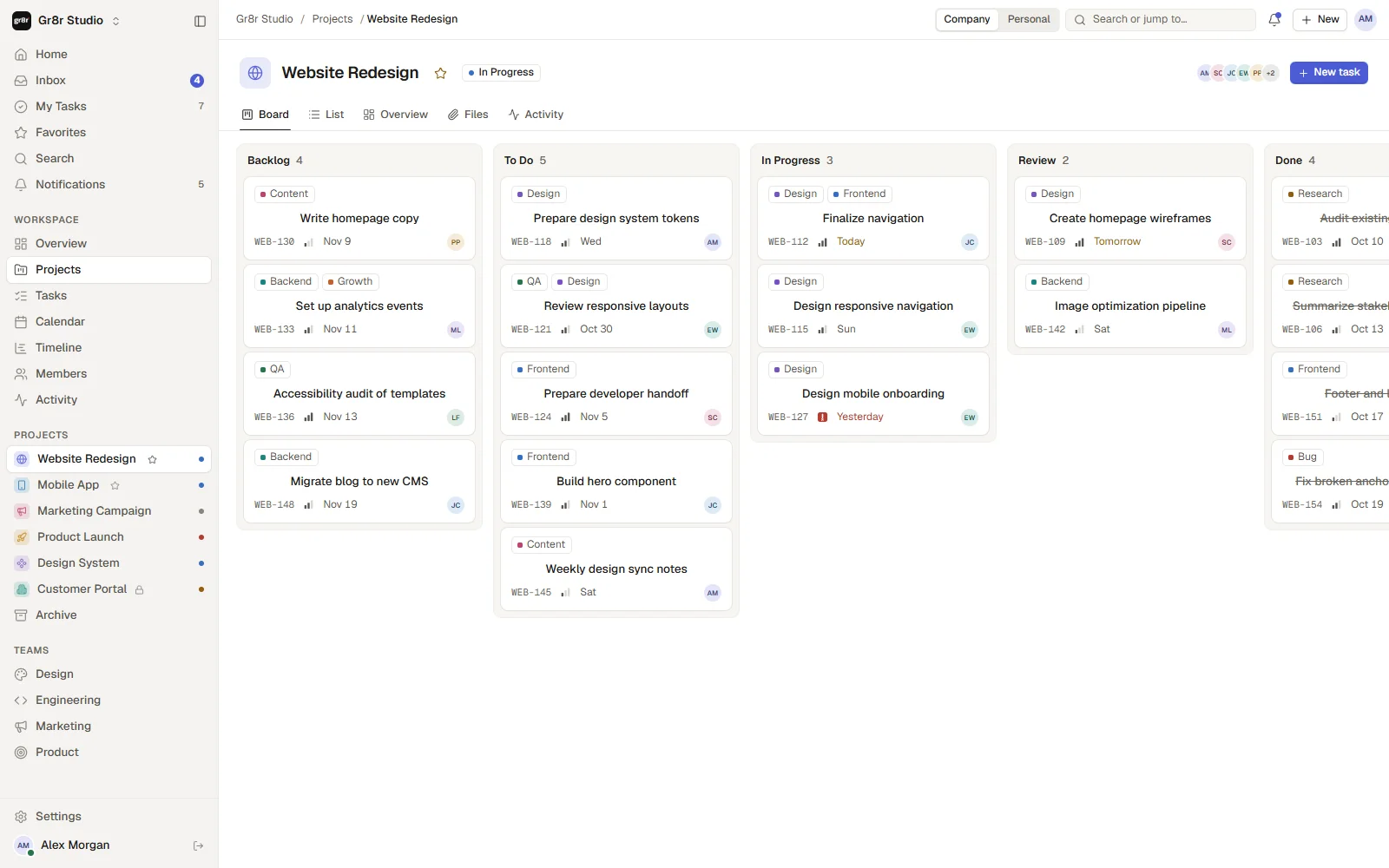
A board for every project
Backlog to done, with labels, IDs, priority, due dates and owners on every card.
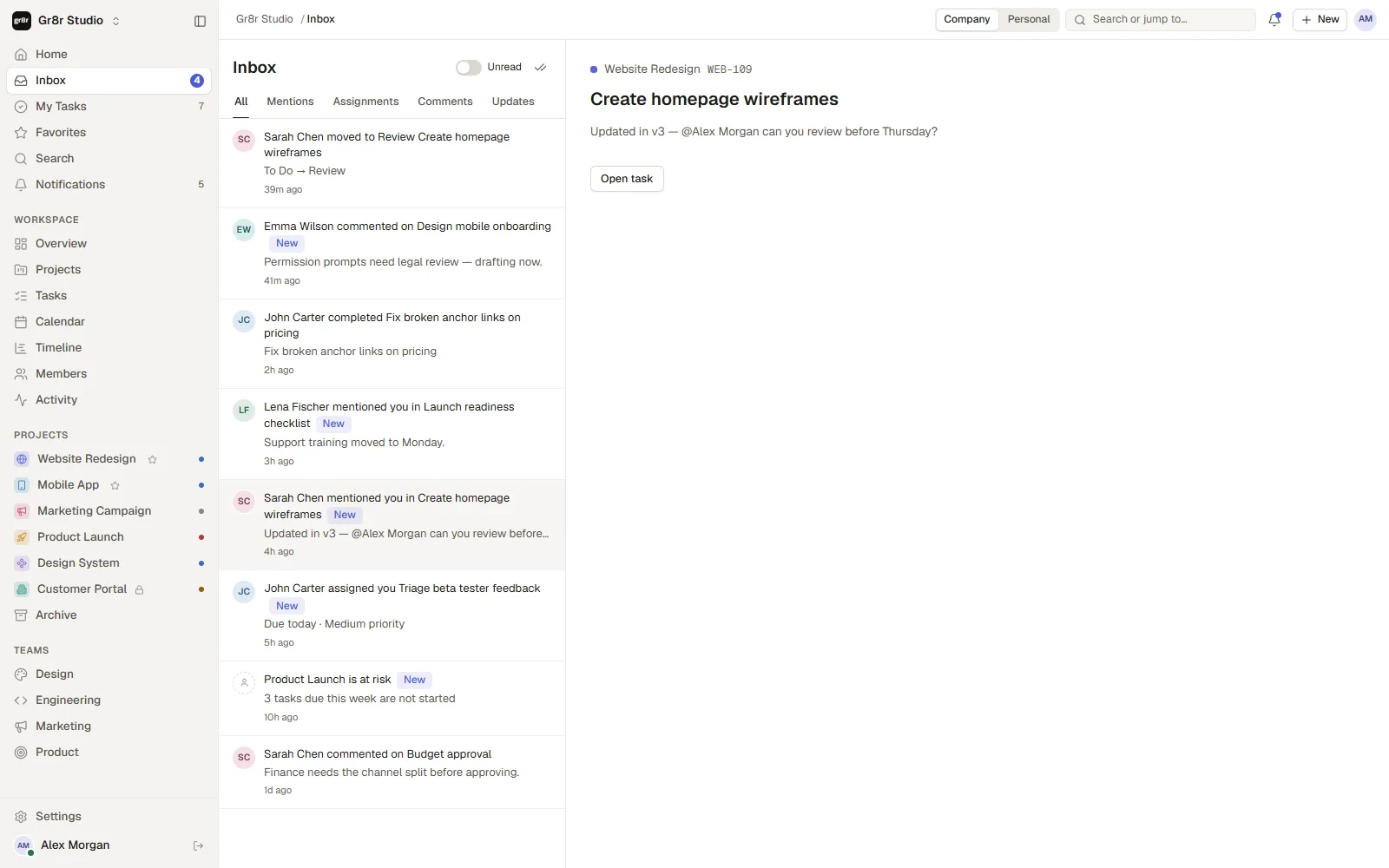
- Inbox
Updates in one place
Mentions, assignments, comments and status changes, each opening the task it is about.
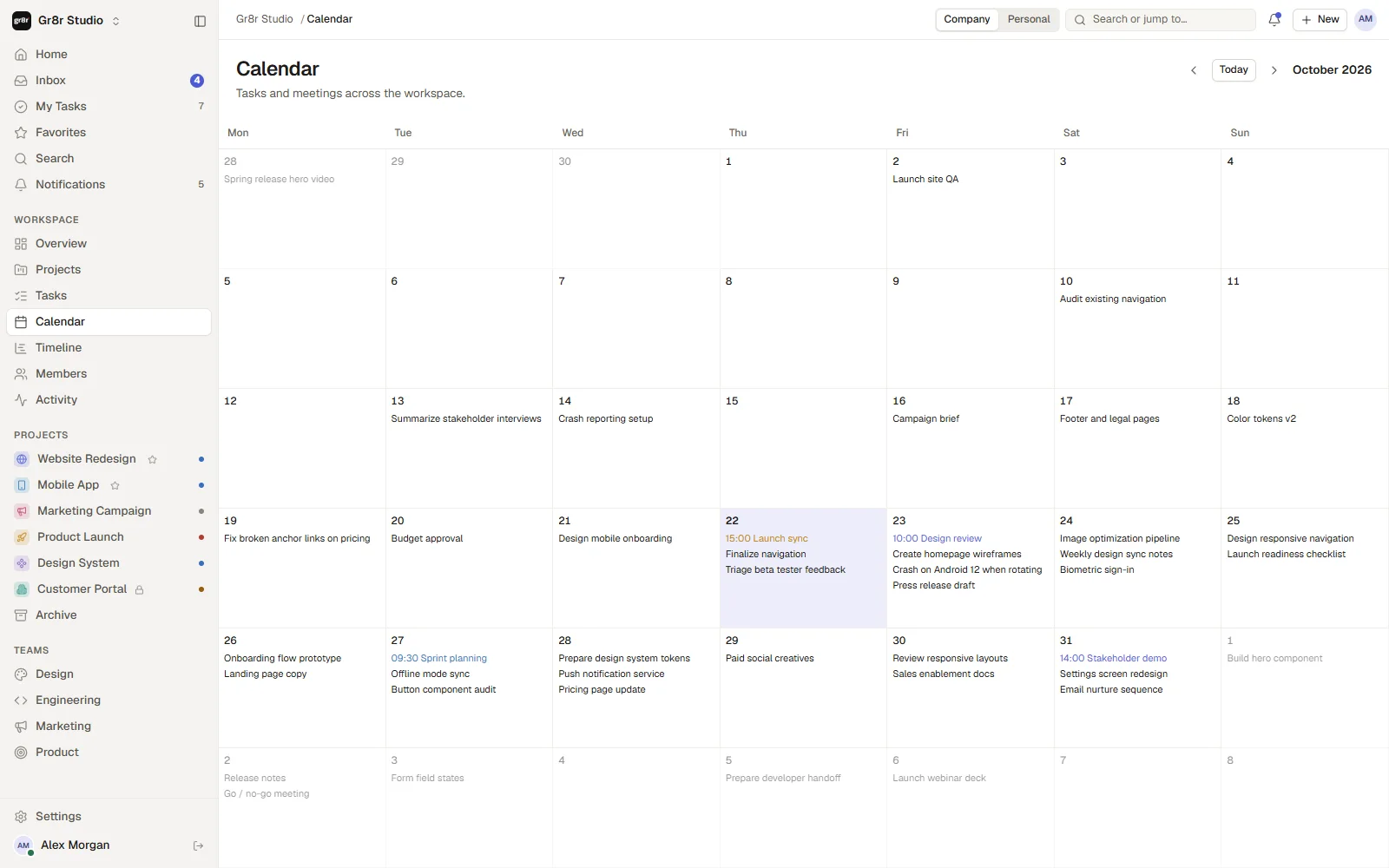
- Calendar
Deadlines and meetings together
Every task due date and meeting across the workspace on one month view.
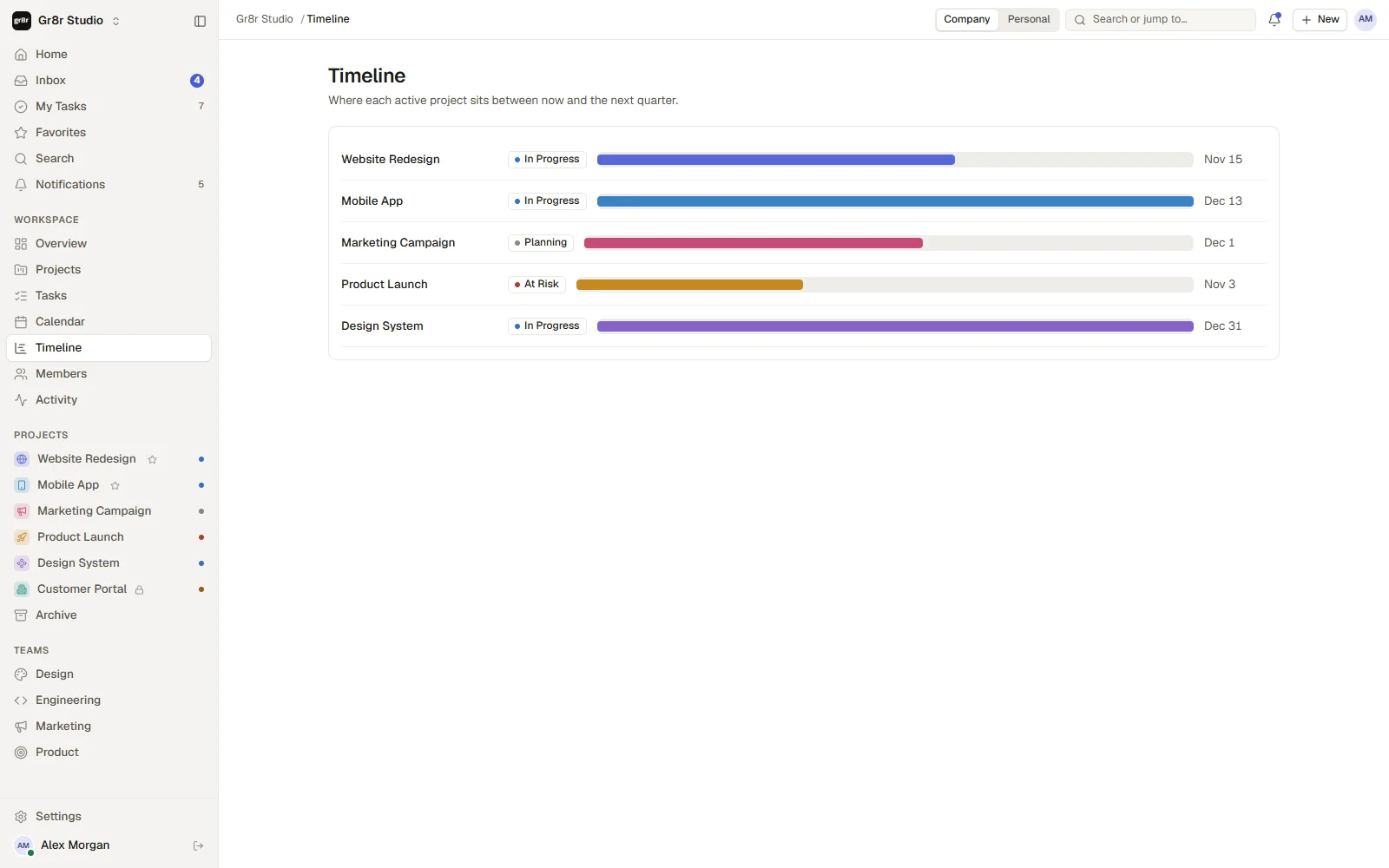
- Timeline
Every project against the quarter
Where each active project sits between now and its due date, with its status beside it.
Interaction
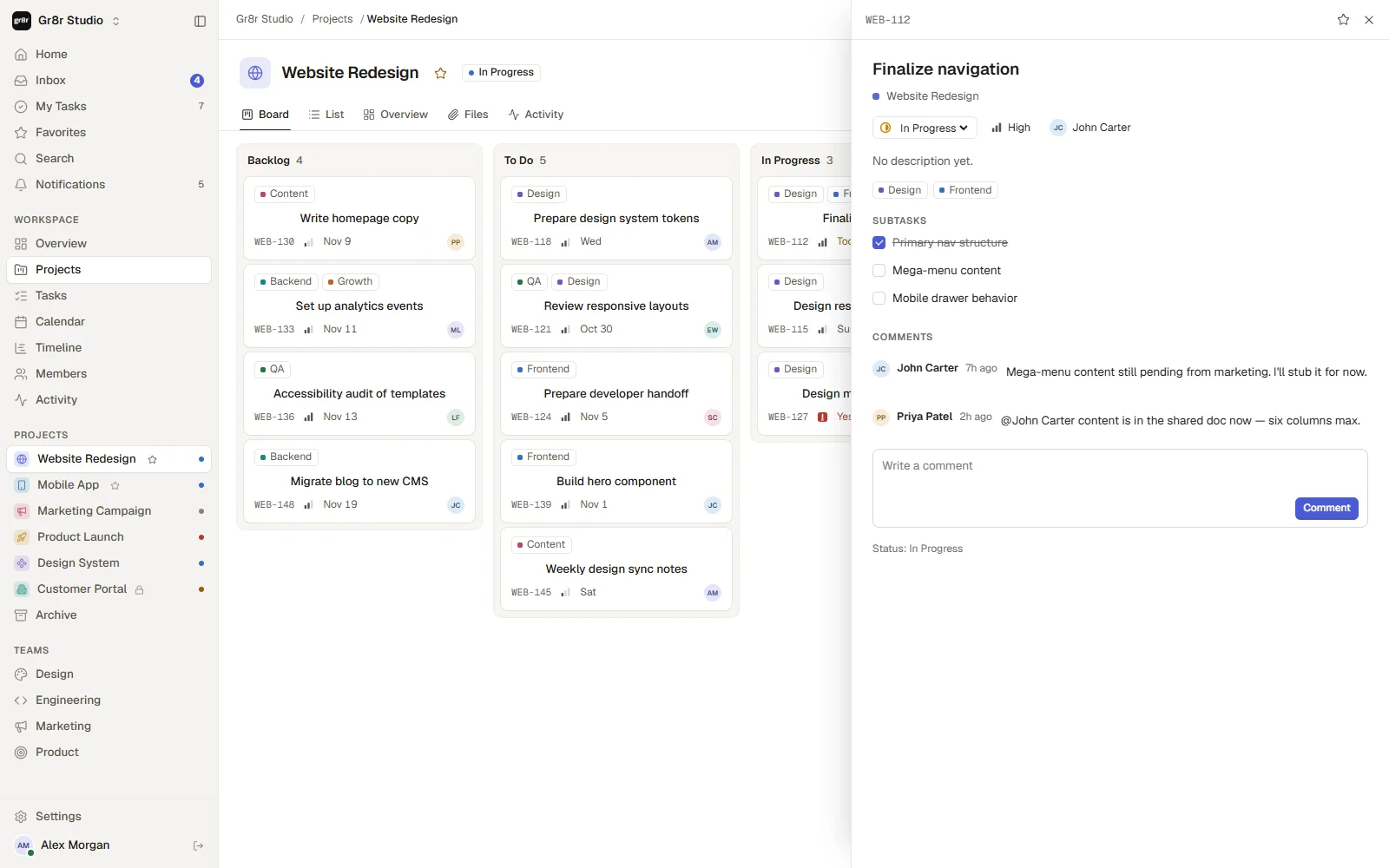
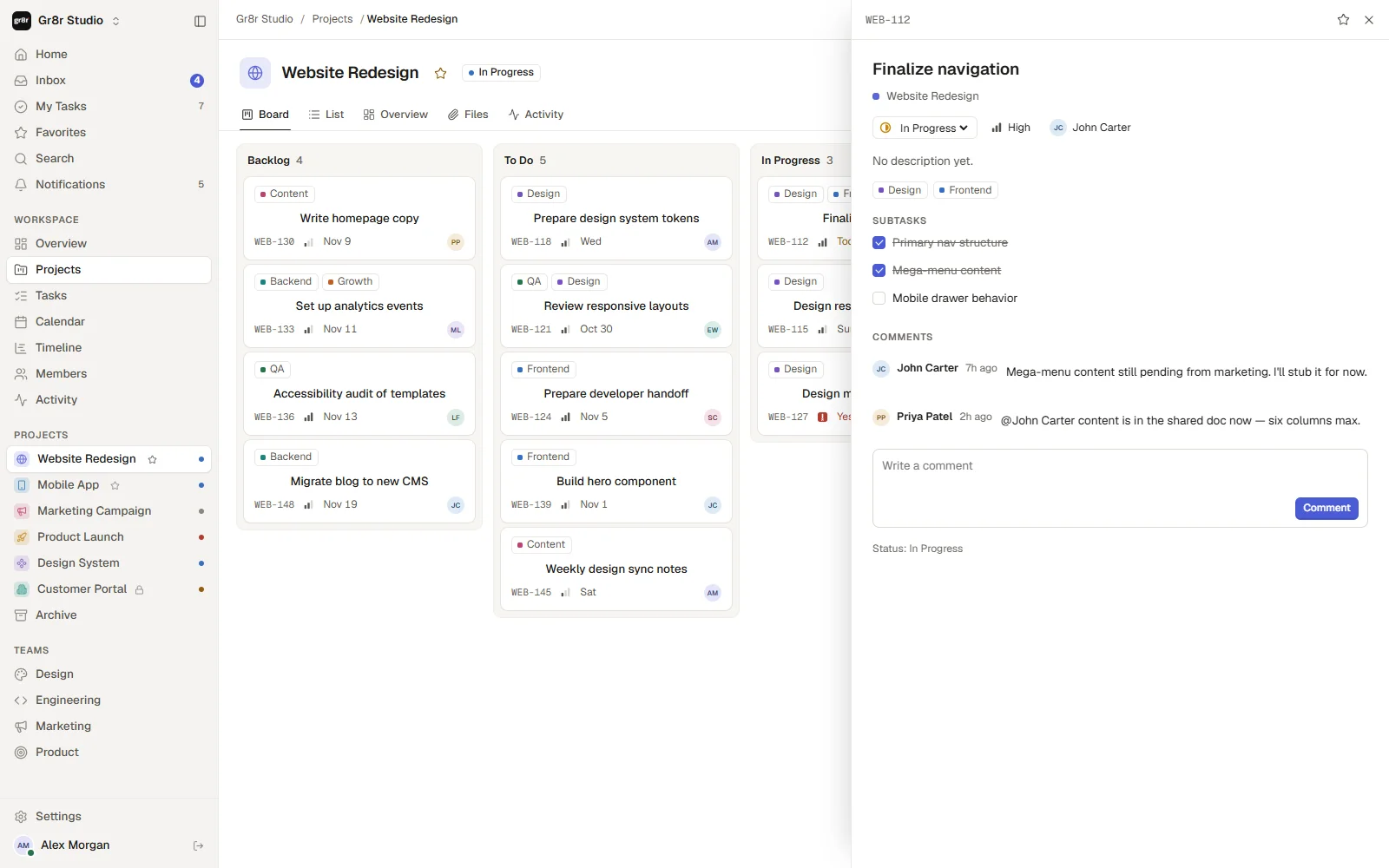
From a card to done, without leaving the board.
One real path through the product, captured frame by frame.
Light and dark
Built for both themes.
A warm light theme and a full dark theme from the same tokens. Drag to compare.
Style guide
Colour and type.
Read from the product's own design tokens: warm neutrals, one accent, and a colour for each task status.
Background
HEX #FBFAF8
--bg
Overdue
HEX #B23C30
Surface
#FFFFFF
--surface
Text
#1D1C1A
--text
Accent
#4B5BD6
--accent
In progress
#C88A14
--st-progress
Review
#7652C2
--st-review
Done
#2E8456
--st-done
Geist
- Regular
- Book
- Medium
- SemiBold
Every screen
The full product, desktop and mobile.
Real screens from the live demo, with demo data.
Workspace home 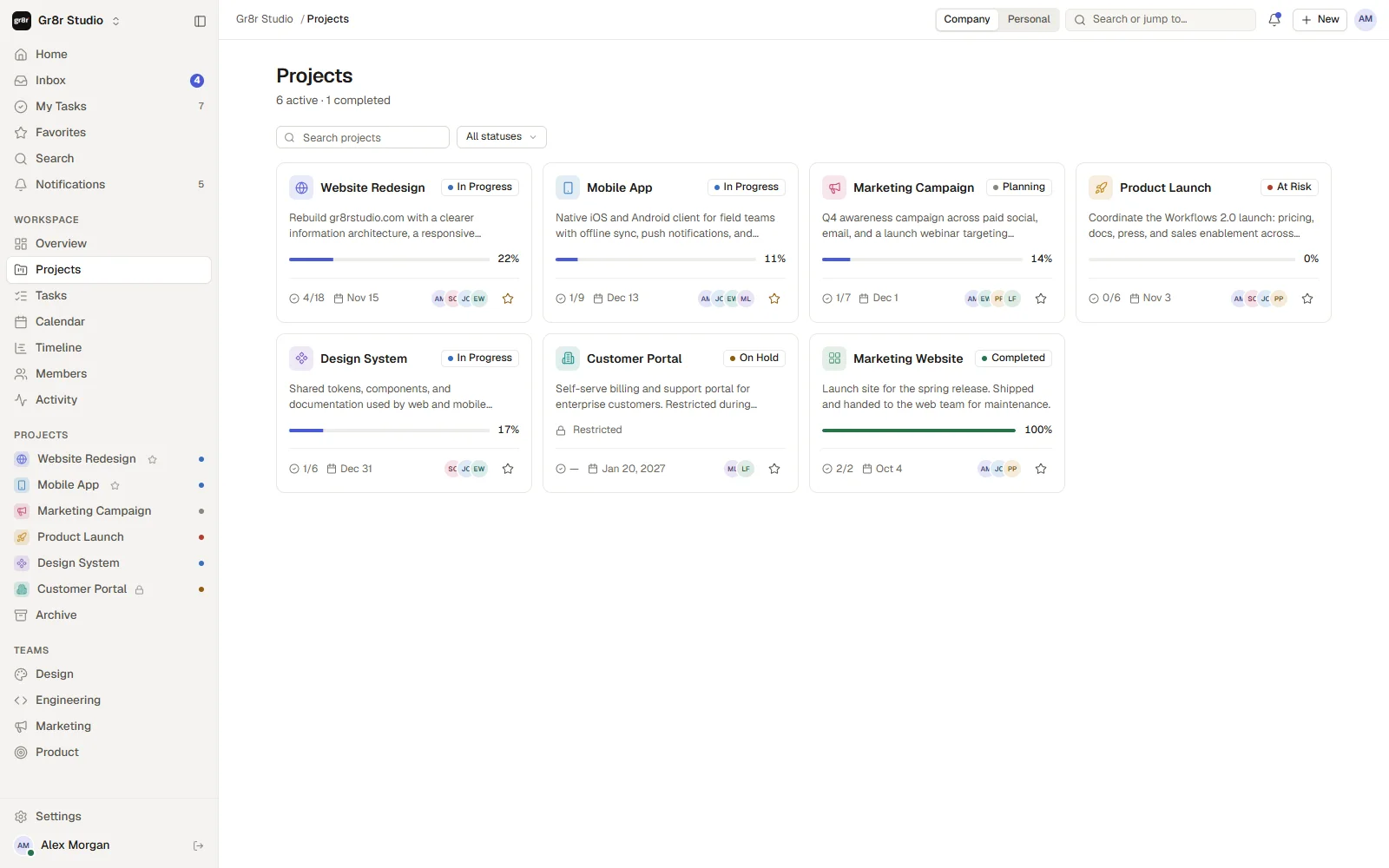
Projects 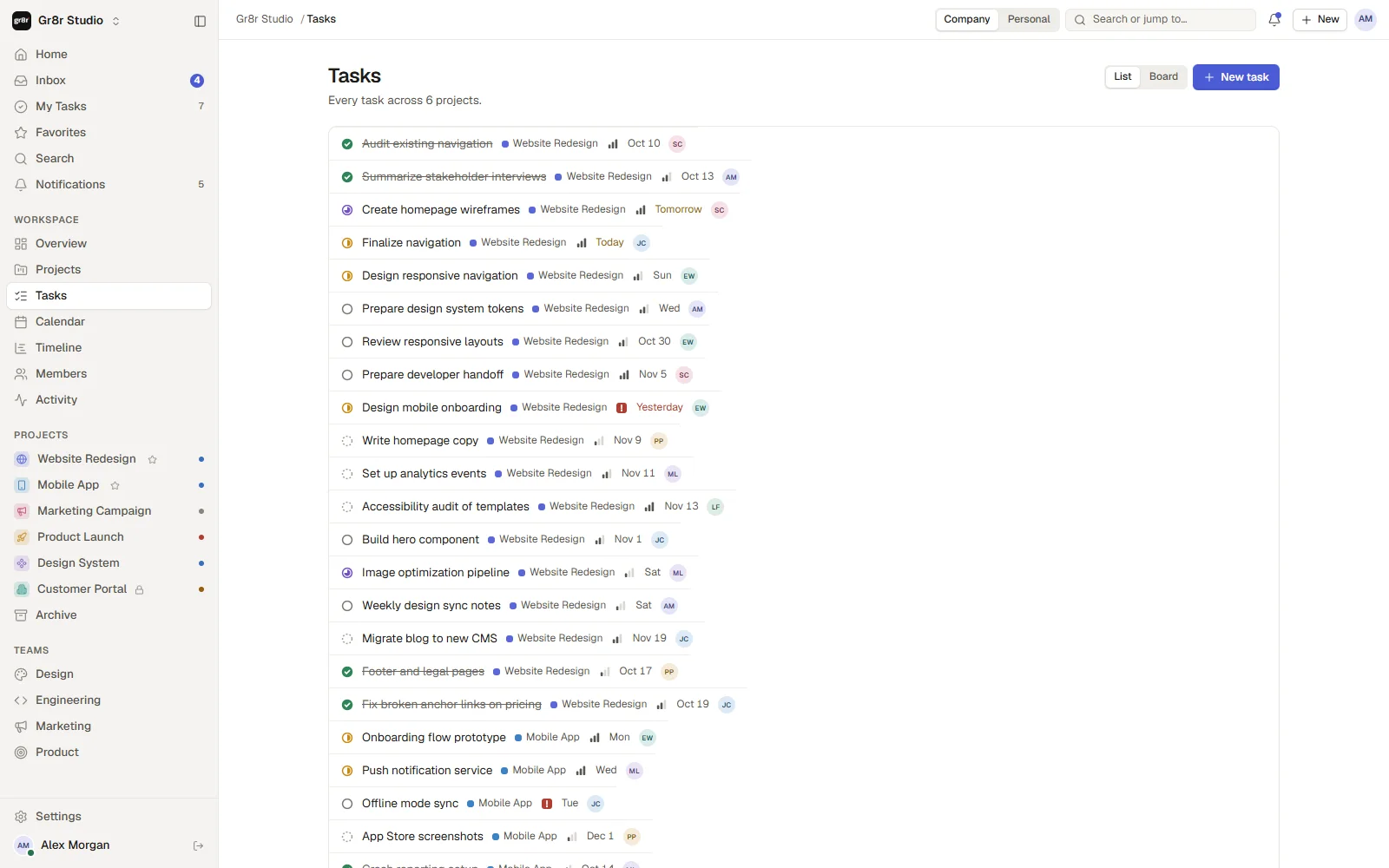
All tasks 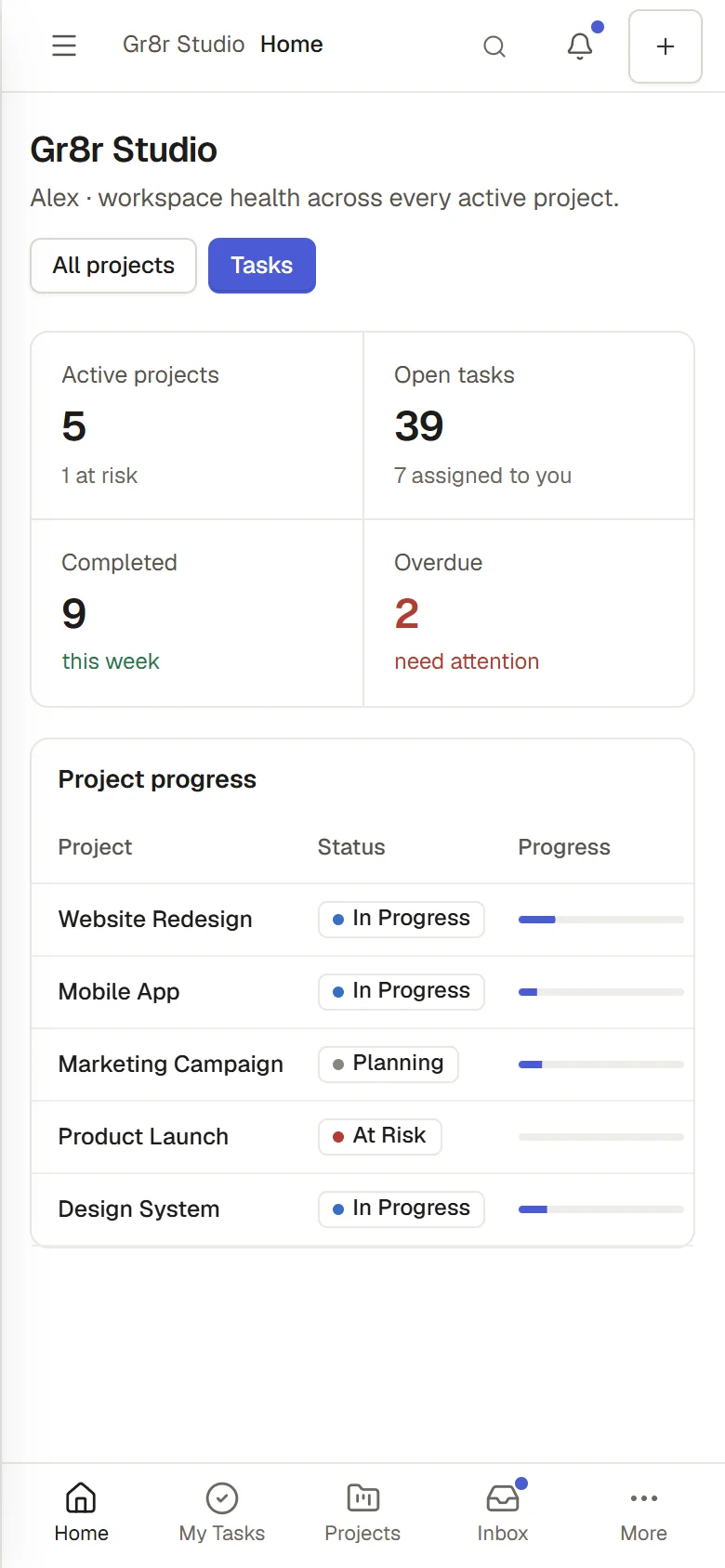
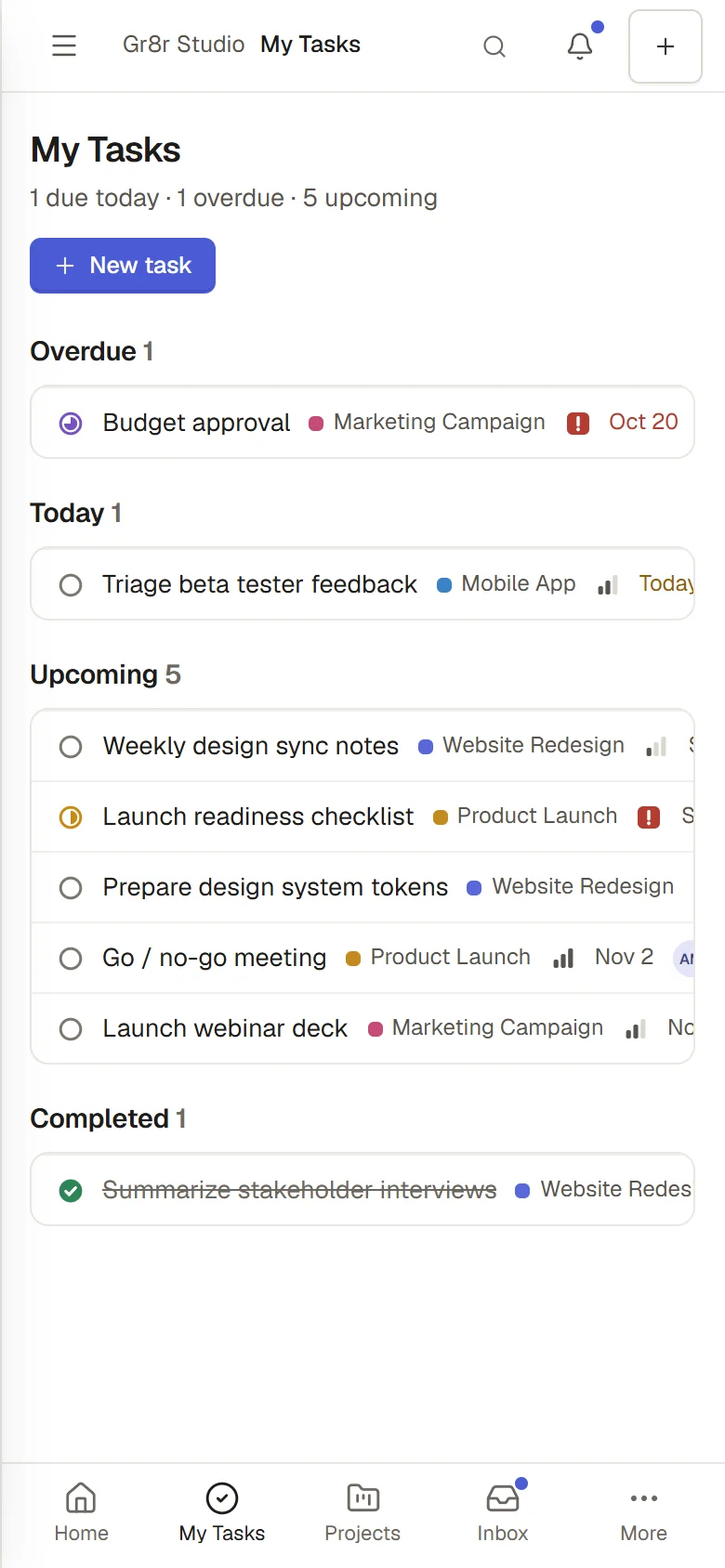
Home on mobile · My Tasks on mobile Calendar Inbox Timeline
Engineering
One set of tasks behind every view.
The same tasks appear as a board, a list, a calendar, a timeline and each person's own list. Company and personal modes, search, and project, team and member views share one navigation. Add the stack details once your engineer confirms them.
- Board and list views
- Calendar and timeline
- Inbox for mentions and updates
- Company and personal modes
Outcomes
Designed for teams that want less chasing.
What the product demonstrably does. Measured business results will be added only with evidence and approval.
1.8K+ stars on GitHub
We open-sourced the app, and developers have starred the repository more than 1,800 times.
A clear list for everyone
Each person sees what is overdue, due today and coming up.
Risk is visible early
Projects at risk and overdue tasks stand out on the home screen.
Updates without the chat
Comments, mentions and status changes collect in one inbox.