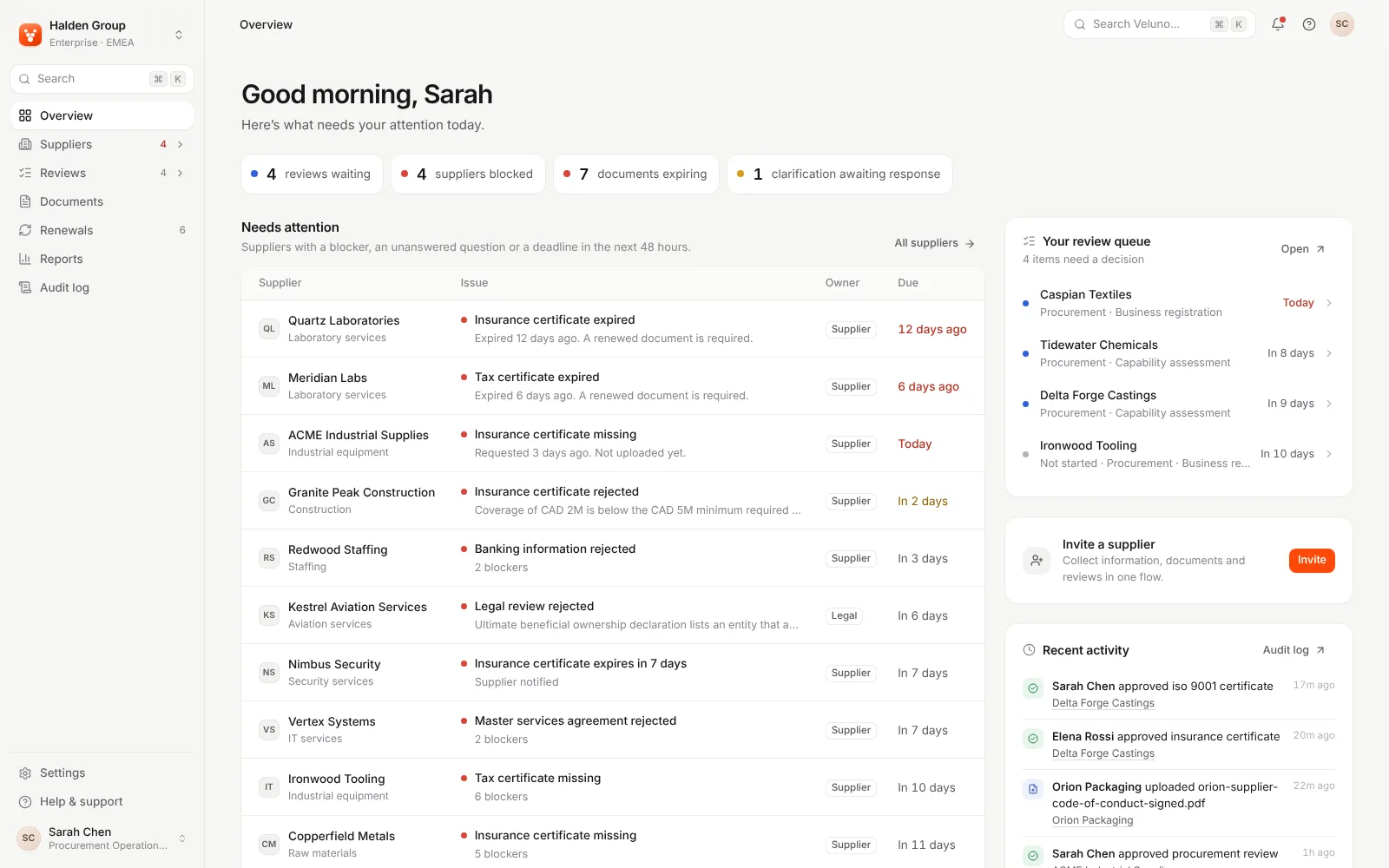
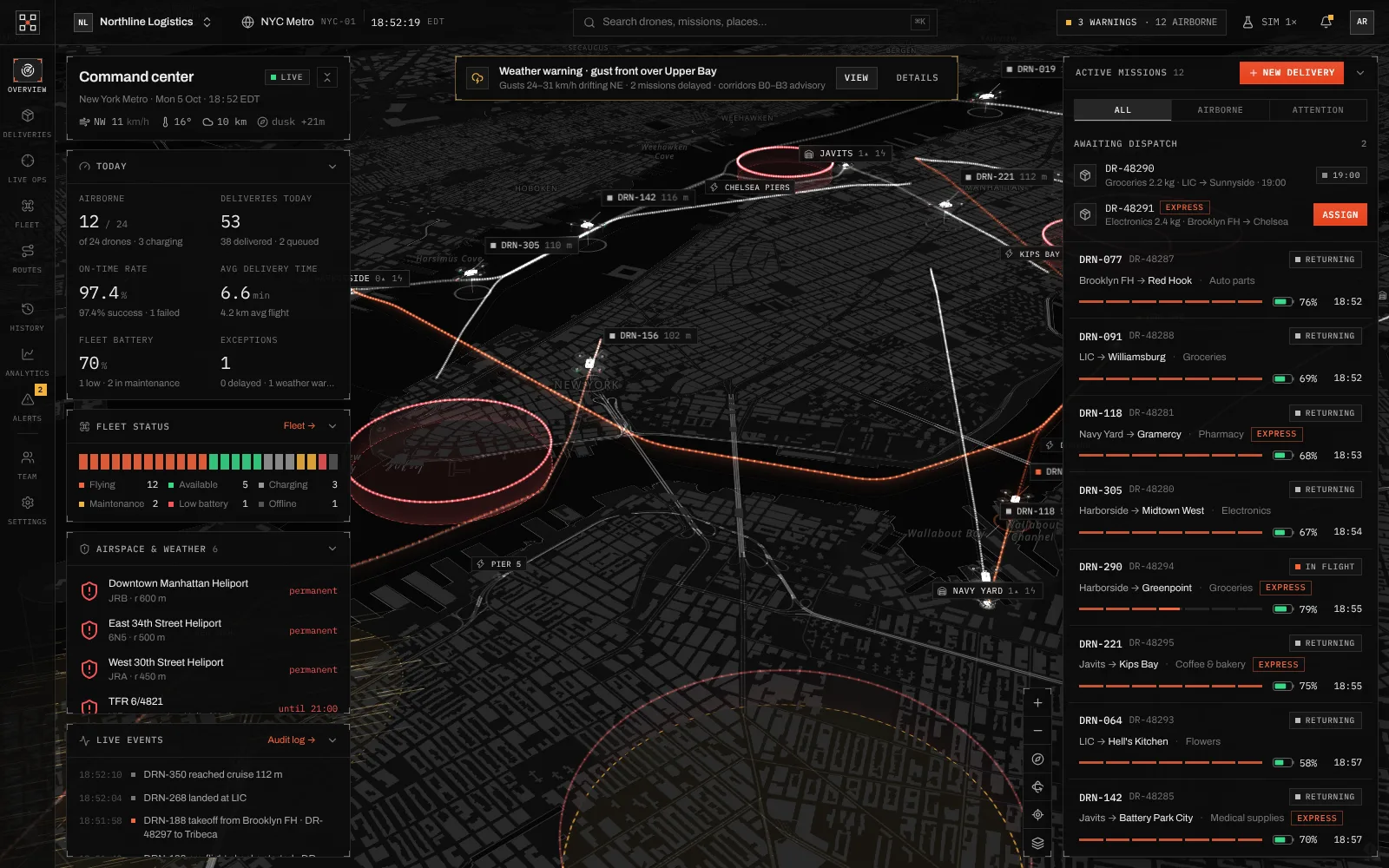
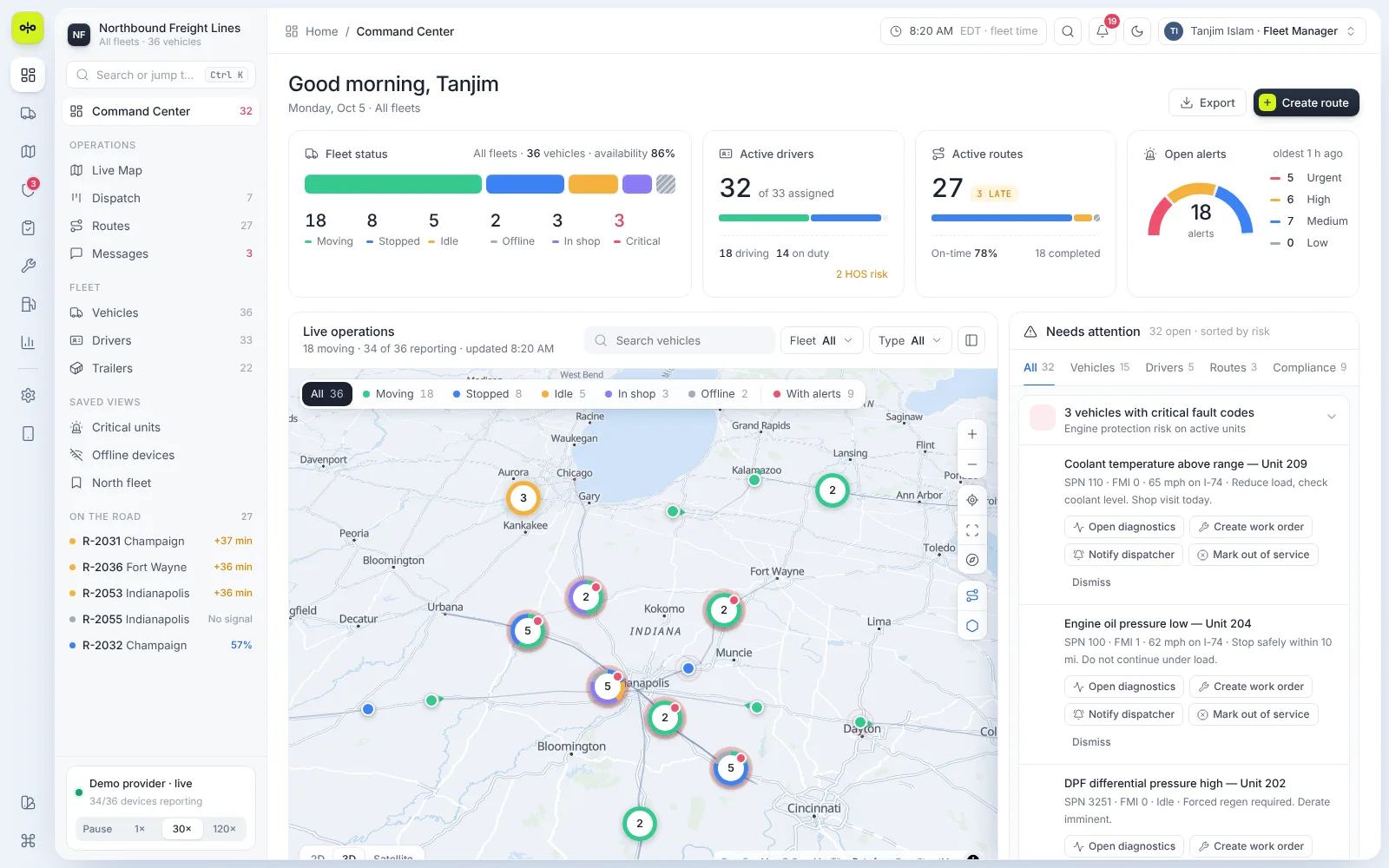
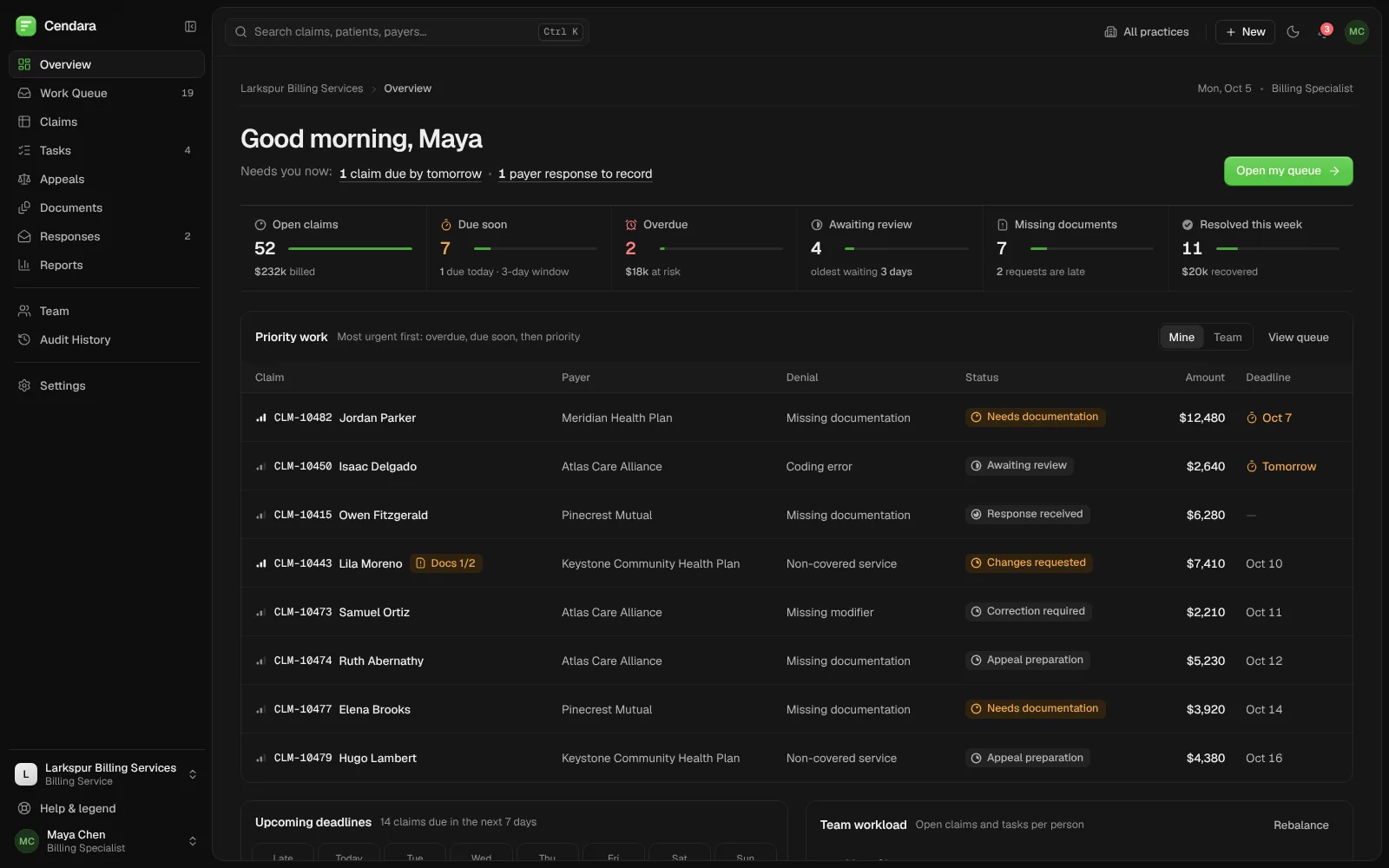
Relay: AI agents run the workflows, people approve what matters.
Workflows, agents, runs and approvals in one workspace, with a single list of what needs a person and a record of every step each agent took.
Built by Gr8r for its own portfolio. Not client work.
- Client
- Relay
- Project
- Workflow automation platform
- Platforms
- Web app, desktop and mobile
The problem
Let agents do the work without losing sight of it.
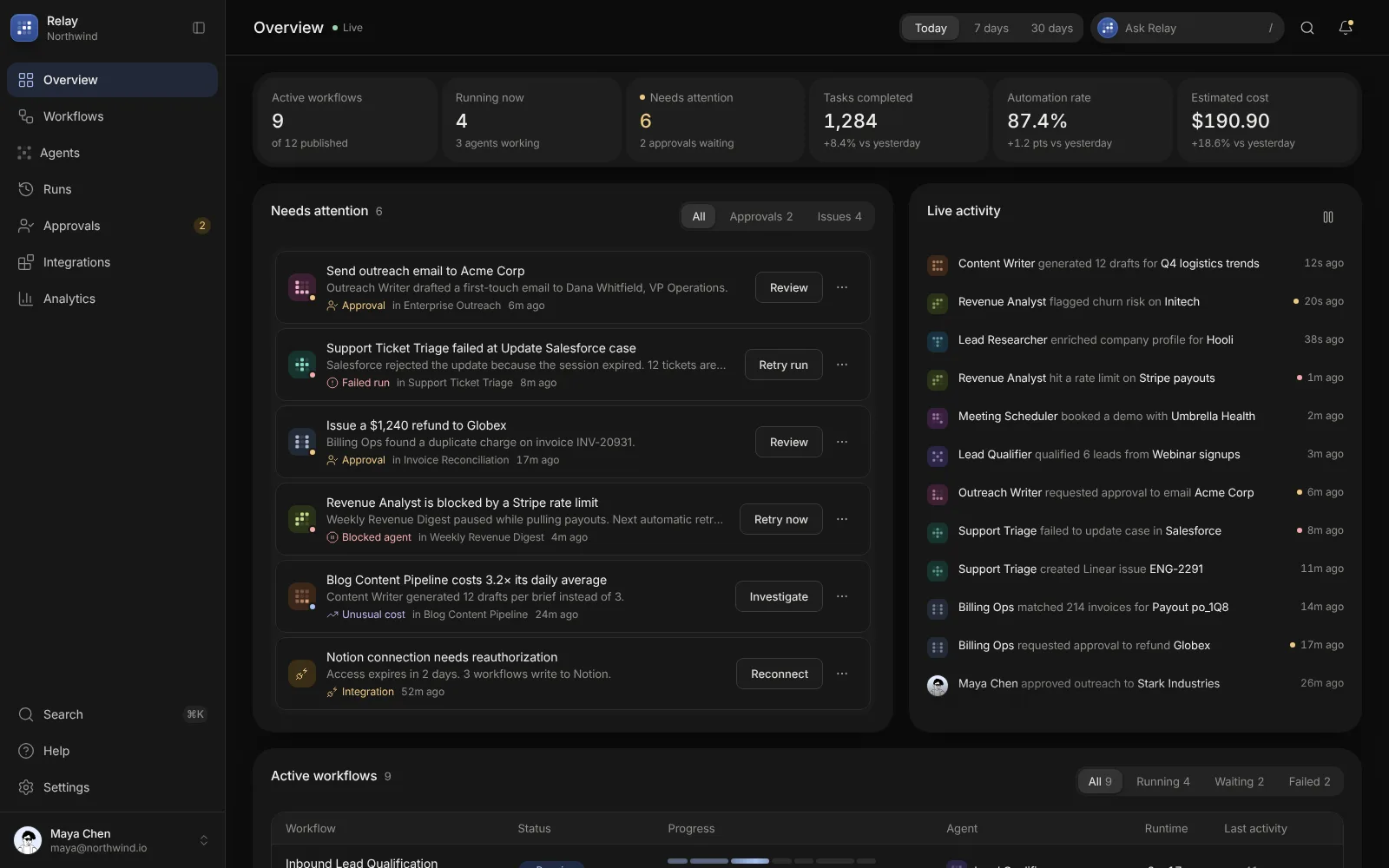
An operations team hands sales, support, billing and reporting work to AI agents that run across many tools. When a run fails, an agent is blocked or costs climb, it is hard to see where and why. The product had to show what every agent is doing, stop for a person before anything risky, and make failures easy to fix.
- 1Agent work is spread across many tools
- 2Failures and blocked runs are easy to miss
- 3Outbound actions need a person to sign off
The workflow
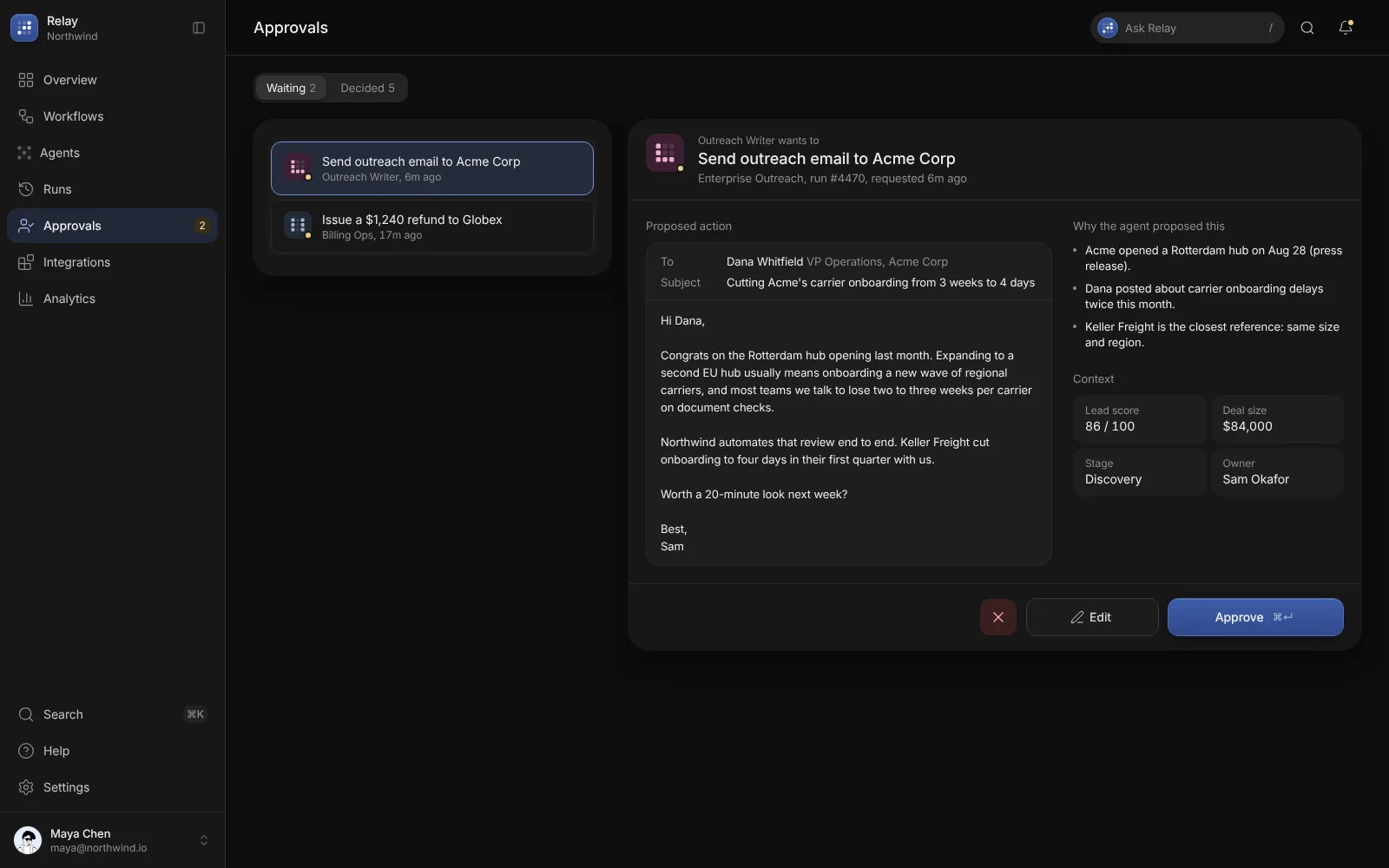
From trigger to a person's sign-off.
- 1
Trigger
A form, a deal stage or a schedule starts the workflow.
- 2
Run
Agents research, draft and update records step by step.
- 3
Approve
Risky steps, like an outbound email or a refund, wait for a person.
- 4
Review
Every run keeps a timeline of its steps, cost and duration.
The product
Built around the runs, not the settings.
Four areas carry most of the work. Each shows what the agents did and puts the next decision one click away.
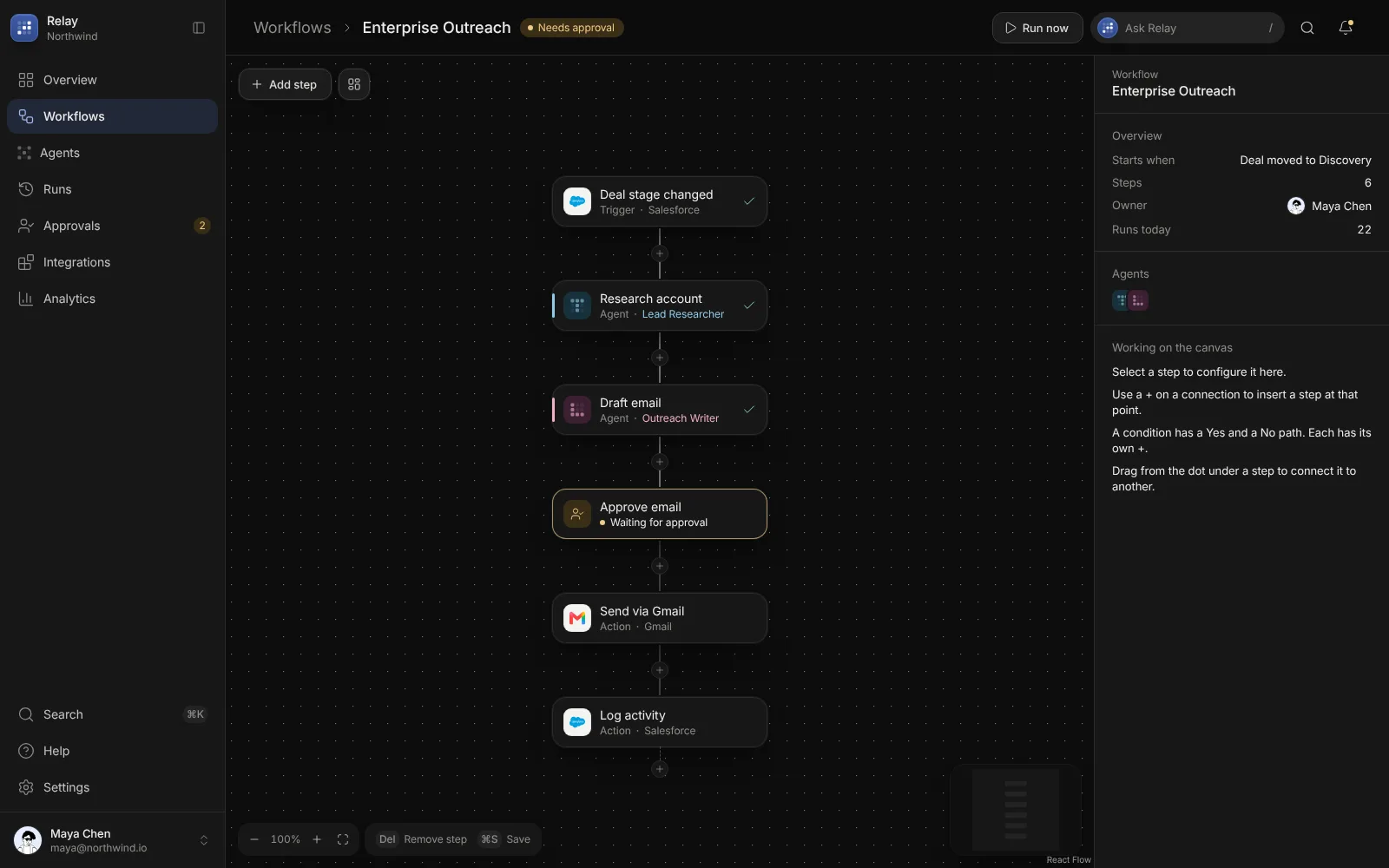
- Workflows
Steps on a canvas
Triggers, agent steps, approvals and actions sit on one canvas, with a + on every connection to insert a step.
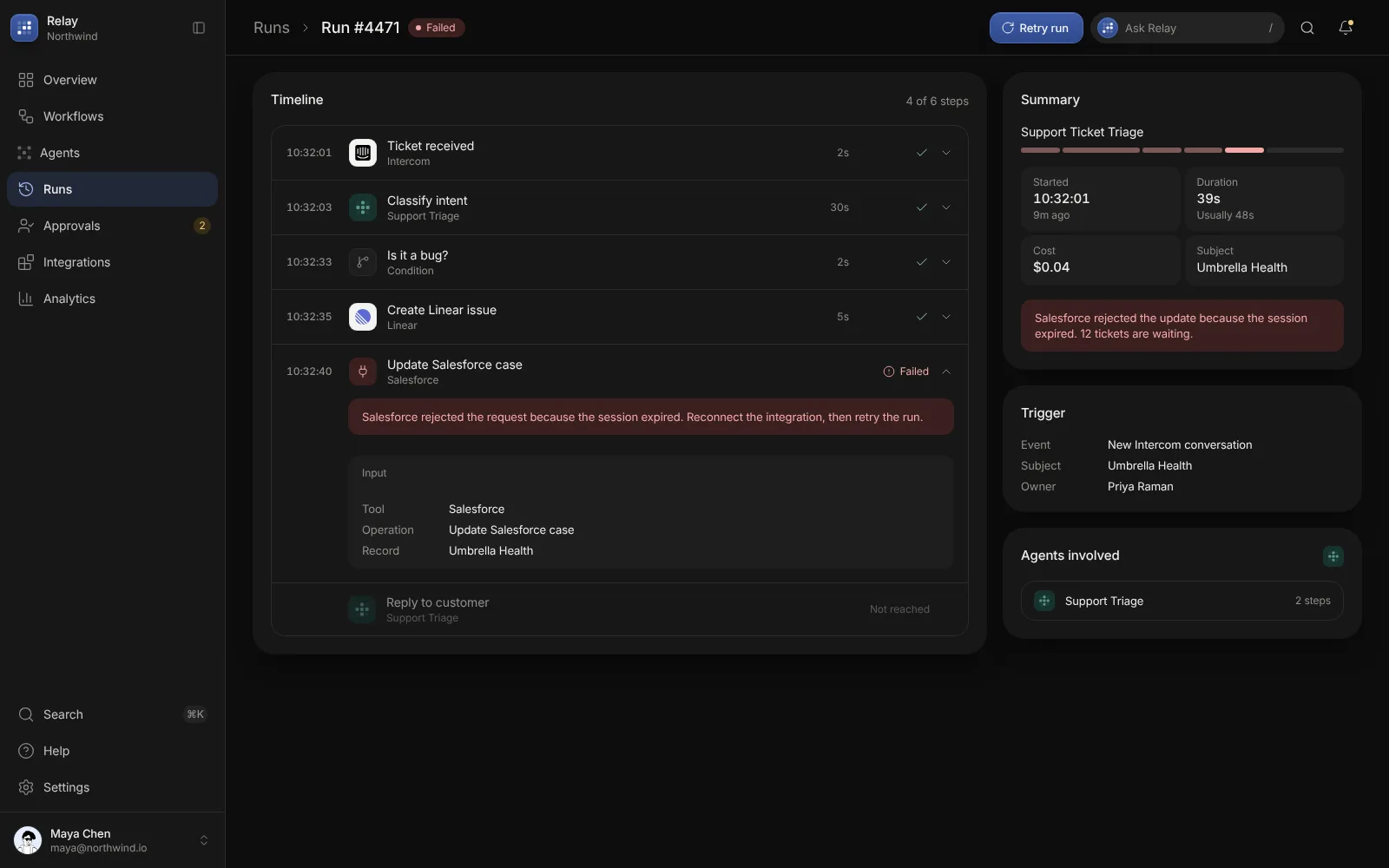
- Runs
Failures that explain themselves
A failed run opens on the step that broke, with the reason, the input it sent and what to do next.
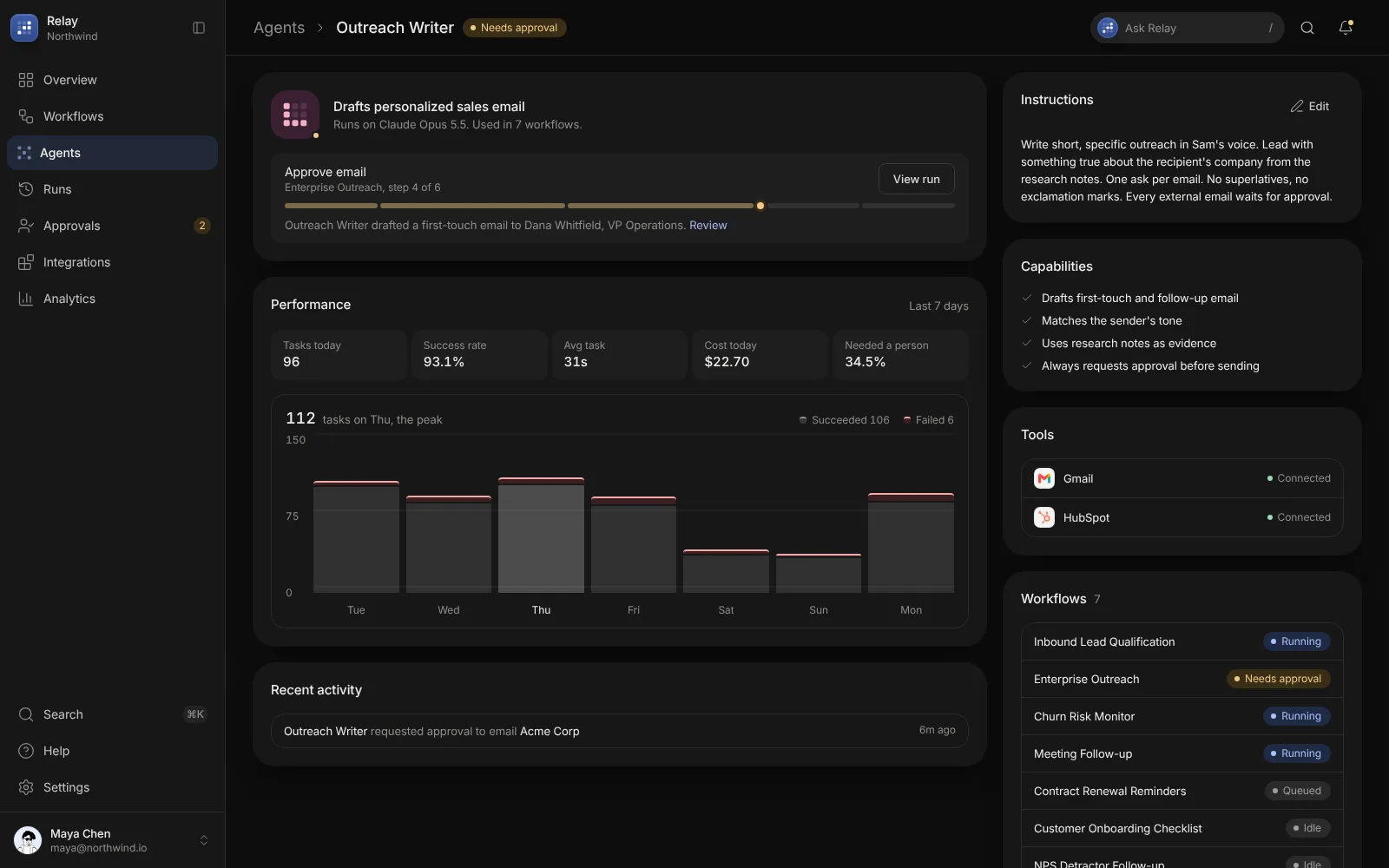
- Agents
Agents you can read
Each agent shows its instructions, capabilities, tools, the workflows it runs in and how often it needed a person.
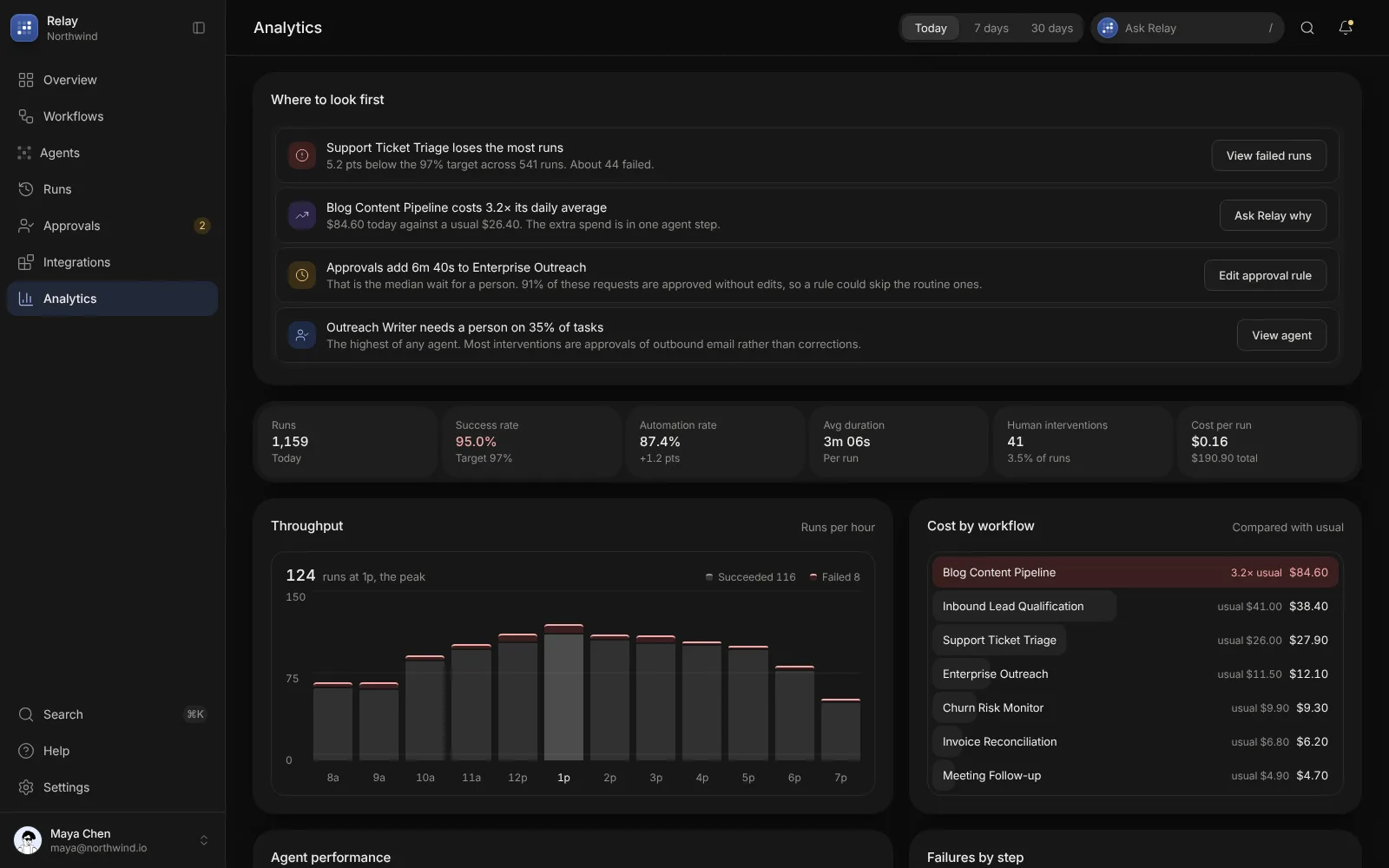
- Analytics
Where to look first
Analytics leads with the workflows losing runs or costing more than usual, then shows throughput and cost by workflow.
Engineering
Fast to move around, clear about every state.
Relay is a single-page app built with Vite and React, with the workflow canvas drawn by React Flow. A command palette, keyboard shortcuts and an Ask Relay panel sit on every screen, and every list shares status tabs, search and filters. The layout works from desktop down to a phone, in dark and light themes.
- ⌘K command palette
- Keyboard shortcuts for approve and save
- React Flow workflow canvas
- Dark, light and system themes
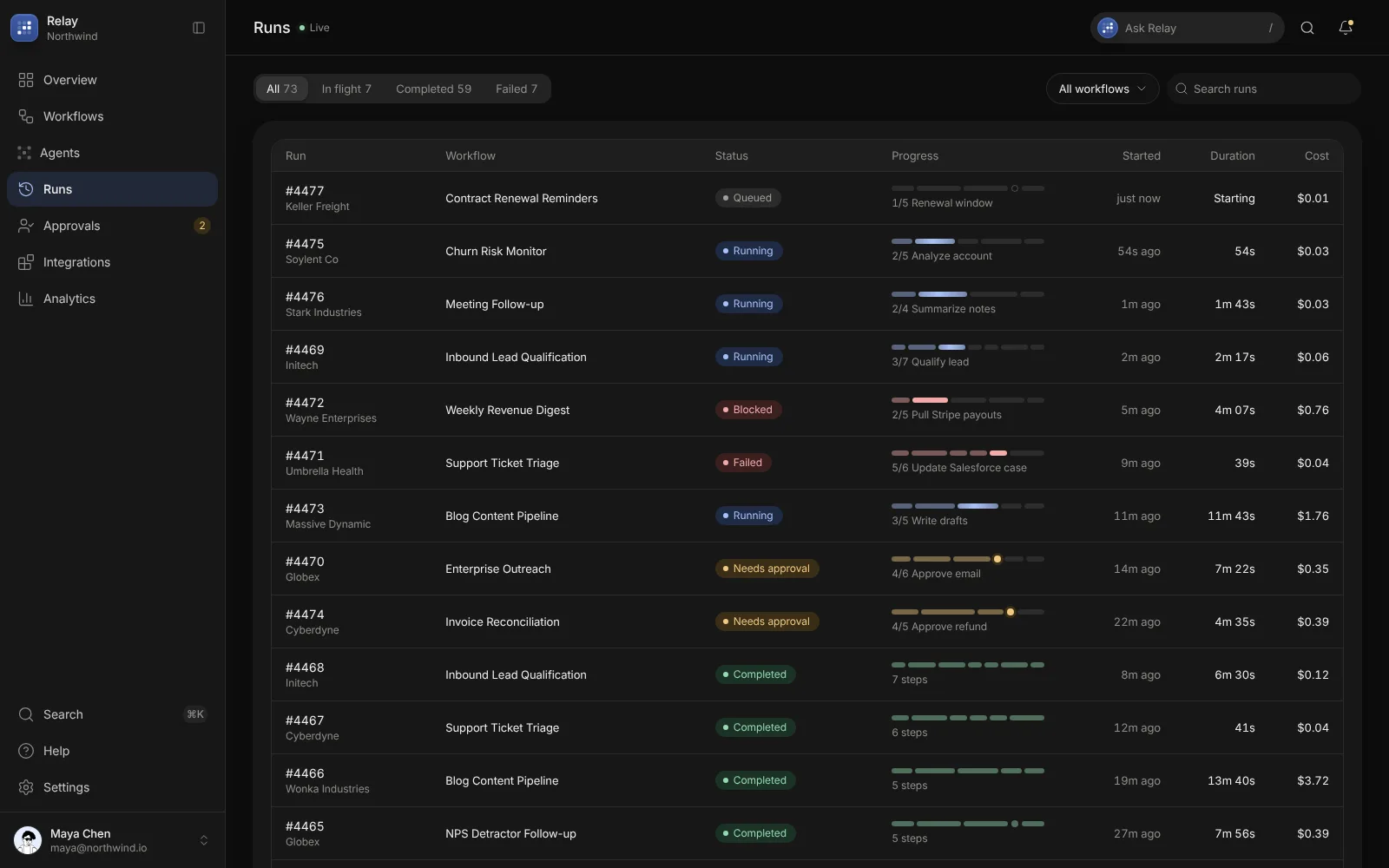
Find: filter runs by status or workflow
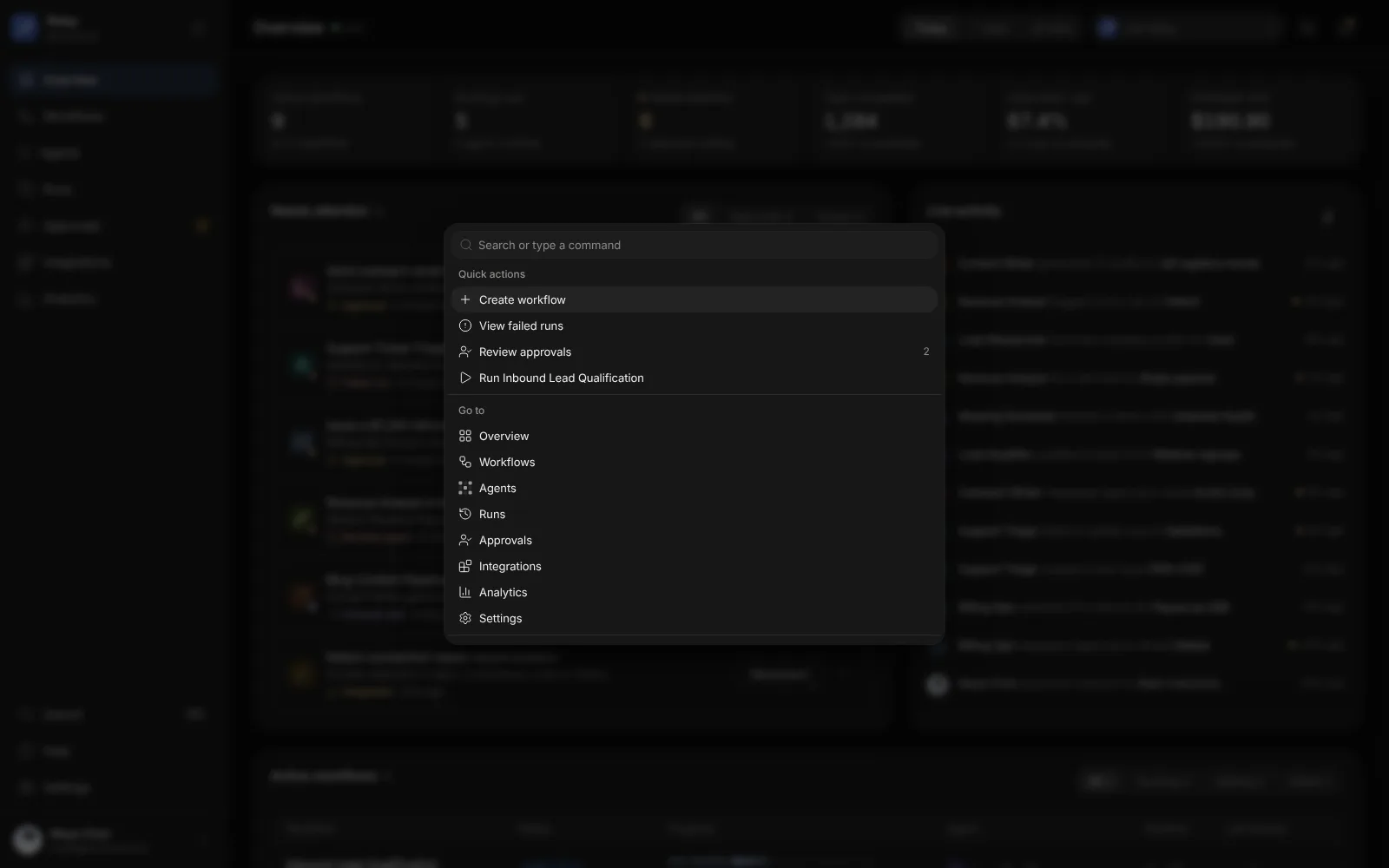
Jump: quick actions from the keyboard
Decide: approve, edit or reject
Outcomes
Designed for teams that hand work to agents.
What the product demonstrably does. Measured business results will be added only with evidence and approval.
One list of what needs a person
Approvals, failed runs, blocked agents and unusual costs in one place.
A person signs off risky steps
Outbound email and refunds wait with the agent's reasons until someone decides.
Every run on record
Each run keeps its steps, timings, cost and the agents involved.