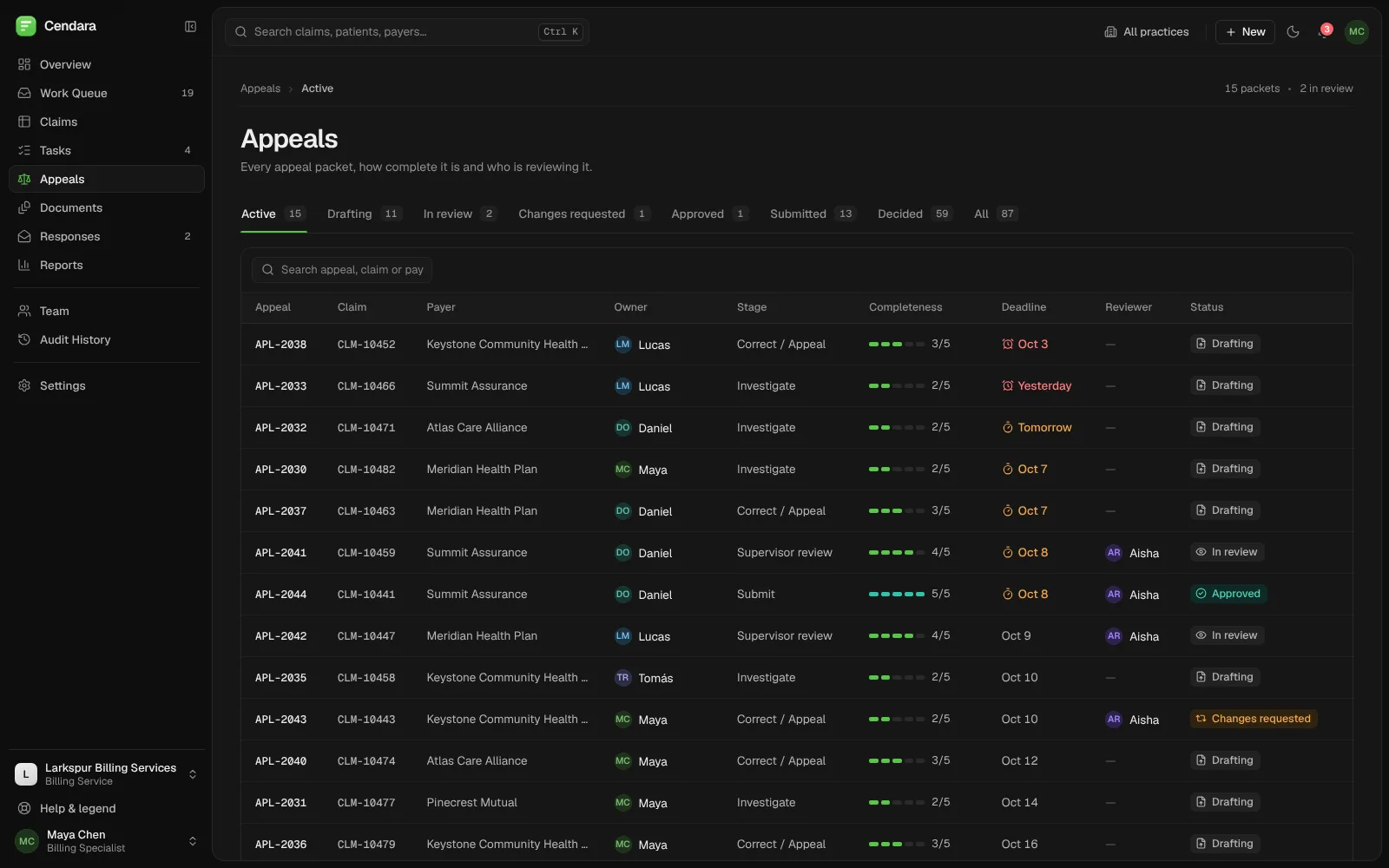
Axle: one command centre for a trucking fleet.
Live map, dispatch, safety, compliance and maintenance in one workspace, with the issues that need a person sorted by risk.
Built by Gr8r for its own portfolio. Not client work.
- Client
- Axle
- Project
- Fleet operations platform
- Platforms
- Web app, desktop and mobile
The problem
Keep a moving fleet in view.
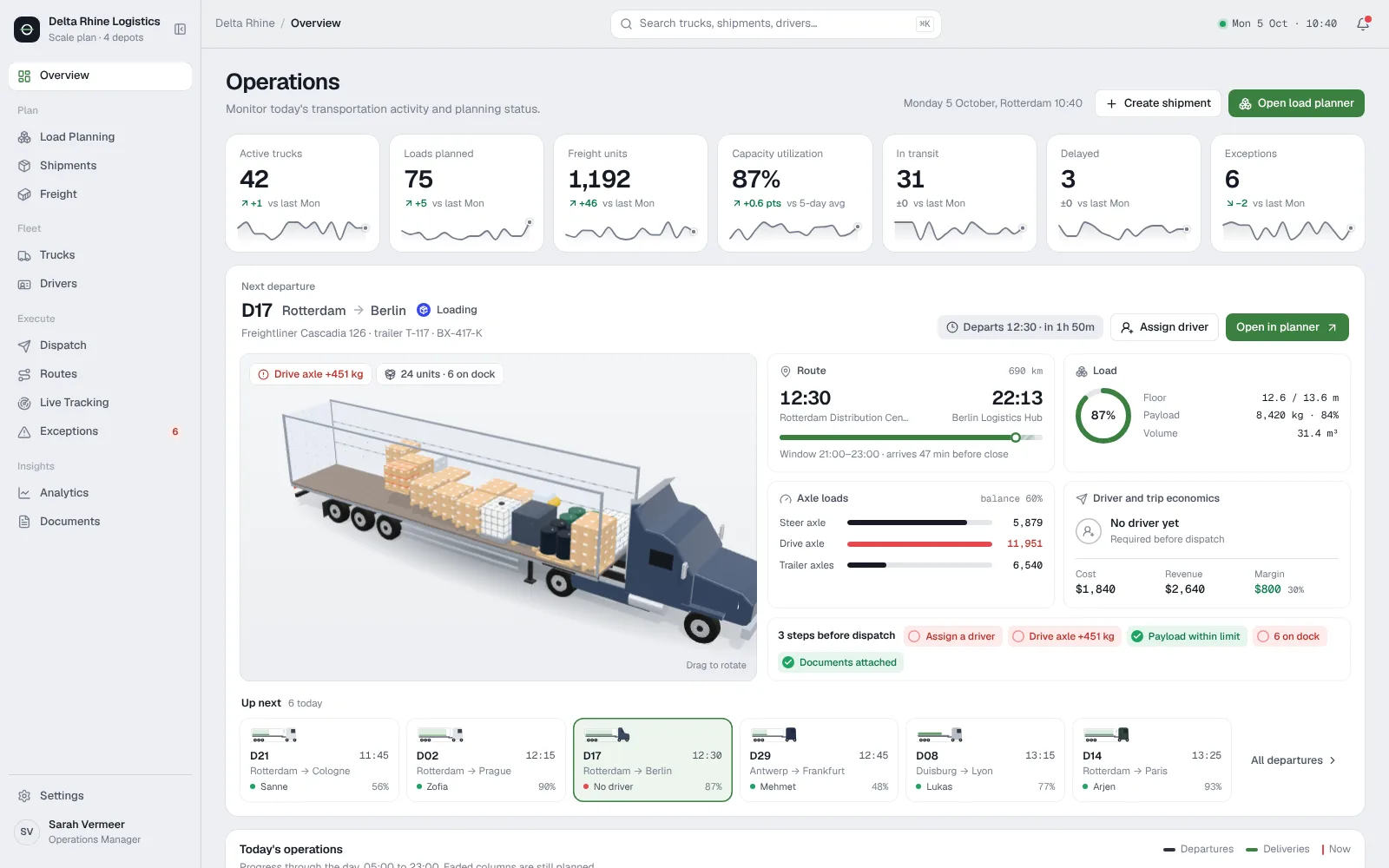
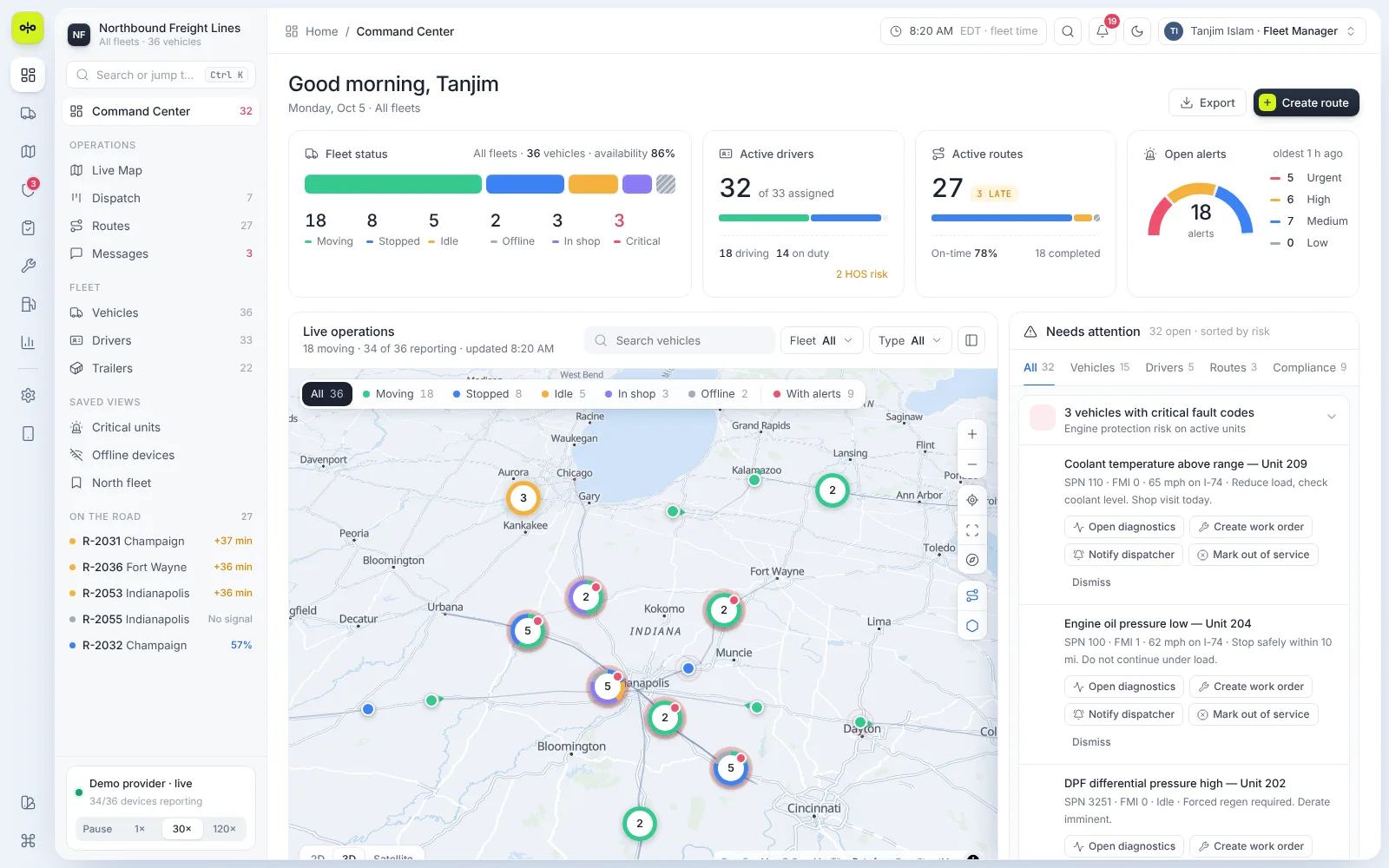
A fleet manager watches trucks on the road, routes running late, driver hours, inspections and fault codes, often in separate tools. A coolant warning or a missed pre-trip inspection is easy to miss until a truck is off the road. The product had to put the whole fleet on one screen and show what needs action first.
- 1Vehicles, drivers and routes live in separate tools
- 2Faults and late routes surface too late
- 3Compliance work is easy to fall behind on
The workflow
From a signal on the road to a fix in the shop.
- 1
Watch
See every truck on the live map with its status and alerts.
- 2
Triage
Work the needs-attention list, sorted by risk.
- 3
Dispatch
Drag an unassigned route onto a truck to assign it.
- 4
Fix
Turn a fault code into a work order and track it to done.
The product
Built around the fleet, not the modules.
Each area answers one question for the person on shift, and keeps the detail one click away.
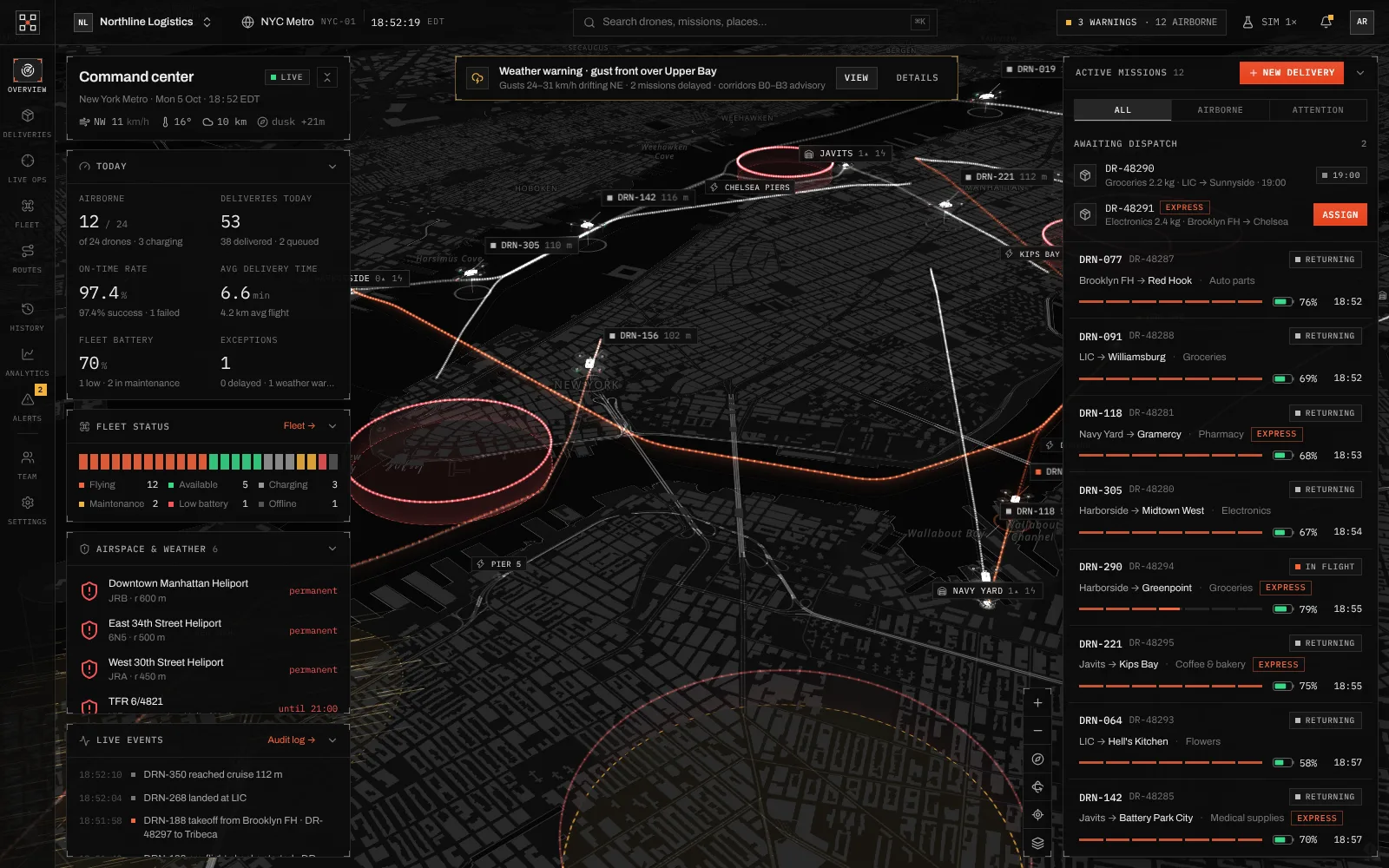
- Live map
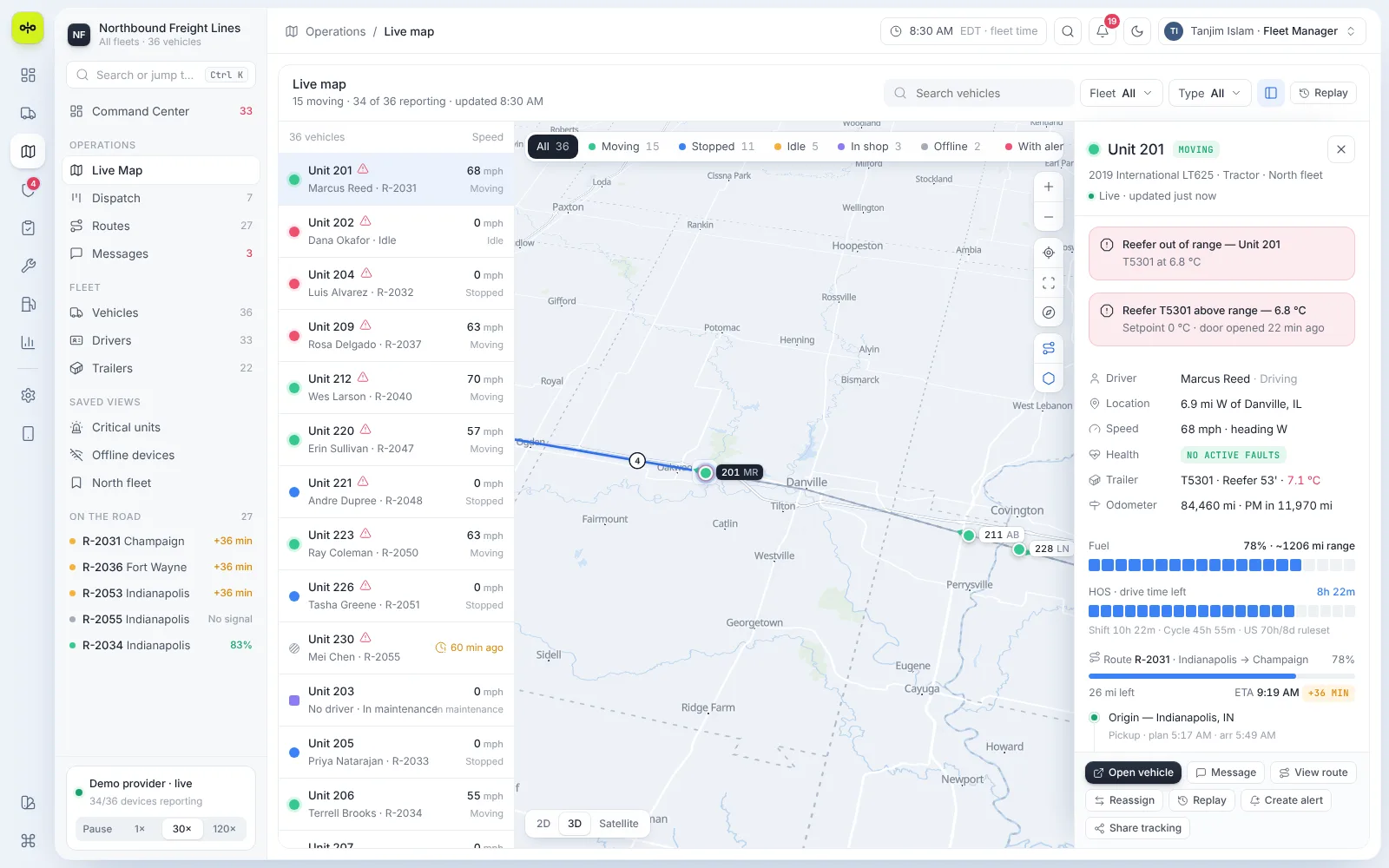
Every truck, one click deep
Select a unit to see its driver, location, speed, trailer temperature, fuel, hours left and route progress, with actions to message, reassign or replay.
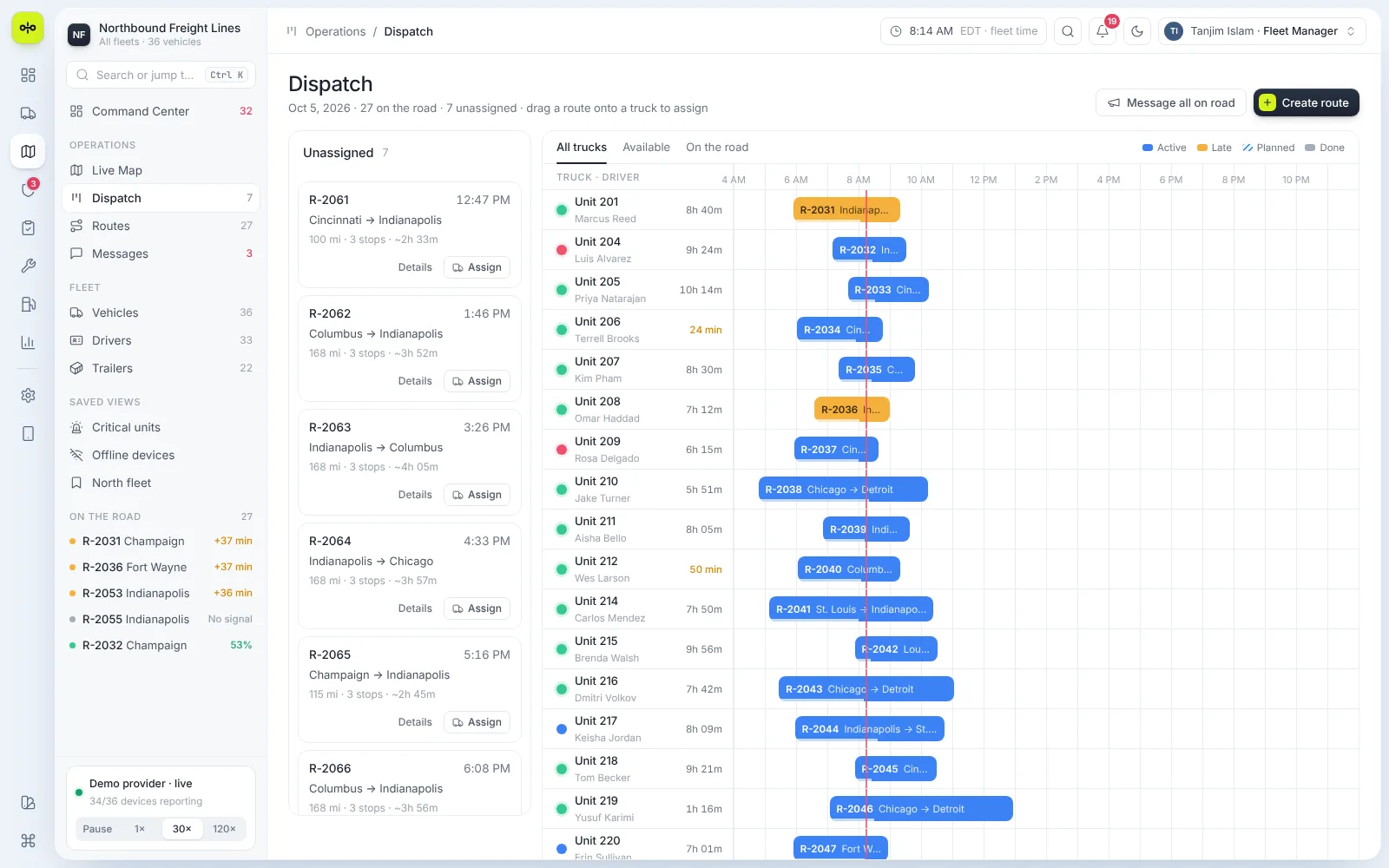
- Dispatch
A day's routes on one board
Unassigned routes sit beside a timeline of every truck, with late routes in amber and drive time left for each driver.
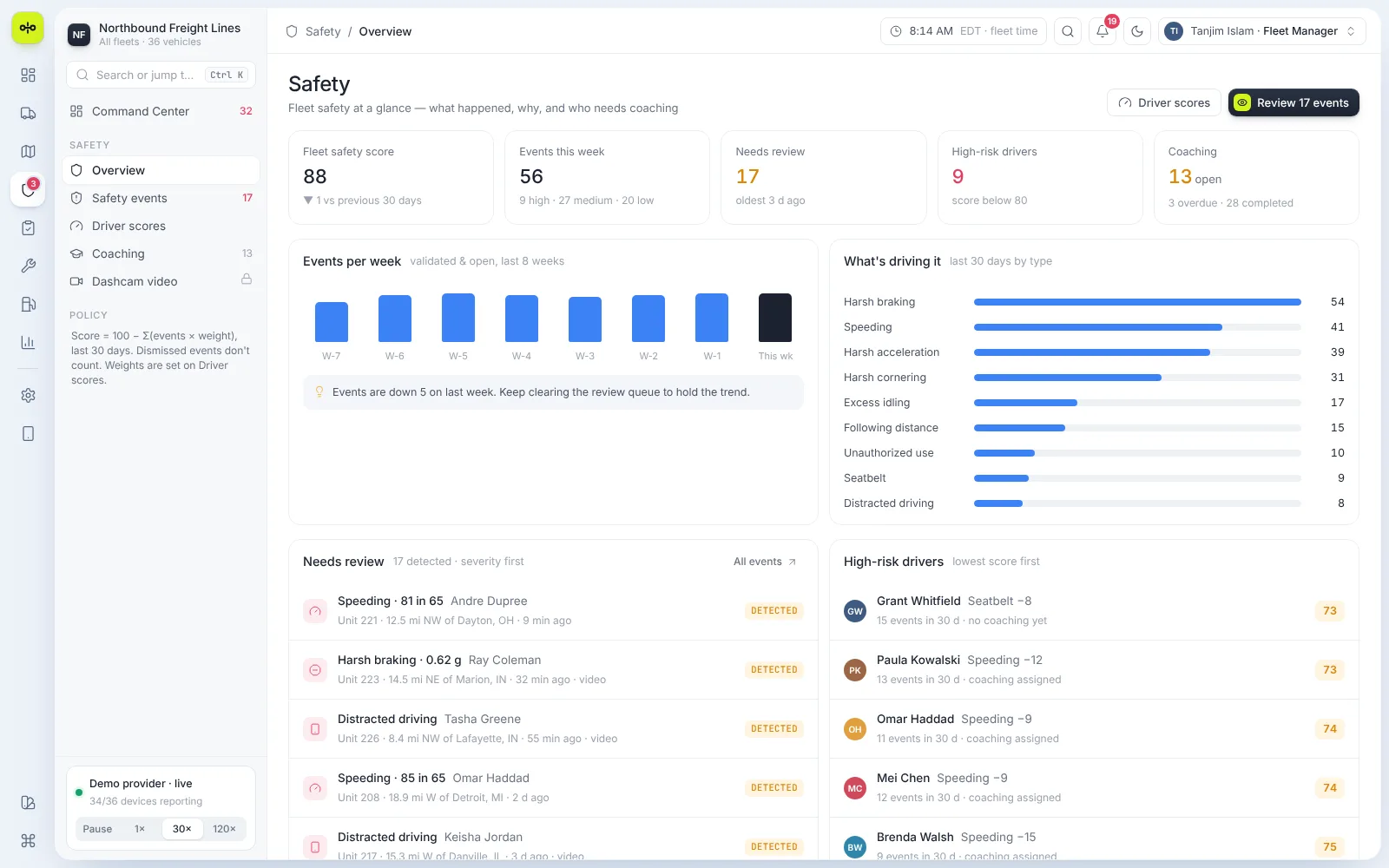
- Safety
What happened and who needs coaching
A fleet safety score, events by week and type, a review queue sorted by severity and the drivers with the lowest scores.
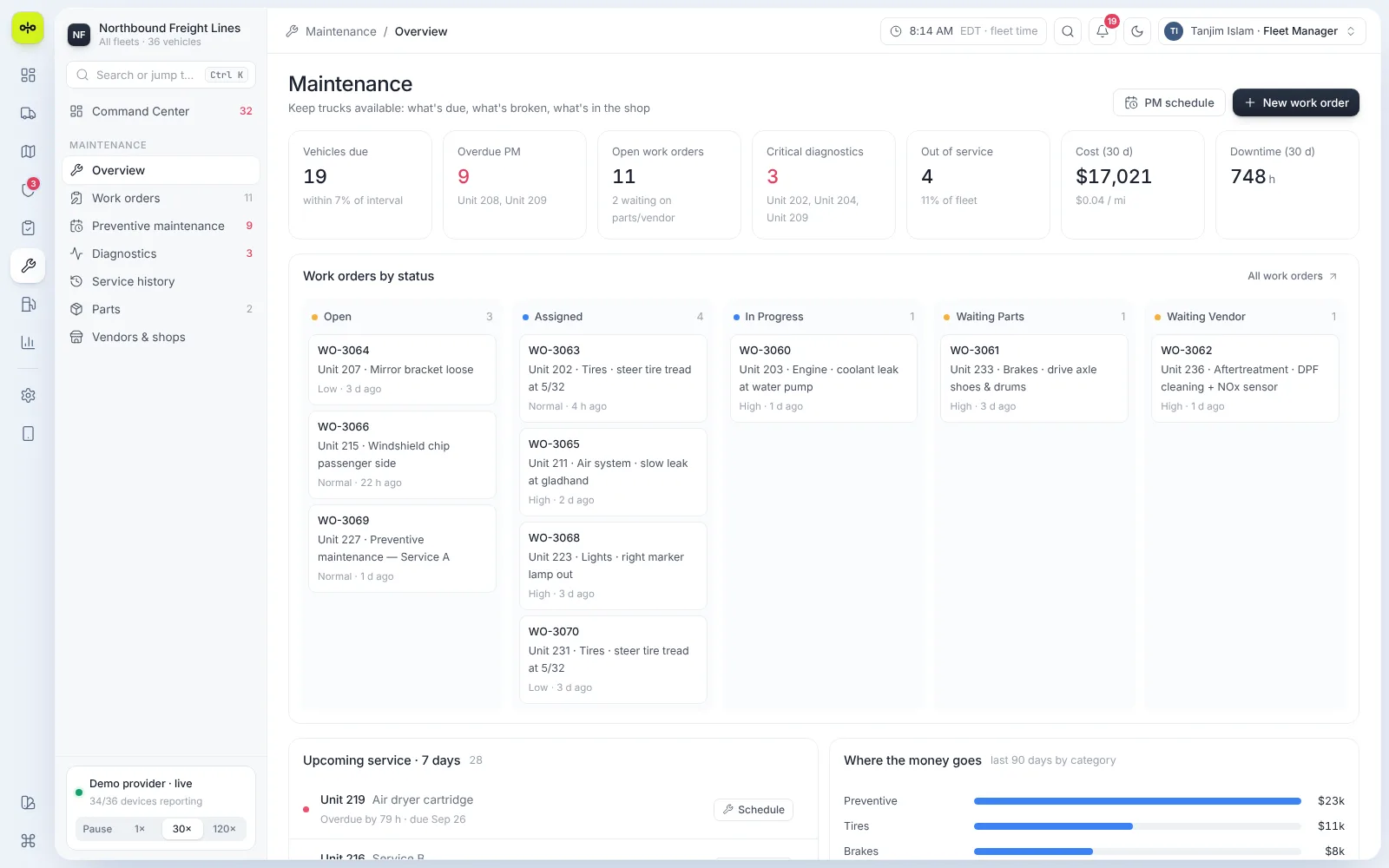
- Maintenance
What's due, broken and in the shop
Work orders by status, critical diagnostics, overdue preventive maintenance and where the money goes.
Engineering
A live fleet, simulated in the browser.
The demo runs a simulated telemetry feed for 36 trucks that can be paused or played at 30× and 120×. The map uses MapLibre GL on OpenFreeMap tiles, with 2D, 3D and satellite views. A command palette searches vehicles, alerts and pages, and results follow the signed-in role.
- MapLibre map with 2D, 3D and satellite views
- Command palette on Ctrl K
- Role-scoped views and search
- Light and dark themes
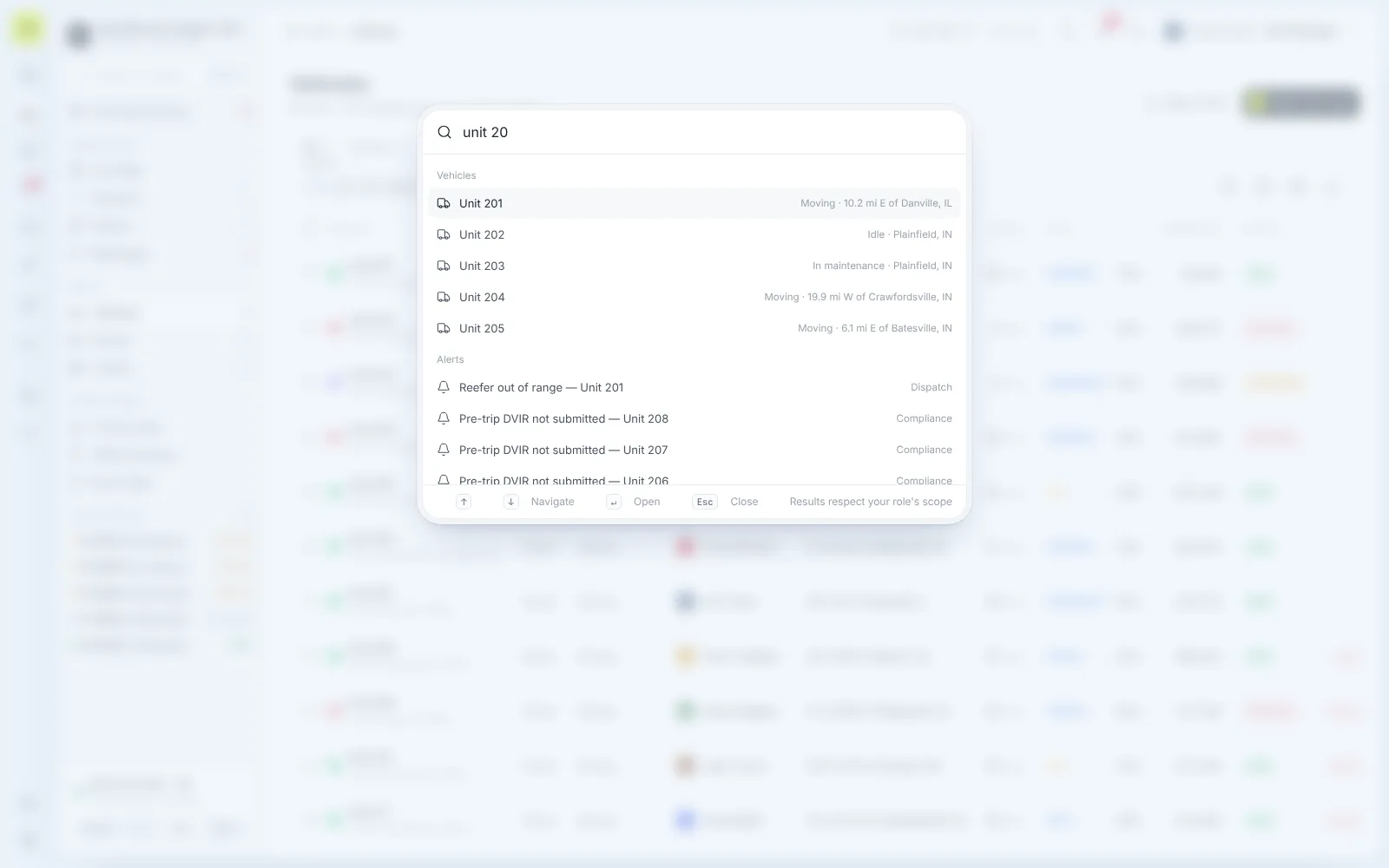
Find: jump to any vehicle, alert or page
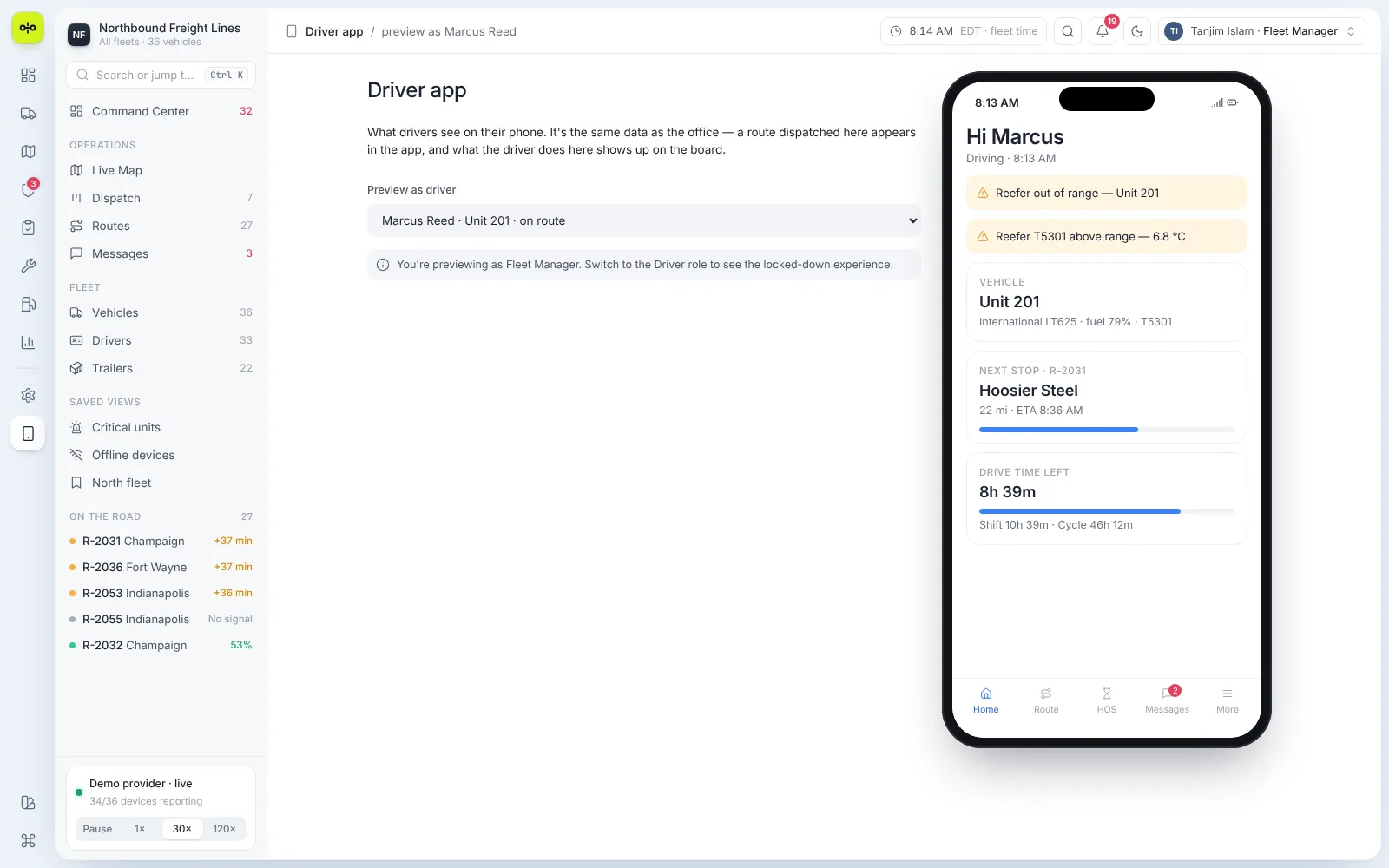
Drive: the same data in the driver's app
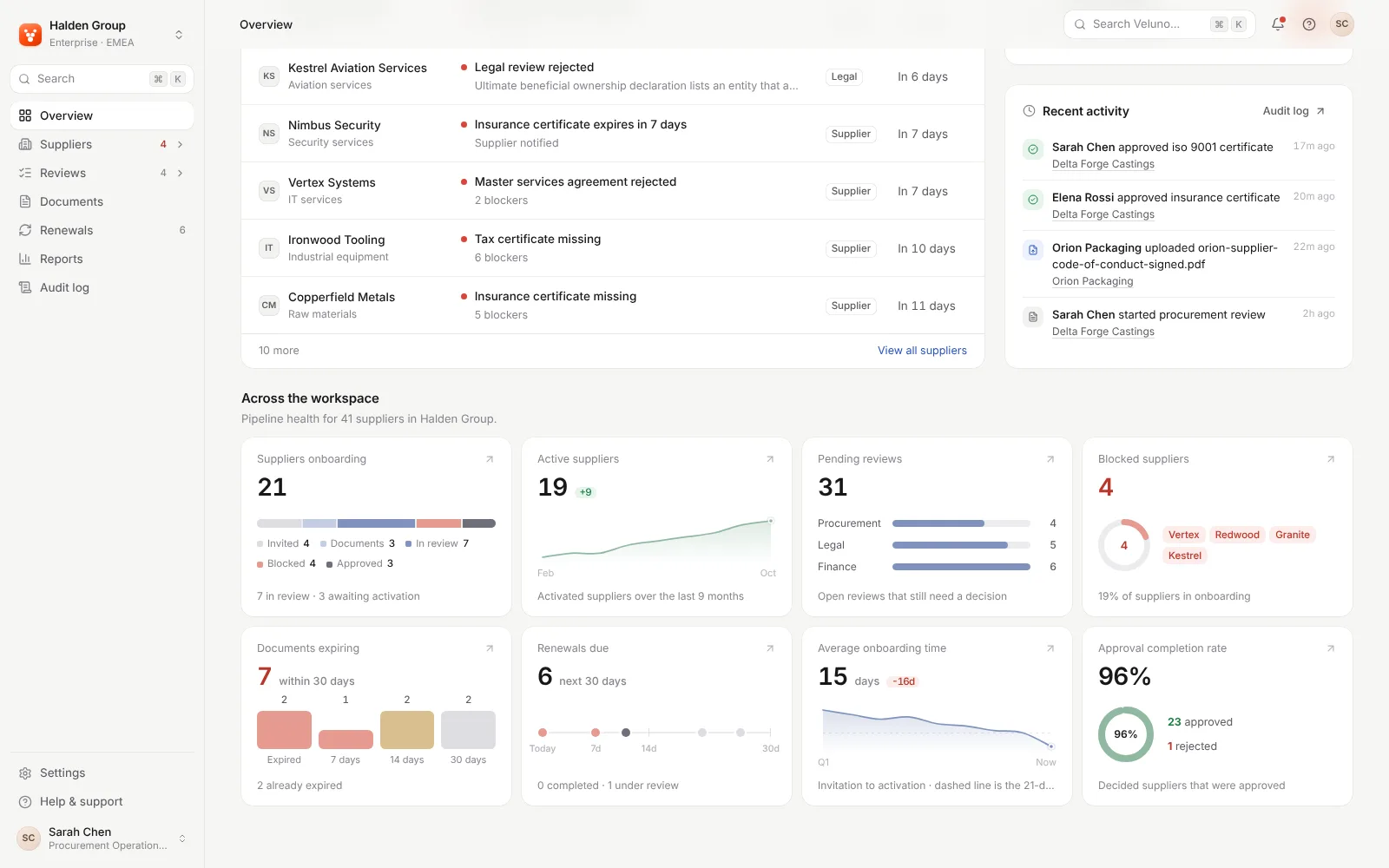
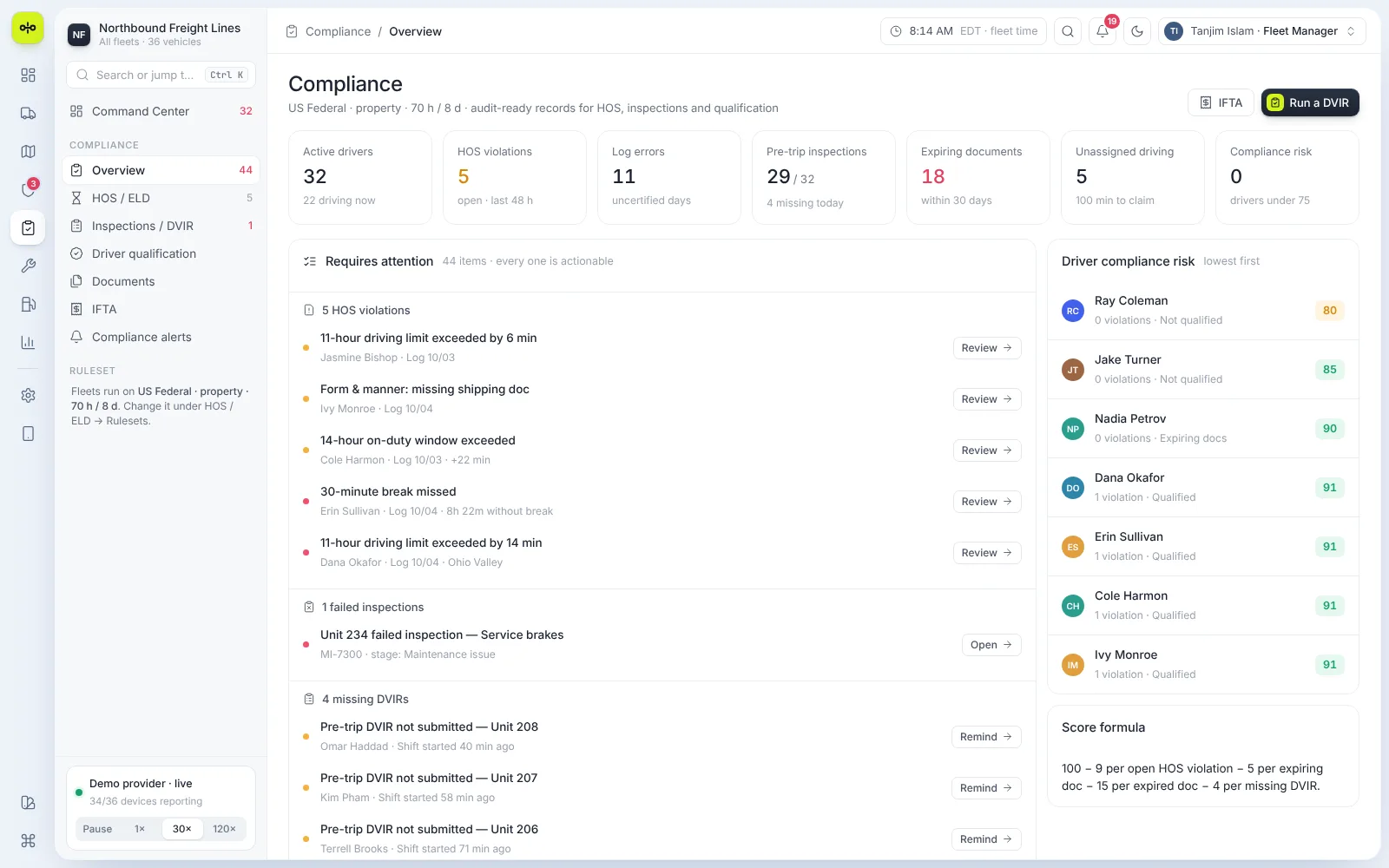
Comply: HOS, inspections and documents in one list
Outcomes
Designed for fleet teams that need to act fast.
What the product demonstrably does. Measured business results will be added only with evidence and approval.
One view of the fleet
Vehicles, drivers, routes and alerts on a single screen.
Issues sorted by risk
Fault codes, late routes and HOS risks arrive with the next action beside them.
Office and driver in sync
A route dispatched in the office appears in the driver's app.