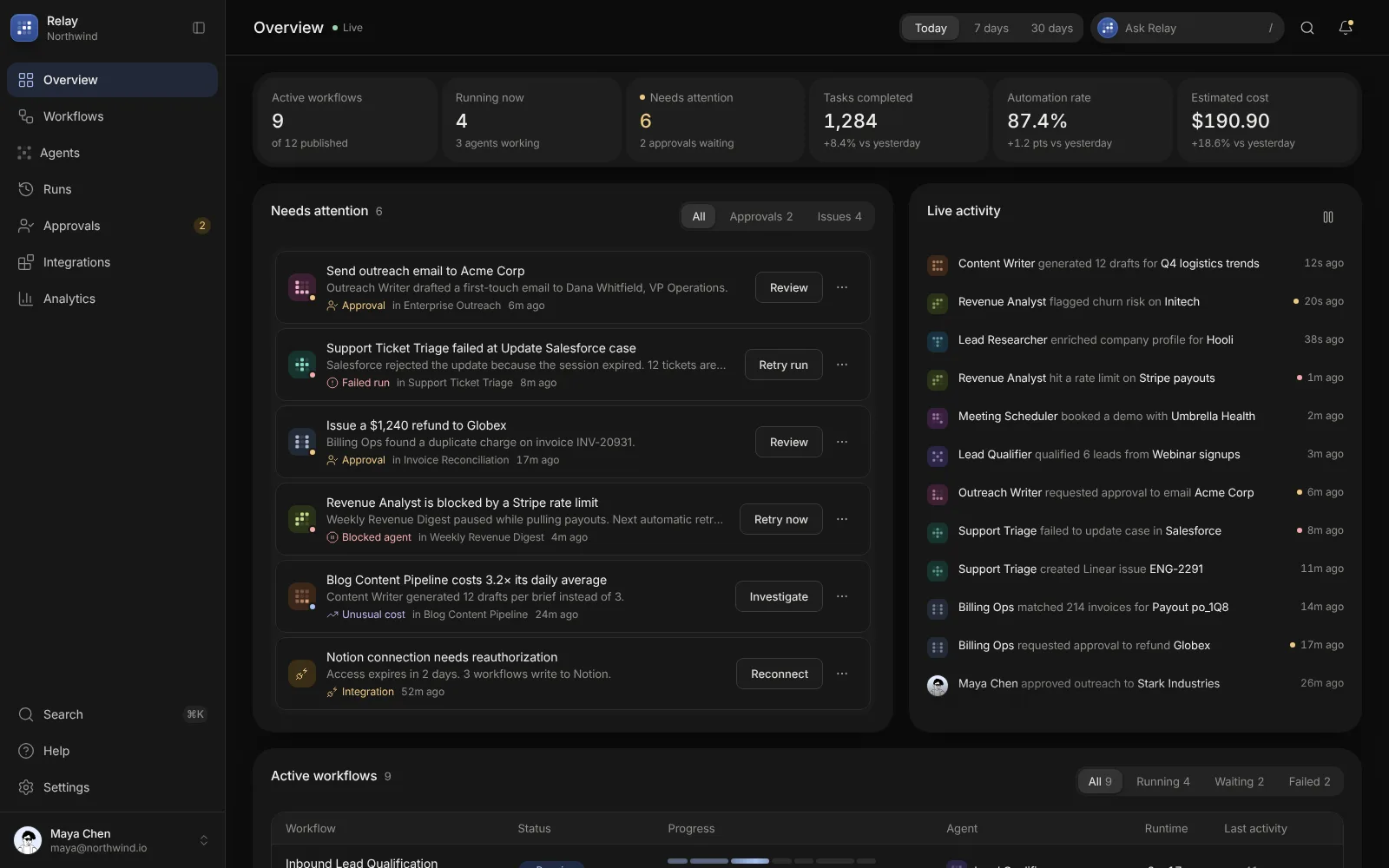
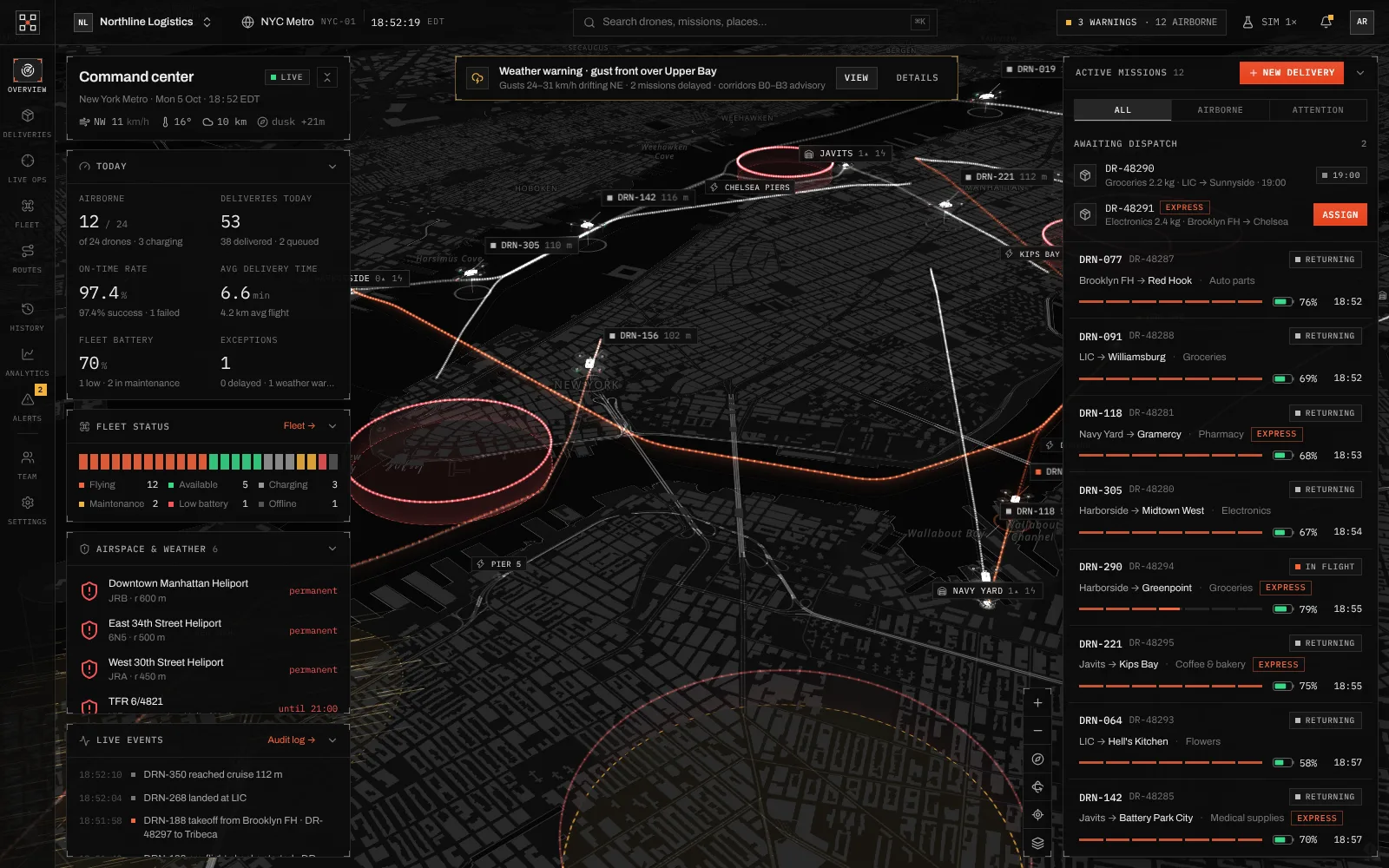
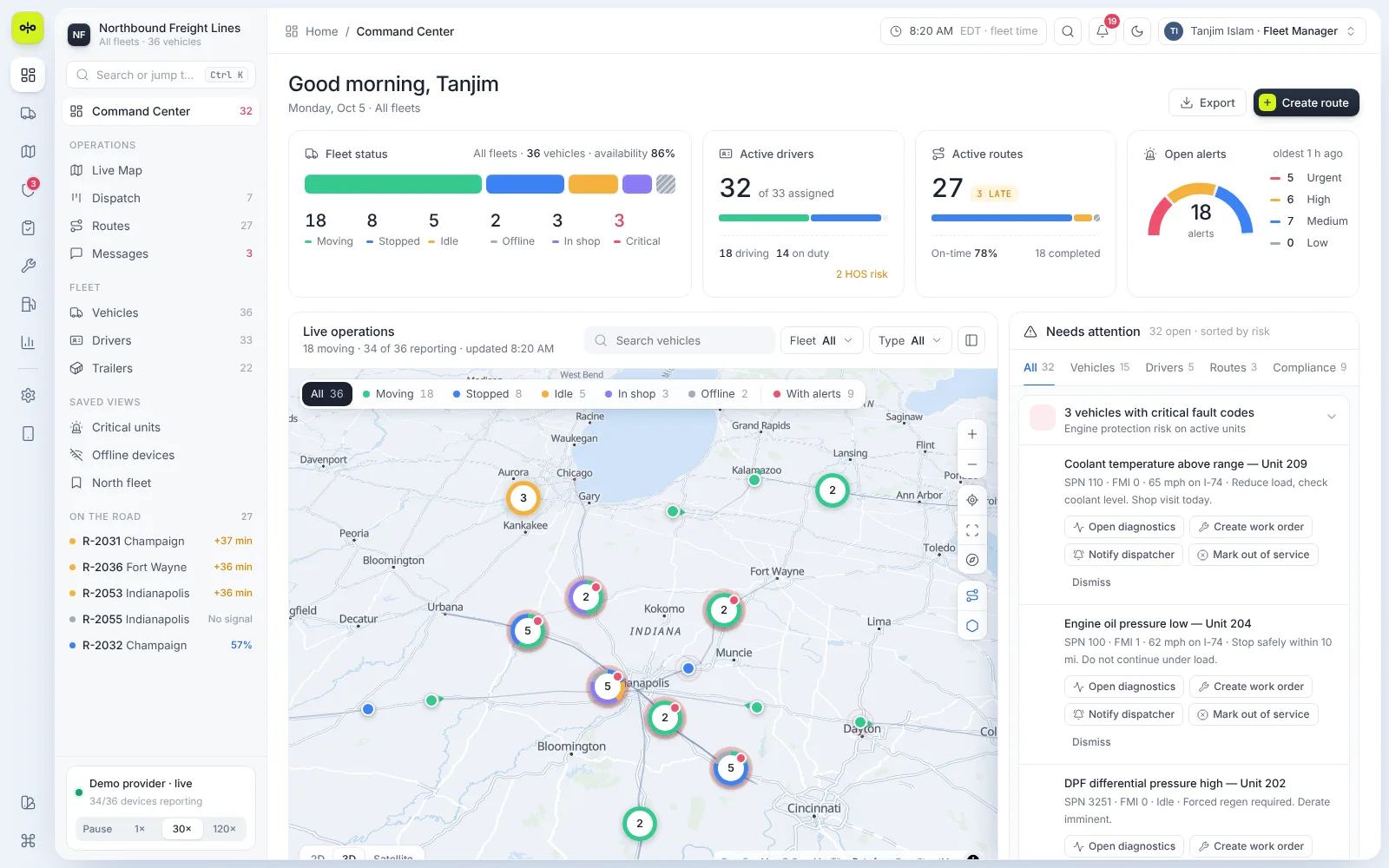
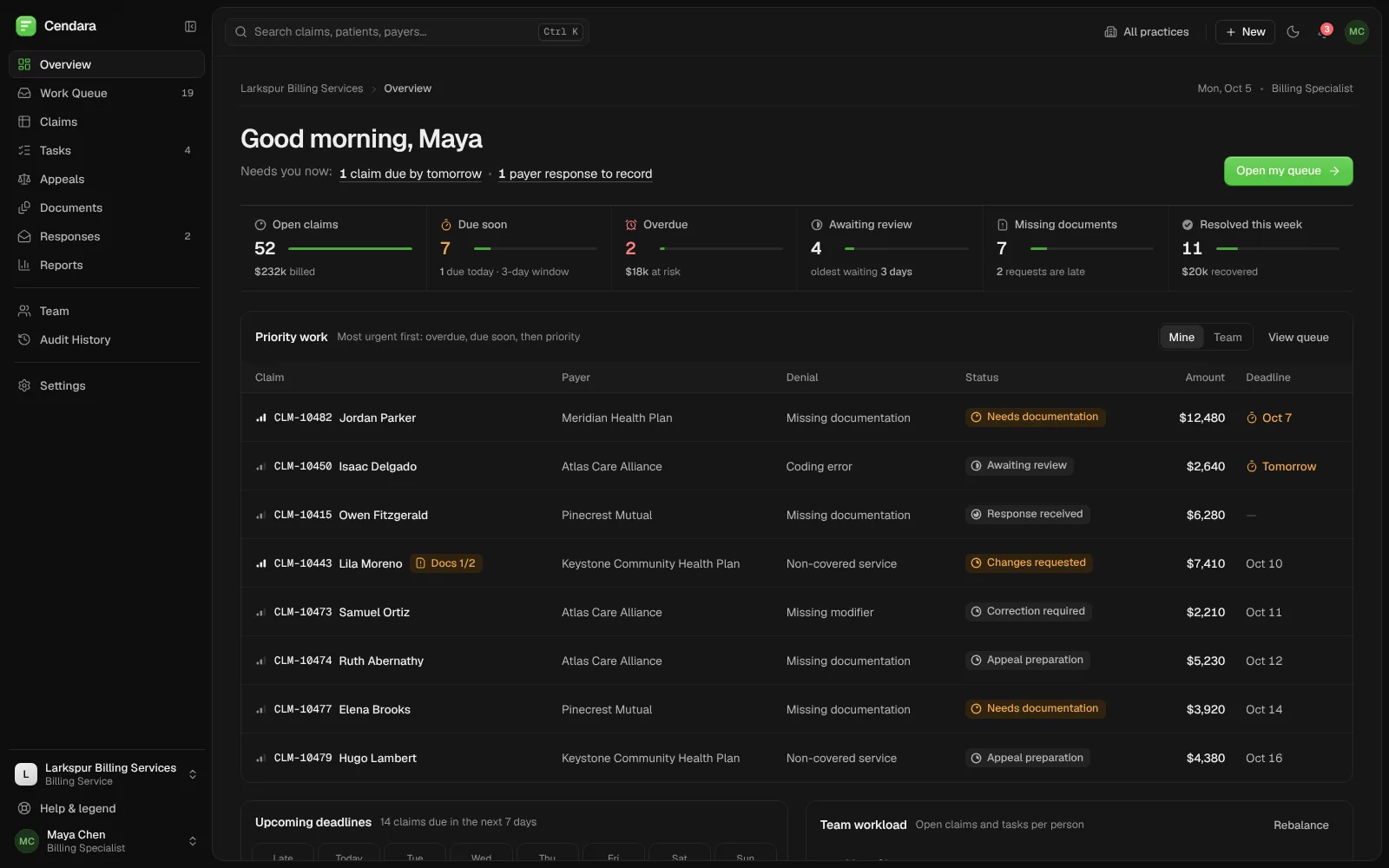
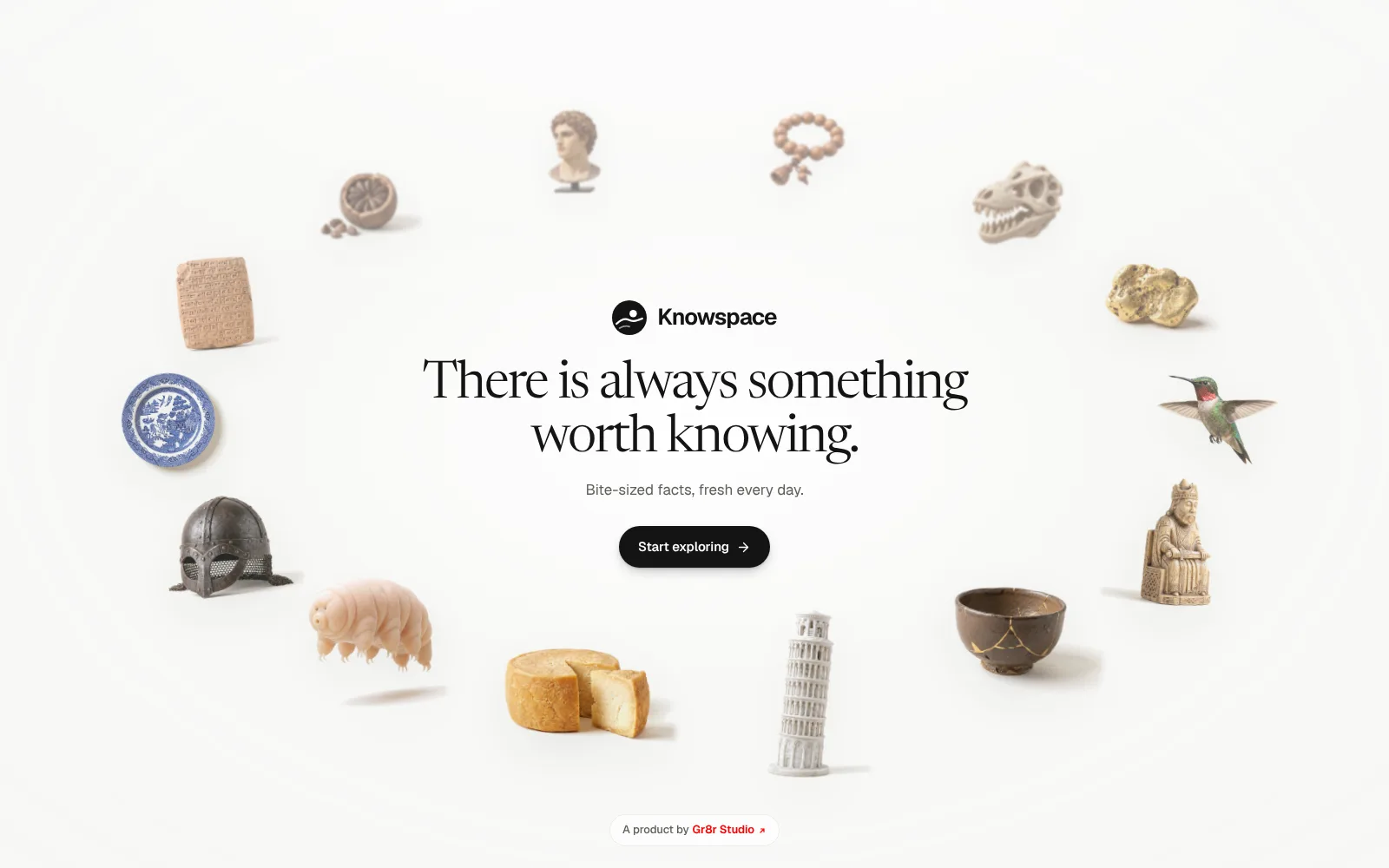
Knowspace: a canvas of surprising facts you wander instead of scroll.
Bite-sized facts about the human body, space, history and more, laid out on one open canvas you drag, zoom and search, with a short daily goal to keep you curious.
Built by Gr8r for its own portfolio. Not client work.
The problem
Make browsing facts feel like exploring, not scrolling.
Fact sites usually stack items in a feed, so every fact looks the same and nothing invites a second look. Knowspace holds a large library of short facts across sixteen topics, from the human body to everyday things. The site had to let people wander between them, find one subject fast, and still have a reason to stop and read.
- 1Feeds make every fact look the same
- 2A big library is hard to find your way around
- 3Little reason to read more than one
The journey
From one fact to the next, without a list.
- 1
Wander
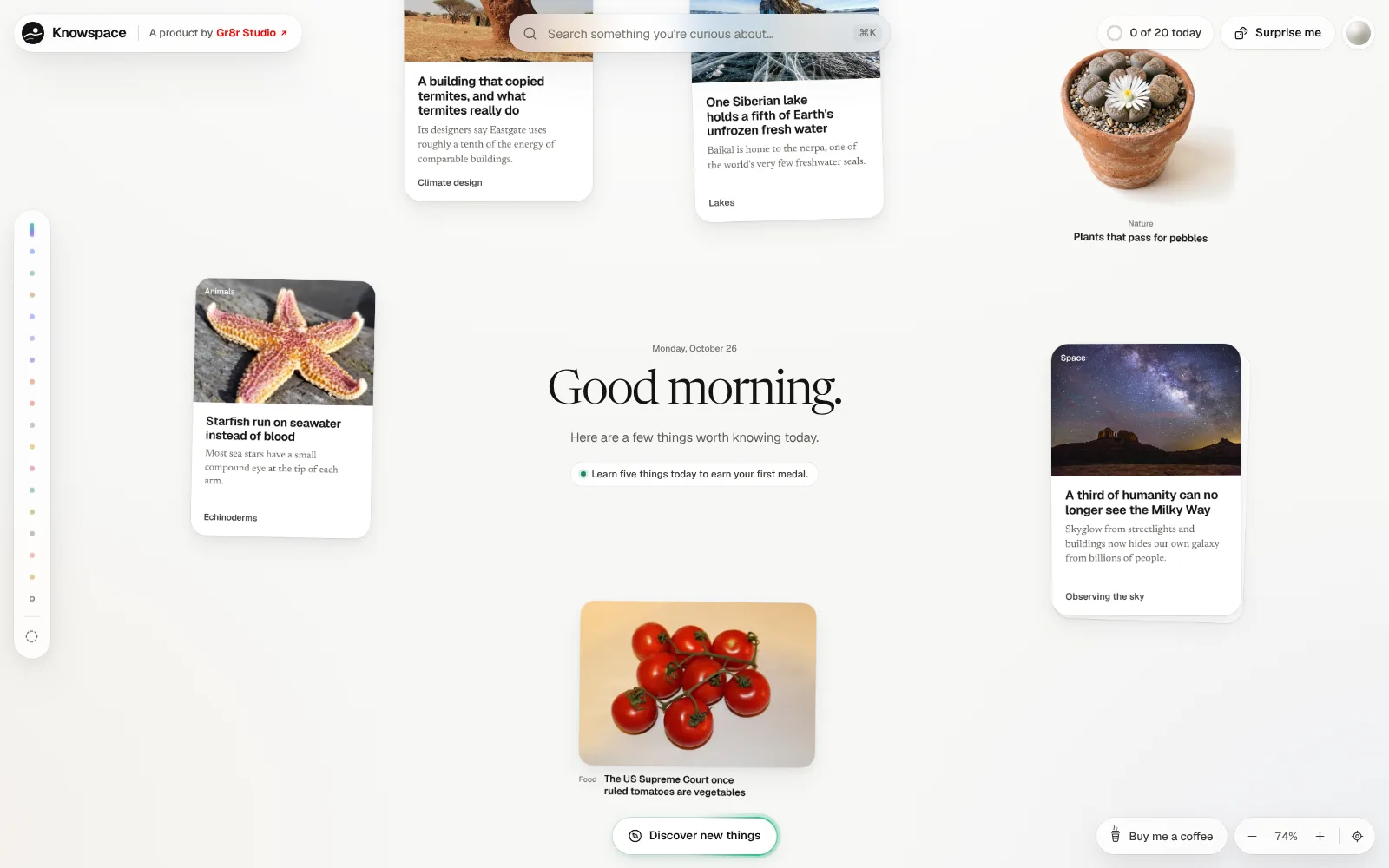
Drag and zoom the canvas, where facts are grouped by topic.
- 2
Jump
Pick a topic from the side rail or search for anything.
- 3
Read
Open a card for the short story and the interesting part.
- 4
Learn
Mark it as learned and move towards today's next medal.
The website
A library laid out like a room to explore.
Each part keeps the canvas calm: facts appear as photos, cut-out objects, big numbers and short cards, and the detail is one click away.
- Topics
Jump straight to a subject
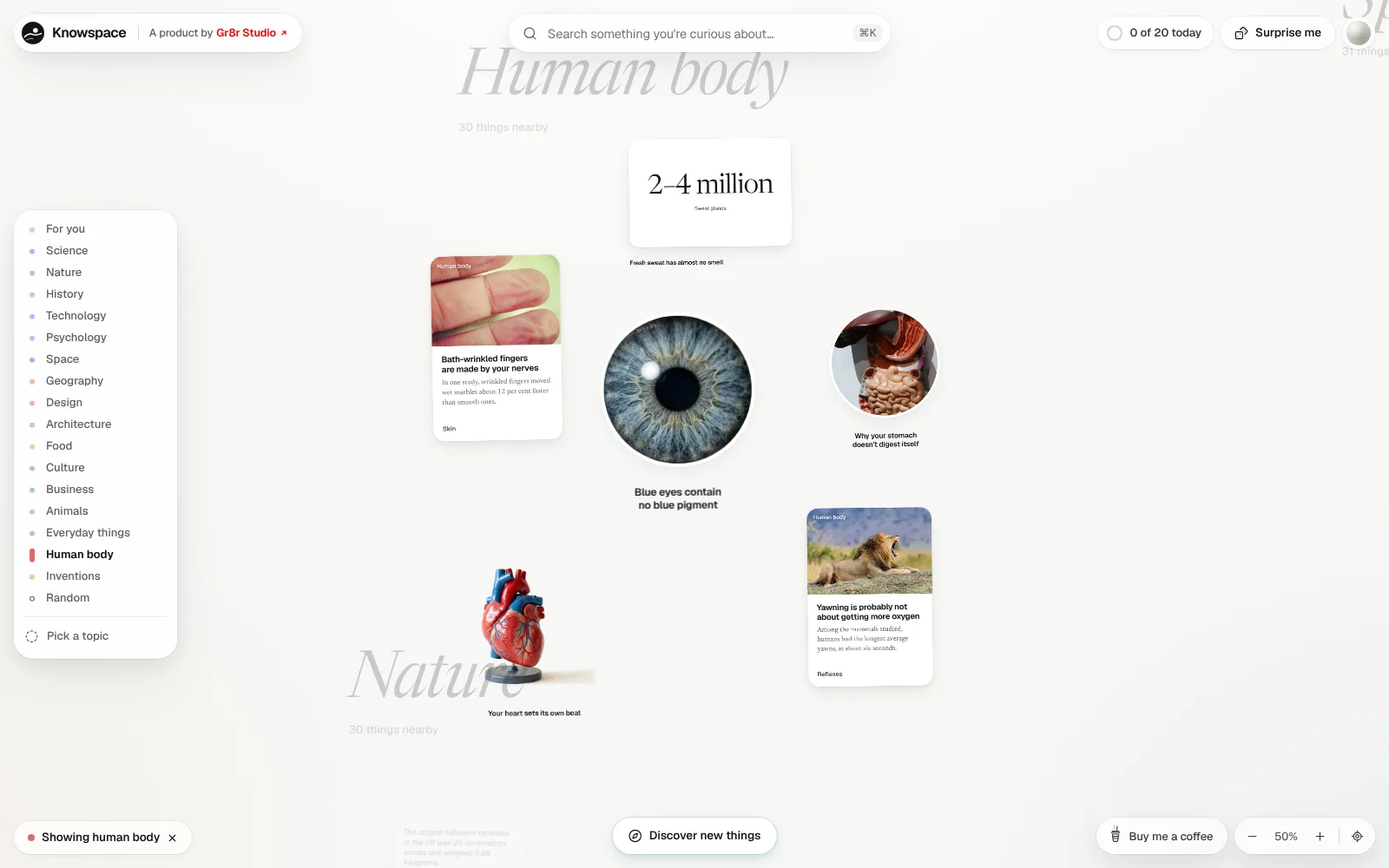
The side rail lists every topic. Choosing Human body moves the canvas there and filters it, with a chip to clear the filter.
- Reading
A fact in under a minute
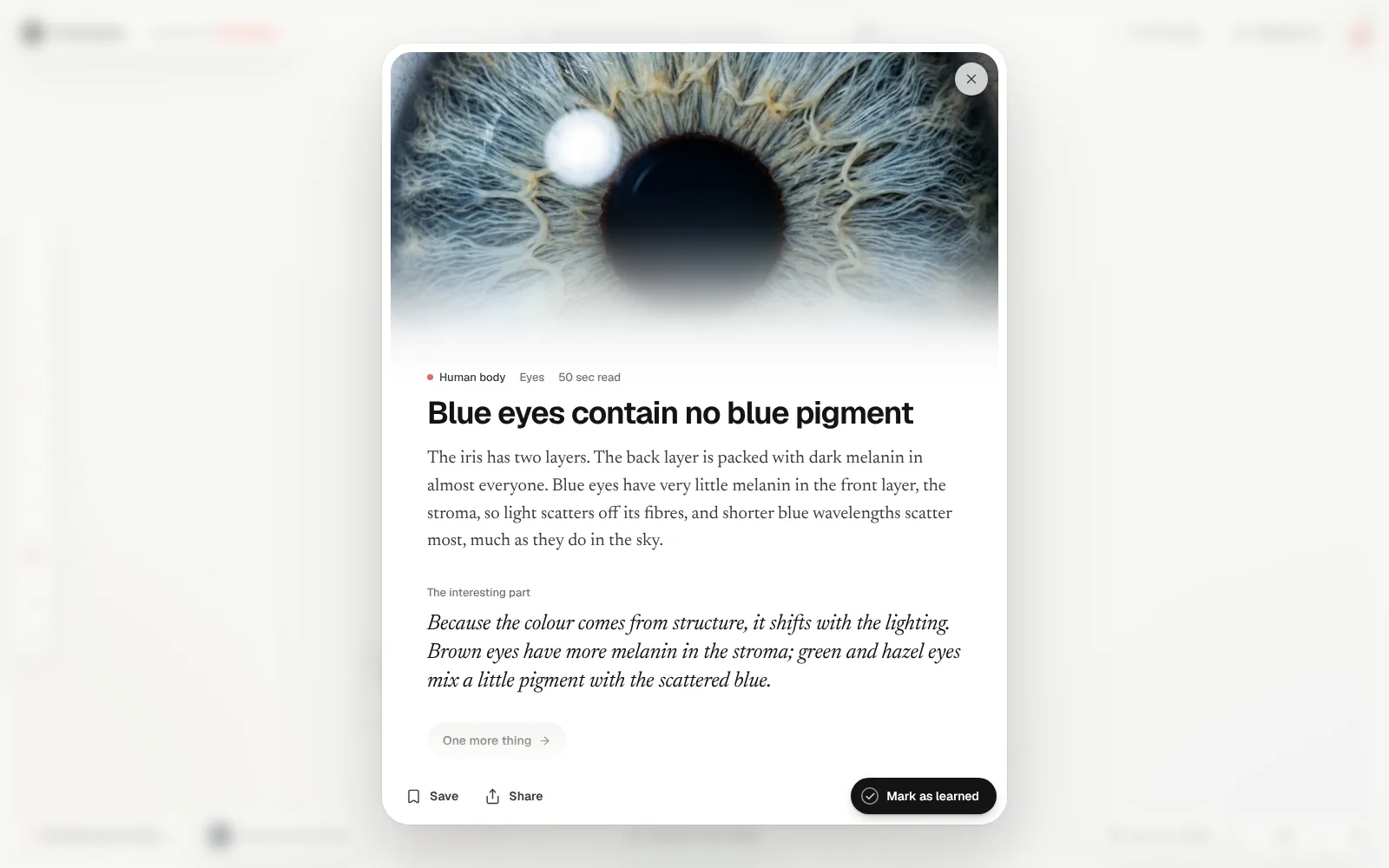
Each card opens to the topic, a read time, a short explanation and “the interesting part”, with Save, Share and Mark as learned.
- Gather
Everything about one idea
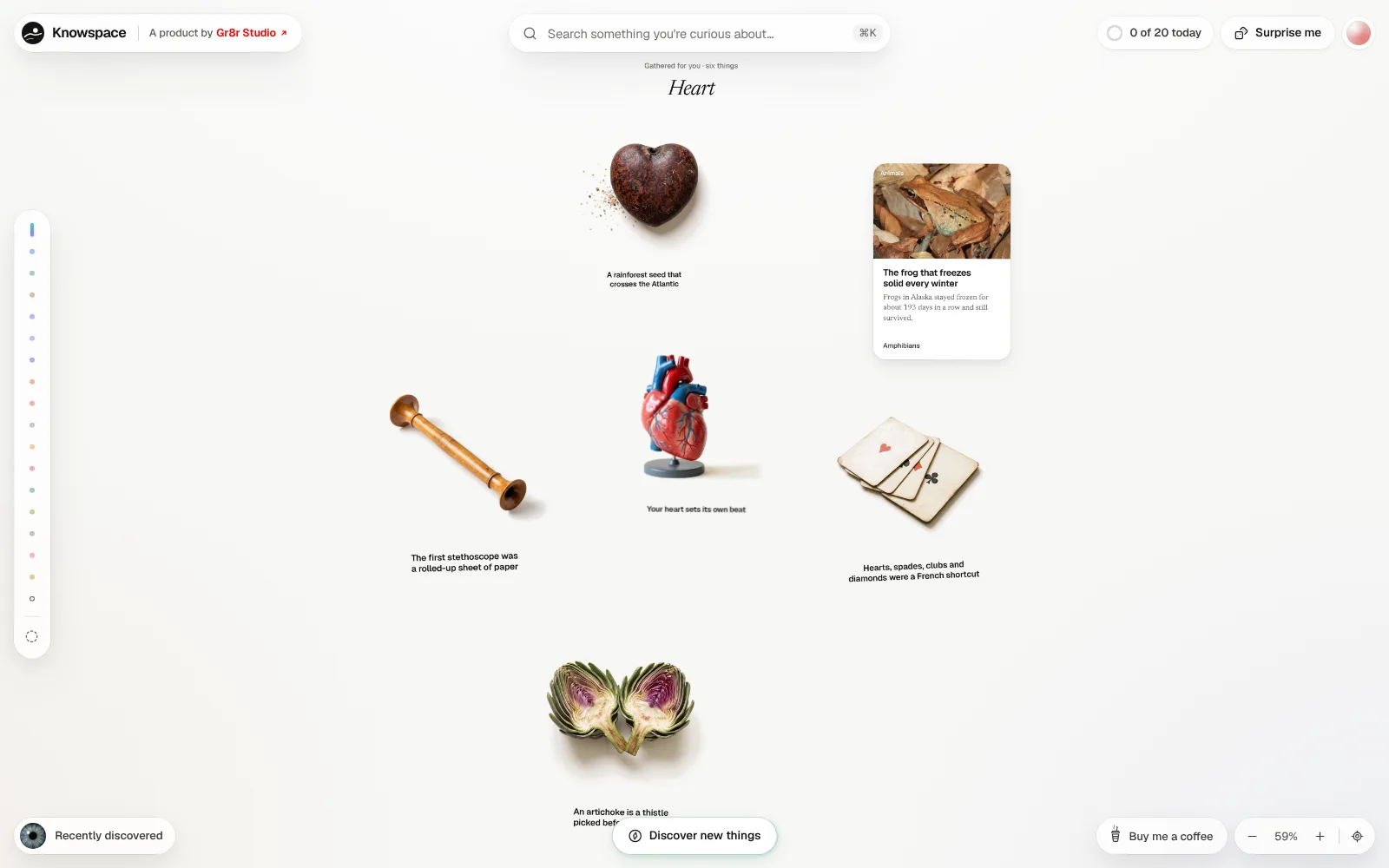
Search for a word and Knowspace gathers the matching facts from every topic into one small cluster, here six things about the heart.
- Progress
A small goal for each day
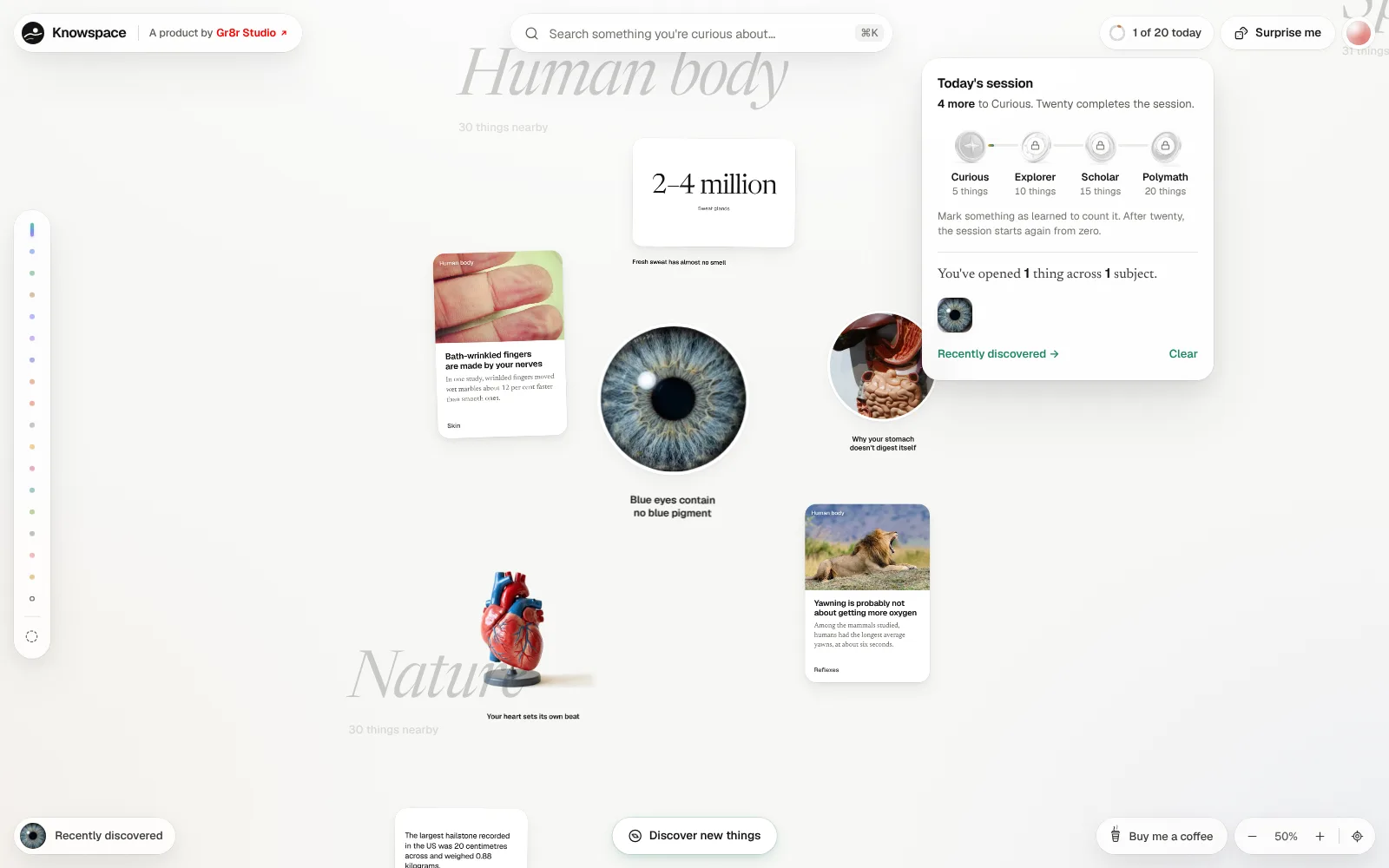
Twenty facts complete a session. Medals mark the way at five, ten, fifteen and twenty, and recent finds stay one click away.
Engineering
One large canvas that stays quick to move around.
Knowspace is a React single-page app. The whole library sits on one pannable, zoomable canvas with zoom controls and a button back to the start. Search opens with ⌘K, and the day's progress, saved items and recent finds are kept in the browser. On a phone the canvas is dragged by touch, with a compact toolbar.
- Pan and zoom canvas
- ⌘K search across every topic
- Progress kept in the browser
- Touch layout on mobile
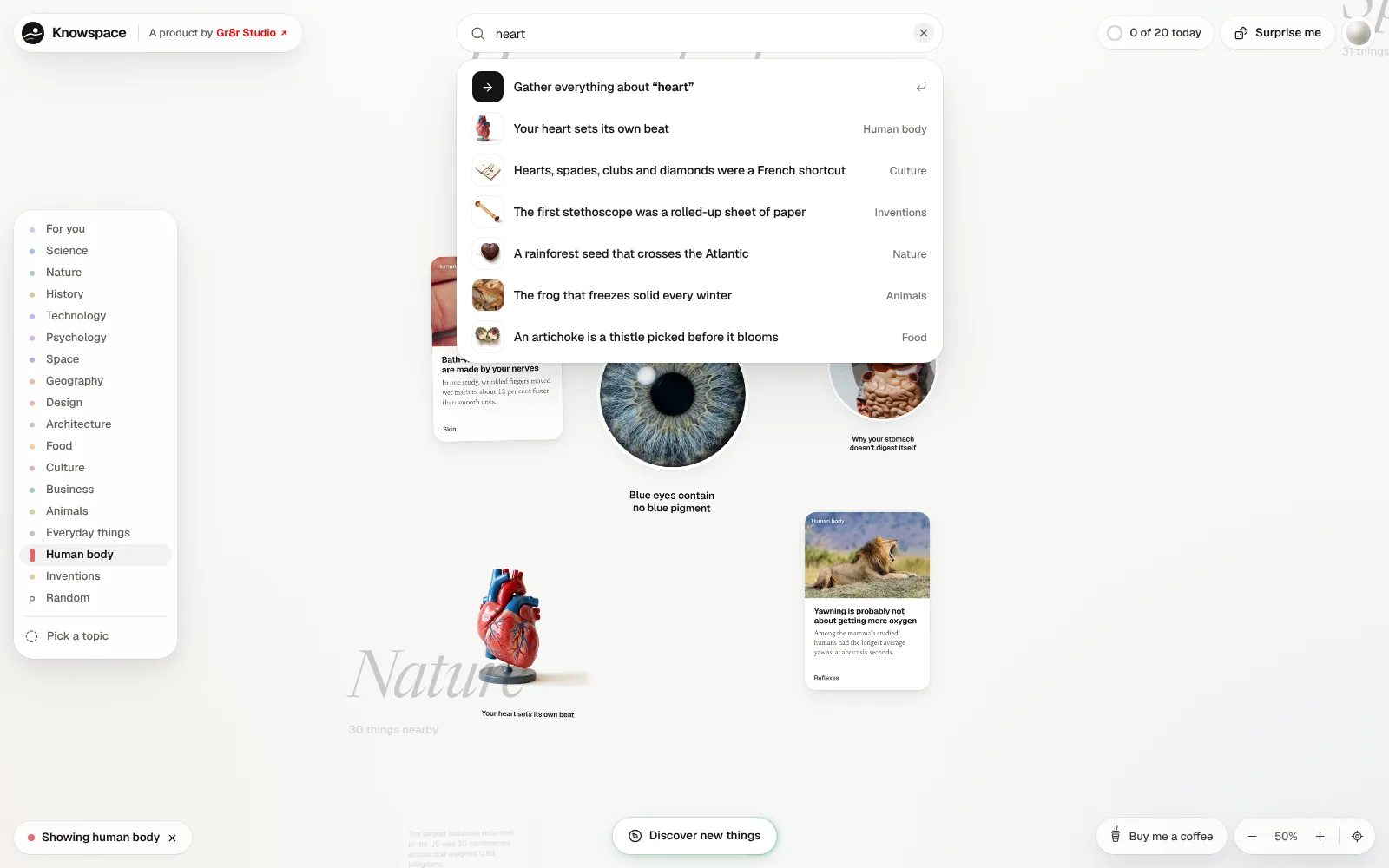
Find: search every topic at once
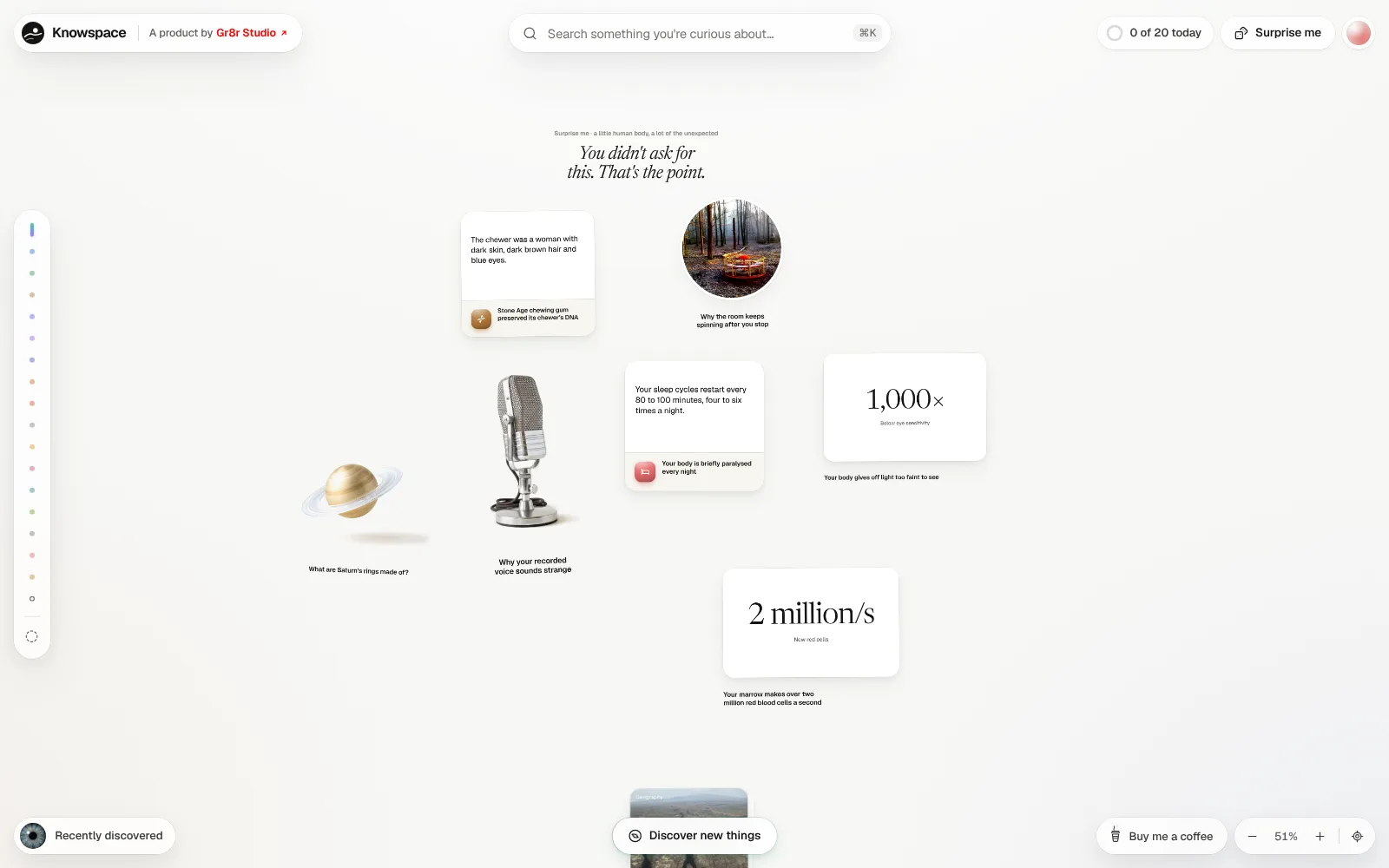
Discover: a random mix on demand
Move: drag and zoom the canvas
Outcomes
Designed to make curiosity easy to follow.
What the website demonstrably does. Measured results will be added only with evidence and approval.
Every topic on one canvas
Sixteen topics laid out in one space you can drag, zoom and jump around.
Find anything fast
Search and the topic rail take you to the right facts in one step.
A reason to keep reading
Each learned fact counts towards a daily session of twenty, with medals on the way.