Designing the Review Step Before an AI Agent Acts

Tanjim Islam
Founder & CEO · · 5 min read


Why does the approval step matter so much?
The approval step is where a person and an agent share responsibility. Put it in the wrong place and you get one of two failures. Too few approvals, and the agent sends the wrong email to a customer. Too many, and people click approve without reading, which is worse, because everyone believes a human checked.
The OWASP Top 10 for LLM applications (2025) lists "excessive agency" as a risk: AI systems given more ability to act than the task needs (OWASP GenAI Security Project, LLM Top 10). A well placed approval step is one of the plainest defenses.
Where should approvals go? The risk and reversibility grid
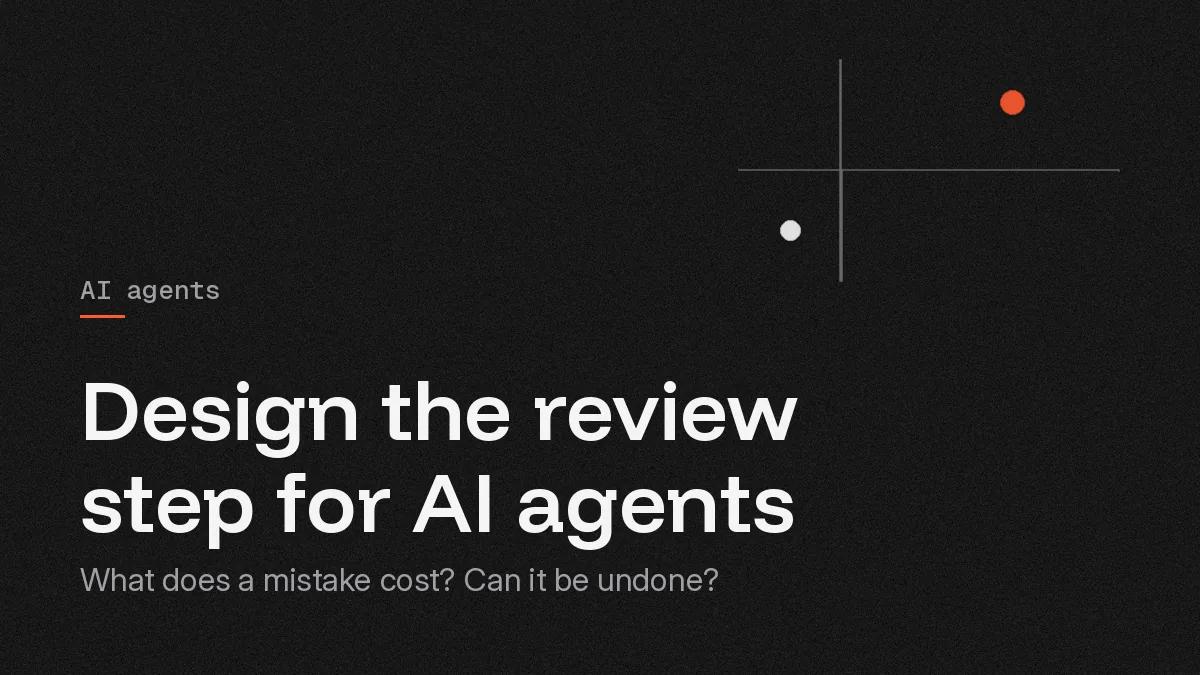
Score each action the agent can take on two questions. What does a mistake cost? Can it be undone?
| Easy to undo | Hard or impossible to undo | |
|---|---|---|
| Low cost if wrong | Act alone, show in log, offer undo | Act with a short undo window, or confirm inline |
| High cost if wrong | Approve in a queue or diff review | Always approve, with full detail and a second look for the largest |
Examples help. Tagging a ticket is low cost and easy to undo: act alone. Sending a customer reply is low cost per item but cannot be unsent: confirm or allow a short delay to cancel. Changing a price in your catalog costs more but can be reversed: review the diff. Paying a supplier is high cost and hard to reverse: always approve.
Microsoft's Fluent 2 guidance says an agent should "express its autonomy level by communicating its triggers, access permissions, and action rights" (Microsoft Fluent 2, Responsible AI). The grid is how you decide those action rights, one action at a time.
What are the four approval surfaces?
Inline confirm
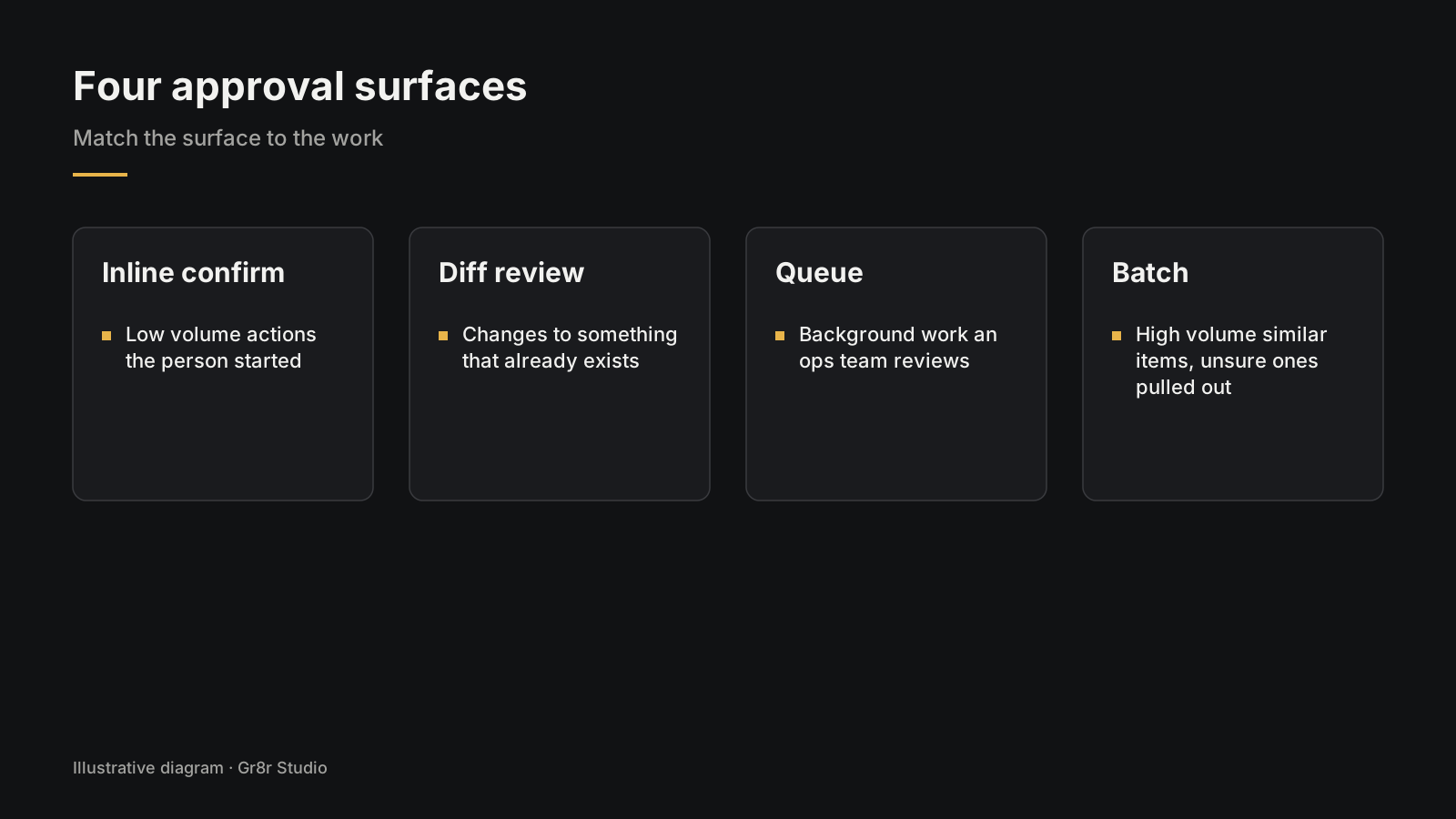
A small confirm right where the person is working: "Send this reply?" with the text visible. Use it for low volume actions the person started themselves.
Diff review
Before and after, side by side, with changes highlighted and approve, edit and reject buttons. Use it when the agent changes something that already exists, such as a contract clause or a product record.
Queue
A list of proposed actions waiting for a person, sorted by urgency, each opening into its detail. Use it when the agent works in the background and an ops team reviews its proposals through the day.
Batch
A group of similar proposals approved together, with the uncertain ones pulled out for individual review. Use it for high volume, similar items.
What should every approval screen show?
The review screen needs to show six things:
- What will happen. In a sentence: "Pay one invoice to Supplier X, due Friday."
- The exact change. Fields, values, recipients.
- Why. The source the agent used, linked.
- How sure. Plain wording when the agent is less confident, and what to check. More in how to show AI confidence and sources.
- Edit. A way to change it before approving.
- Equal buttons. Approve and reject the same size. A tiny reject link nudges people to approve.
Gr8r works in this space too. Convoy, a supply chain command center, has an approval queue where each row shows the proposed change, its added cost, a percentage score, a deadline to decide, and Review, Reject and Approve buttons side by side. Its autonomy setting reads: "Agents act alone on low-risk changes under $2K. Everything else waits for you." Built by Gr8r for its own portfolio. Not client work.
How do you measure approval fatigue?
Watch what people do in the approval step. Four signals tell you when it has become a rubber stamp.
| Signal | What it suggests |
|---|---|
| Time to approve keeps falling | People have stopped reading |
| Rejection rate near zero for weeks | The step may not be needed, or nobody is checking |
| Edits before approval rare | The detail on screen may be ignored |
| Errors found after approval | The step is failing at its job |
When these show up, either let the agent act alone on that action, with undo and a log, or redesign the screen so the important detail is impossible to miss. Leaving a useless approval in place teaches people to click through all of them.
How does this fit the rest of the agent UI?
Approval is one of nine agent patterns, alongside plan preview, step logs and undo. The full set is in AI agent UI patterns, and the wider trust playbook is in AI UX design: the seven screen states.
We design and build approval flows as part of our AI agent development work.
Frequently asked questions
When should an AI agent ask permission?
Ask when the action costs money, cannot be undone, reaches a customer, or goes out under someone's name. Let the agent act alone when the action is cheap, reversible and visible, and give people an undo.
How do you avoid approval fatigue?
Ask for approval only where it matters, batch similar low risk items, show only what changed, and track how fast people approve. If approvals take a second each and are almost never rejected, the step has become a rubber stamp and needs redesigning.
Can AI agent approvals be batched?
Yes, for similar items with similar risk, such as fifty invoice matches from the same supplier. Group them, highlight the ones the agent is unsure about, and let people approve the rest together. Keep risky or unusual items out of the batch.
What should an AI agent approval screen show?
Exactly what will happen, to which record, with what values, and why the agent proposed it. Show the source it used, let the person edit before approving, and make reject and approve equally easy.
Should approve and reject buttons look the same?
Yes. Make them the same size. A tiny reject link nudges people to approve without reading.
Next step
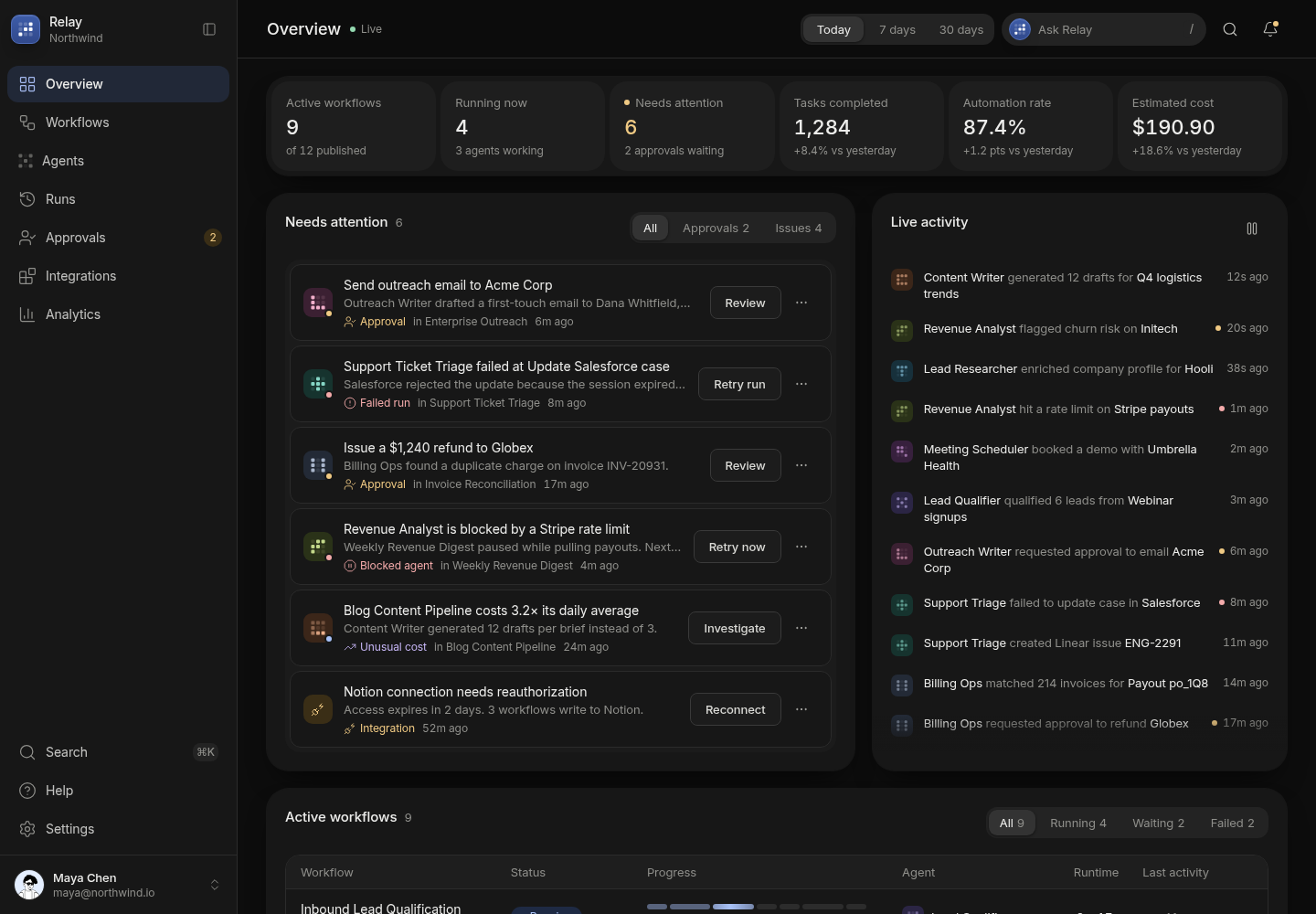
Relay applies the same idea to business tasks: a drafted refund for a duplicate charge sits in its Needs attention list until someone reviews it. Built by Gr8r for its own portfolio. Not client work. It runs on demo data, so it shows the screens, not results.
If you want help with this, book a 30 minute call.
Related reading
- AI agent development
- how to build AI agents for business
- AI agent UI patterns
- how to show AI confidence and sources
- what AI automation is
- who owns the code, prompts and data
Tanjim Islam is the founder of Gr8r Studio, a digital product and AI engineering partner for scaleups and enterprise teams, founded in 2023.