Webflow vs Next.js: who should own your site after launch
Webflow vs Next.js comes down to who owns the site after launch. Webflow lets marketing publish alone in a hosted visual CMS, within fixed plan limits. Next.js gives engineering full control in code, and you choose the host and CMS. Pick by who will make changes every week. Gr8r Studio compares both from official docs.
Updated 26 Oct 2026. Last checked: 26 Oct 2026.
Who we are: Gr8r Studio is a Digital Product & AI Engineering Partner for Ambitious Businesses: 15+ team members, in house & remote, founded 2023. We build on Framer, Webflow and custom code.
Webflow and Next.js side by side
| Factor | Webflow | Next.js |
|---|---|---|
| Who edits | Visual designer with a structured CMS | Developers in code; editors through the headless CMS you pick [1] |
| CMS | Premium: 40 collections, 20,000 items; Basic has no CMS [2] | Files or a headless CMS of your choice [1] |
| Hosting | CDN via Cloudflare [2] | A Node.js server, a Docker container, a static export (limited) or adapters [3] |
| Code export and ownership | On paid Workspace plans; Webflow's own pricing page is unclear on CMS export, so confirm it before you rely on it; forms stop working, no reimport (checked 26 Oct 2026) [2] | You own the repo |
| App logic and auth | Not covered in Webflow's plan pages | Built for full stack web applications [4] |
| Localization | Localize add on, priced by locales [5] | Routing for each language set in code [1] |
| Seats and cost model | Site plan plus Workspace plan; contact Webflow sales for Enterprise pricing [2] | You choose the host [3] and any CMS [1] |
| Who you need on the team | A marketer or designer who works in Webflow | Engineers, plus an editor if you add a CMS |
| Time to a first live page | Quick once the design and CMS are set up | Slower; it needs a build, a host and a CMS |
| Main risk | CMS limits and plan cost as the site grows | Marketing waits on engineers without a CMS |
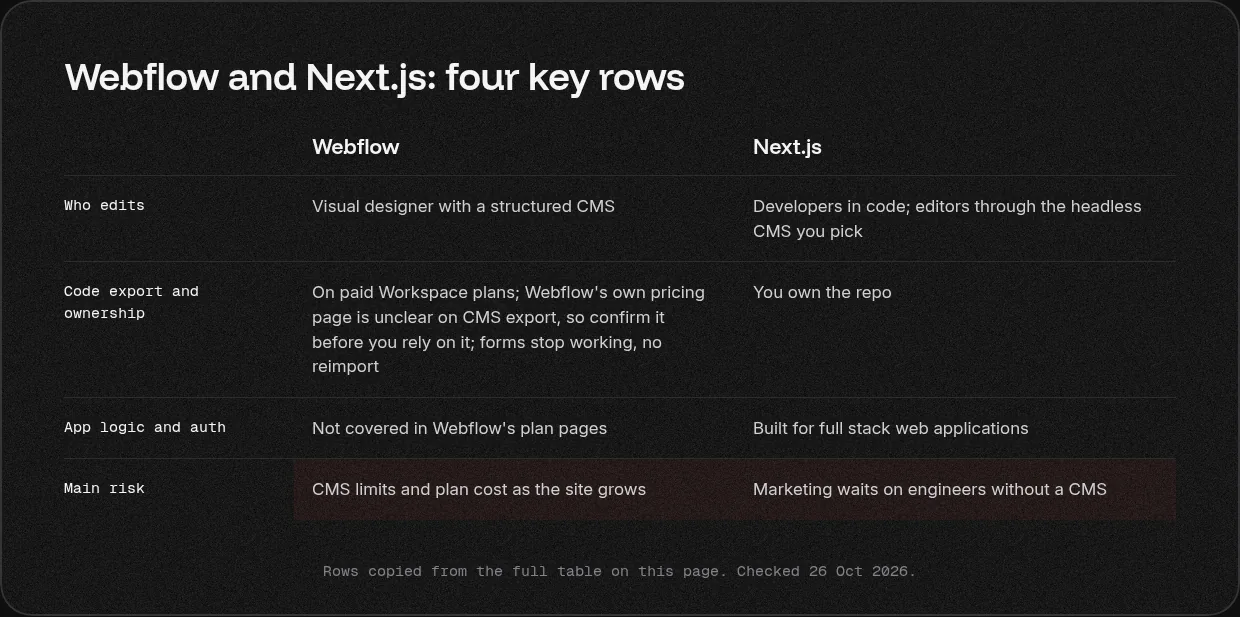
These describe each platform from its own official pages. Last checked: 26 Oct 2026.
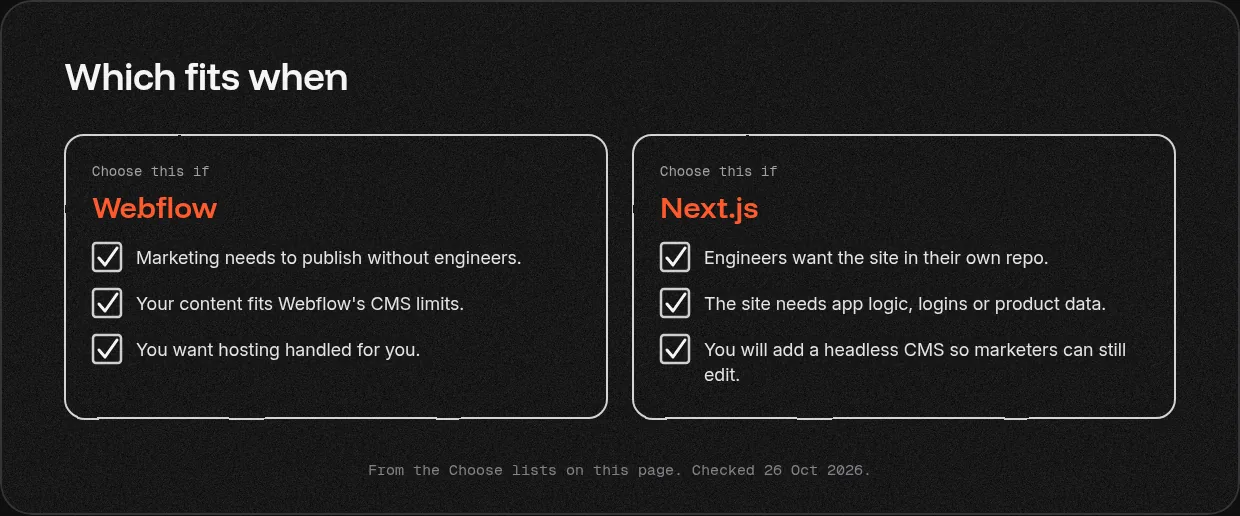
Choose Webflow if
- Marketing needs to publish without engineers.
- Your content fits Webflow's CMS limits.
- You want hosting handled for you.
Choose Next.js if
- Engineers want the site in their own repo.
- The site needs app logic, logins or product data.
- You will add a headless CMS so marketers can still edit.
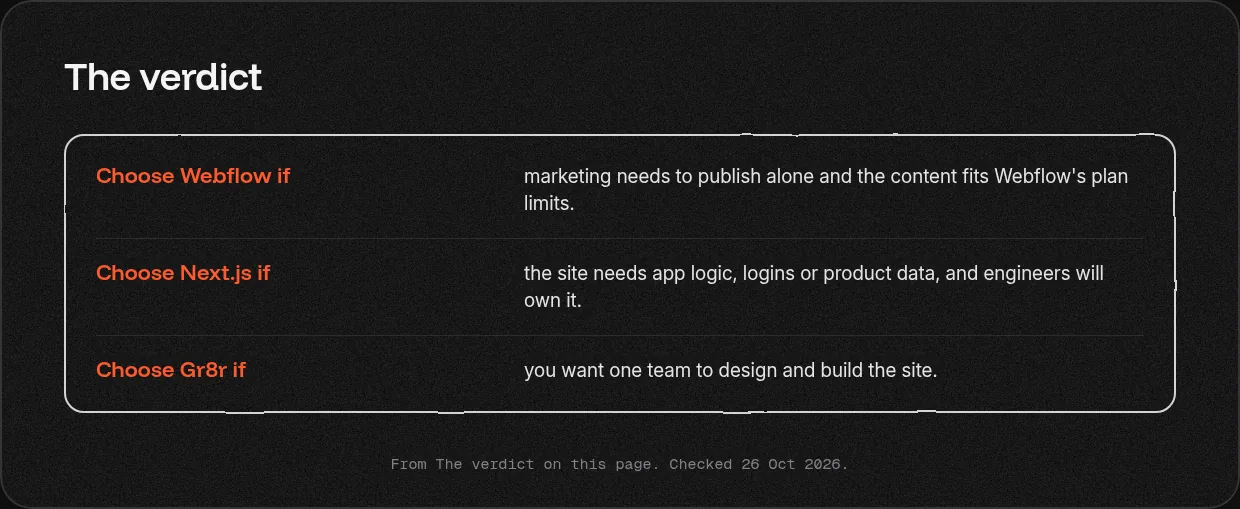
The verdict
- Choose Webflow if marketing needs to publish alone and the content fits Webflow's plan limits.
- Choose Next.js if the site needs app logic, logins or product data, and engineers will own it.
- Choose Gr8r if you want one team to design and build the site.
What each costs to run
We do not list figures here; plans change, so check each official page.
- Webflow: Basic and Premium site plans, separate Ecommerce plans [6], a Localize add on [5] and paid Workspace plans. Contact Webflow sales for Enterprise pricing [2].
- Next.js: you choose and pay for the host [3] and any headless CMS [1].
Our view
Pick by who will run the site. If your Webflow site works and marketing is happy, a rebuild in Next.js is money you do not need to spend. If you need a large engineering team for a full product, a bigger firm may suit you better. Clients own everything once it's paid for.
What we have built
- Orthotropic (orthotropicbd.com): We designed and built the Orthotropic website in Webflow.
- Kept: A clipboard web app. Built by Gr8r for its own portfolio. Not client work.
50+ projects shipped across product design, engineering and websites.
Moving between them
Webflow's own pricing page is unclear on CMS export, so confirm it before you rely on it 2] (checked 26 Oct 2026). A move to Next.js means moving each CMS collection and rebuilding templates. Map and redirect every changed URL. See [website migrations.
Related services: website design and development and Framer.
What to read next?
- Framer vs Webflow vs custom code
- Next.js vs Framer
- Astro vs Webflow
- Website design and development
- When to leave Framer or Webflow
- Every way to get it built
Questions
Is Webflow better than Next.js?
Neither wins for every site. Webflow suits a marketing team that wants to publish alone in a hosted visual CMS, with up to 20,000 items on Premium. Next.js suits a site that needs app logic, logins or product data, with engineers who will own the code, the host and the CMS.
Webflow vs custom code: when is code worth it?
Code is worth it when the site needs logic Webflow cannot hold, such as logins, user data or features shared with your product, and you have engineers to run it. If marketing changes pages every week and the content fits Webflow's limits, the hosted tool usually costs less to keep.
Who edits the site after launch?
On Webflow, marketers and designers edit pages and CMS items themselves. On Next.js, engineers change the code, and editors work in a headless CMS if you add one. Without a CMS, every text change waits for a developer, so plan the editing setup before you choose.
Can I move from Webflow to Next.js?
Yes, as a rebuild. Webflow's code export works on paid Workspace plans, but Webflow's own pricing page is unclear on CMS export, so confirm it before you rely on it; forms stop working and the code cannot be reimported. Map every URL, add a 301 redirect for each one that changes, and move content into a CMS first.
Is Webflow or Next.js better for SEO?
Both can rank well. Webflow gives hosting, free SSL and standards based code, and Localize adds localized SEO. Next.js gives engineers full control of rendering, markup and schema. Rankings depend more on content, site structure and clean redirects than on the tool you build with.
What does each cost to run?
Webflow charges site plans, with separate Ecommerce plans, a Localize add on and paid Workspace plans, listed on its pricing page. Next.js is open source, so you choose and pay for the host and any headless CMS. With code, the engineers who keep it running are often the larger cost.
More comparisons
Webflow development · Framer vs Webflow · Next.js vs Framer · Webflow vs WordPress · Next.js vs WordPress · every way to get it built
Sources
Official pages only. Plans and limits change; each source shows the date we checked it.
- Next.js internationalization, checked 26 Oct 2026
- Webflow pricing and FAQ, checked 26 Oct 2026
- Next.js deploying, checked 26 Oct 2026
- Next.js docs, checked 26 Oct 2026
- Webflow Localize, checked 26 Oct 2026
- Webflow Ecommerce, checked 26 Oct 2026
Last checked: 26 Oct 2026.
Tell us what you are building
Book a 30 minute call, tell us what you are building or email hello@gr8rstudio.com.