WordPress vs Astro: rebuild, or keep WordPress as the CMS
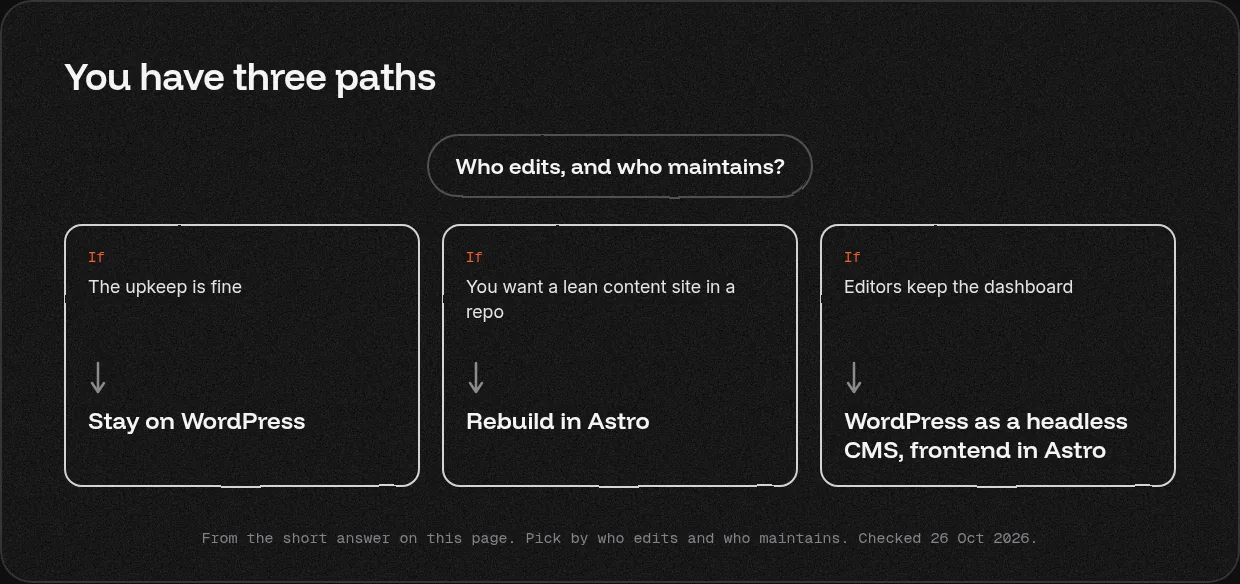
WordPress vs Astro gives you three paths. Stay on WordPress if the upkeep is fine. Rebuild in Astro for a lean content site in a repo. Or keep WordPress as a headless CMS and build the frontend in Astro, so editors keep the dashboard. Gr8r Studio compares all three from official docs.
Updated 26 Oct 2026. Last checked: 26 Oct 2026.
Who we are: Gr8r Studio is a Digital Product & AI Engineering Partner for Ambitious Businesses: 15+ team members, in house & remote, founded 2023. We build on Framer, Webflow and custom code.
WordPress and Astro side by side
| Factor | WordPress | Astro |
|---|---|---|
| Editing | The WordPress dashboard | Developers in code; editors through a headless CMS |
| Content storage | A database; can also serve content to another frontend through its REST API [1] | Files in the repo or a headless CMS, including WordPress [2] |
| Hosting | Self hosted (needs PHP 8.3 or later, MariaDB 10.11 or later or MySQL 8.0 or later, and HTTPS) or a hosted WordPress.com plan [3] [4] | Static or on demand, on many hosts [5] |
| Security upkeep | On a self hosted site, you keep WordPress, PHP and the database up to date [3] | Your host and your developers |
| Developer need | Low for editing; needed for upkeep | Needed for every template change |
| Who maintains it after launch | Whoever runs the hosting, updates and plugins | Your developers, or a team you hire |
| Time to a first live page | Quick with a ready theme; slower with a custom one | Slower; it needs a build, a host and often a CMS |
| Main risk | Upkeep of the server, PHP and database | Every change needs a developer or a CMS |
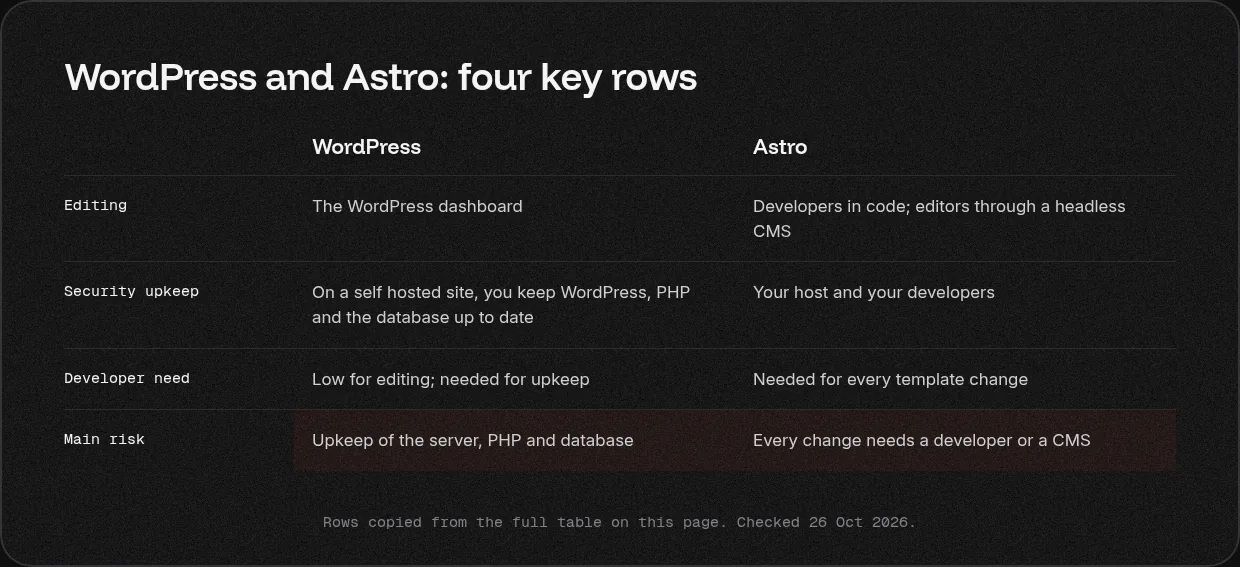
These describe each platform from its own official pages. Last checked: 26 Oct 2026.
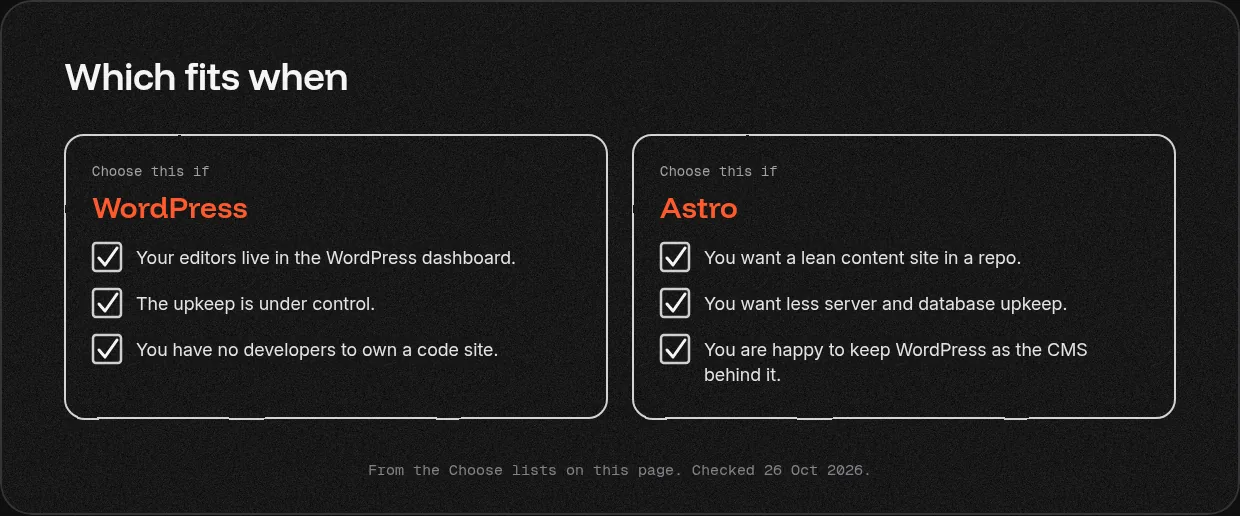
Choose WordPress if
- Your editors live in the WordPress dashboard.
- The upkeep is under control.
- You have no developers to own a code site.
Choose Astro if
- You want a lean content site in a repo.
- You want less server and database upkeep.
- You are happy to keep WordPress as the CMS behind it.
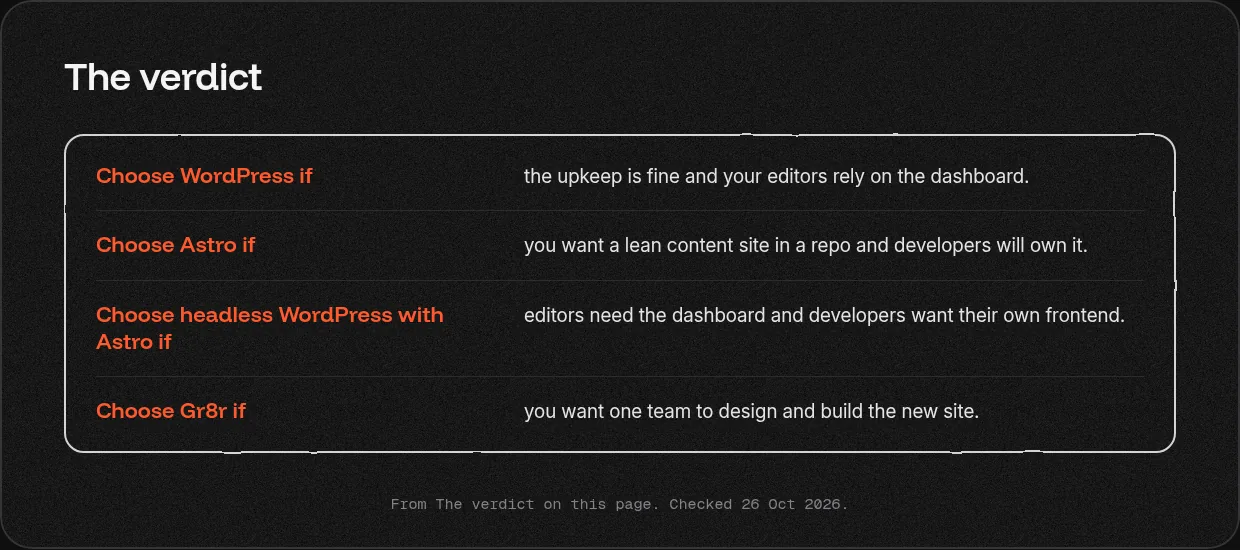
The verdict
- Choose WordPress if the upkeep is fine and your editors rely on the dashboard.
- Choose Astro if you want a lean content site in a repo and developers will own it.
- Choose headless WordPress with Astro if editors need the dashboard and developers want their own frontend.
- Choose Gr8r if you want one team to design and build the new site.
What each costs to run
We do not list figures here; plans change, so check each official page.
- WordPress: the software is open source [6]. Self hosting means paying for hosting yourself; hosted plans are listed on WordPress.com [4].
- Astro: you choose and pay for the host [5] and any headless CMS [2].
Our view
We do not look after WordPress installs. If your WordPress site works and the upkeep is fine, keep it. If you need ongoing plugin and server care on a large WordPress estate, a WordPress specialist is the better choice. Clients own everything once it's paid for.
What we have built
- Astro: We also build custom coded sites, for example in Astro.
50+ projects shipped across product design, engineering and websites.
Moving between them
Astro has an official guide for moving from WordPress 2], and WordPress can stay as the CMS [1]. Map and redirect every changed URL. See [website migrations.
Related services: website design and development and Framer.
What to read next?
- Next.js vs WordPress
- Astro vs Next.js
- Webflow vs WordPress
- Website design and development
- A guide to custom coded websites
- Every way to get it built
Questions
Should I rebuild my WordPress site in Astro?
Rebuild if server, PHP and plugin upkeep costs you more than it gives, and developers will own the new site. Stay if your editors rely on the dashboard and the site works. If both matter, keep WordPress as a headless CMS and build only the frontend in Astro.
How do I migrate WordPress to Astro?
Astro's docs include a guide for moving from WordPress. Export your posts and pages, move them into files or a headless CMS, rebuild the templates in Astro, and map every old URL. Add a server side 301 for each URL that changes, then watch Search Console after launch.
Can I use Astro with WordPress as a headless CMS?
Yes. Astro's docs cover using WordPress as a headless CMS, where Astro reads content from WordPress and builds the pages. Editors keep the WordPress dashboard and developers own the frontend. You still maintain the WordPress install, so the upkeep only partly goes away.
Is Astro faster than WordPress?
Astro is built for content driven sites and renders on the server first, adding interactivity only where you place it. A WordPress site's speed depends on its theme, plugins and host. Test your own key pages before and after any rebuild, and judge by those numbers.
Is WordPress or Astro better for SEO?
Neither wins by default. WordPress gives editors control through themes and plugins. Astro gives developers full control of markup and schema. Most ranking drops in a rebuild trace back to missing redirects, so map every URL, add 301s and carry over titles, metas and schema.
What does each need to run?
Self hosted WordPress needs PHP 8.3 or greater, MariaDB 10.11 or greater or MySQL 8.0 or greater, and HTTPS, plus someone to keep them updated. Astro is open source; you choose a host and any headless CMS. Hosted WordPress plans move part of the upkeep to the host.
More comparisons
Framer vs WordPress · Webflow vs WordPress · Next.js vs WordPress · Astro vs Next.js · every way to get it built
Sources
Official pages only. Plans and limits change; each source shows the date we checked it.
- Astro docs: WordPress as a headless CMS, checked 26 Oct 2026
- Astro: migrate from WordPress, checked 26 Oct 2026
- WordPress requirements, checked 26 Oct 2026
- WordPress.com pricing, checked 26 Oct 2026
- Astro deploy, checked 26 Oct 2026
- About WordPress, checked 26 Oct 2026
Last checked: 26 Oct 2026.
Tell us what you are building
Book a 30 minute call, tell us what you are building or email hello@gr8rstudio.com.