The Startup Website Launch Checklist, Page by Page

Tanjim Islam
Founder & CEO · · 7 min read


Use this the week before launch. It goes page by page, because that is how visitors meet your site. Each item is a thing you can open, tap or. If your site is not built yet, start with our guide to choosing a SaaS website design agency.
What must be ready before a startup website goes live?
Three things. Visitors can understand you, visitors can act, and search engines and AI tools can read you.
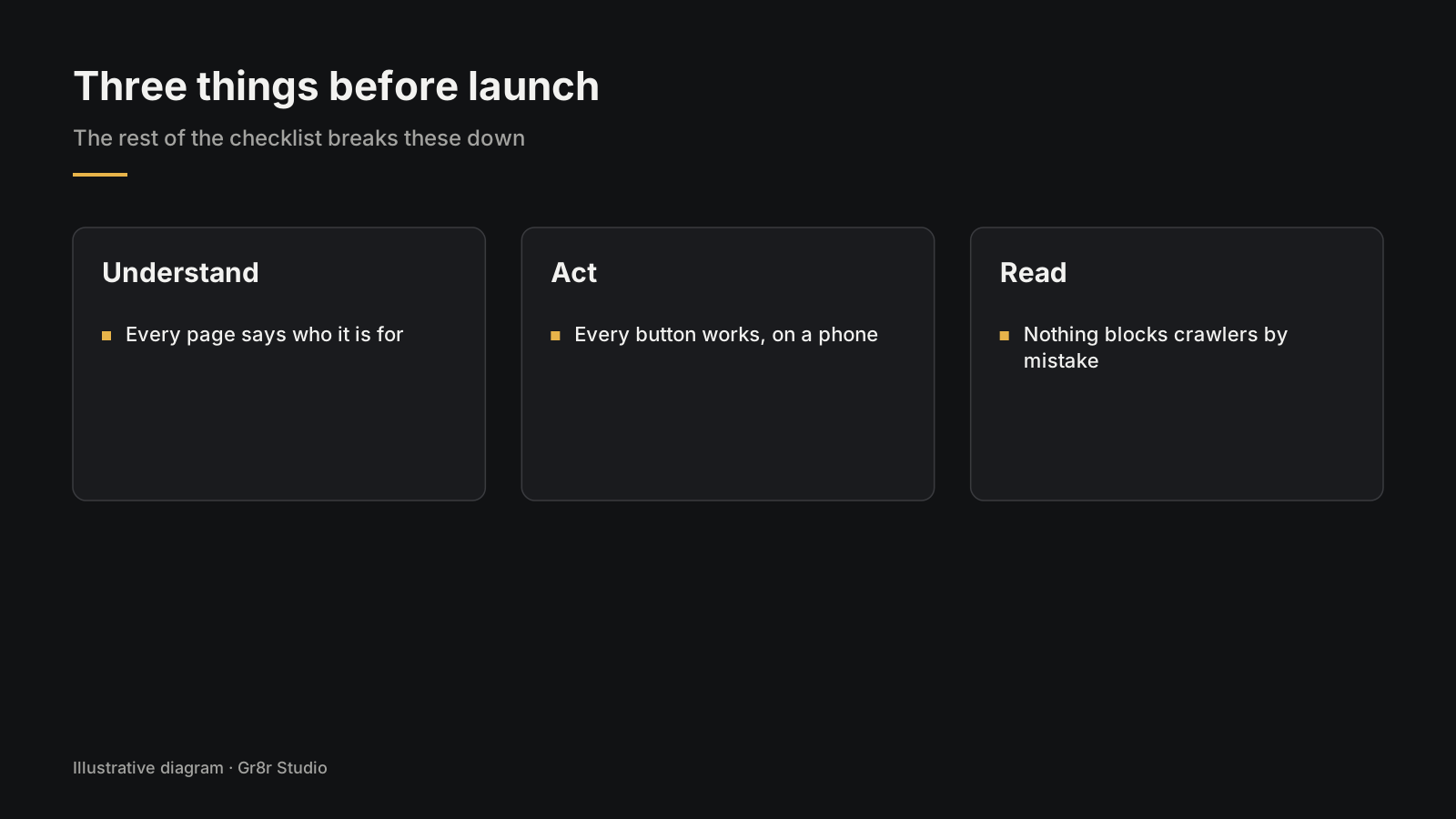
Understand: every page says who it is for in plain words. Act: every button leads somewhere that works, on a phone. Read: nothing in your settings blocks crawlers by mistake.
The rest of this checklist breaks those three down, page by page.
What should you check across the whole site?
Start here, because one wrong setting can hide every page.
- Domain and HTTPS. Type your domain with and without www. Both should land on the same secure address.
- robots.txt. Open yourdomain.com/robots.txt. Staging sites often ship with a rule that blocks everything. Google notes that robots.txt "is not a mechanism for keeping a web page out of Google". To keep a page out, use
noindexor a password (Google Search Central, Robots.txt Introduction and Guide, page date not shown, fetched 25 Oct 2026). - noindex. Check that no live page still carries a noindex tag from staging.
- Sitemap. Google says a sitemap helps it "crawl your site more efficiently". It also says a site of "about 500 pages or fewer" that links well inside may not need one (Google Search Central, Learn about sitemaps, page date not shown, fetched 25 Oct 2026). A new site with few links pointing to it is one case where Google says you might need one. Most builders make one for you. Find it and submit it in Search Console.
- Analytics. Open the site in a private window and watch your own visit arrive in the dashboard.
- Redirects. If you are replacing an old site, every old URL should lead to its closest new page.
- Page titles and descriptions. Each page gets its own. No "Home" or "Untitled".
- Social preview. Paste your homepage link into a chat app. Check the image and the title.
What does the homepage need on launch day?
A promise, proof and one main button.
- One line that says who it is for and what changes for them. Read it out loud to someone outside your company. If they cannot repeat it, rewrite it.
- A real product screen. Not an abstract shape.
- Proof you are allowed to use. Customer names with permission, or the team behind it.
- One main button, repeated as the page scrolls. "Book a demo" or "Start free", not both fighting for attention.
Test it on your phone on mobile data, not the office connection. That is where most first visits happen.
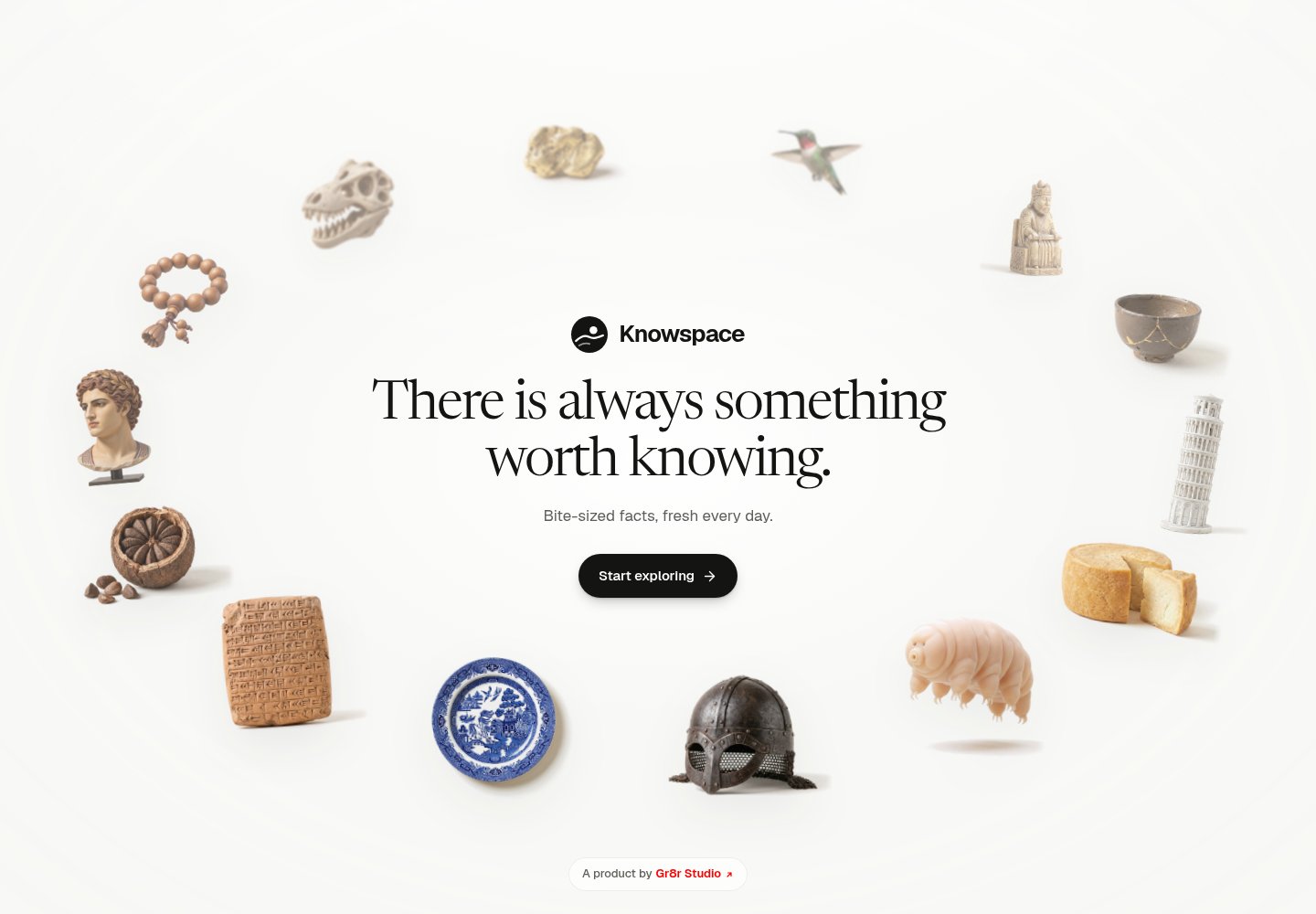
Knowspace, a site Gr8r built, keeps its promise to one line in its page description: "an infinite canvas of small, true things worth knowing." Its first screen is the product itself, fact cards grouped by topic. Built by Gr8r for its own portfolio. Not client work.
For more on what the page should say, see our.
What should the pricing page show?
Either your prices or a clear way to learn them.
- Plan names a buyer understands, and what each one includes.
- The billing period is plain: monthly, yearly, or both.
- A short FAQ for the questions sales hears every week.
- Every button works. Tap each plan's button. Each one should land on the right sign up or demo step.
If prices are "contact us", say what happens next. "We reply within one working day" is a promise you must then keep.
How do you test the demo and sign up flow?
Do it yourself, end to end, three times: on your phone, on a laptop, and with a teammate who has never seen it. Check each of these:
- Fill in the demo form. Does a confirmation show? Does the email arrive? Does someone on your team get notified?
- Book a calendar slot. Check the time zone in the invite.
- Start a trial. The sign up button should land in your app, not a blank page or a login loop.
- Check the thank you page. It should tell people what happens next, and fire your analytics event.
This is the step teams skip, and the one where real buyers are lost on day one.
What do the product, blog and about pages need?
Product or feature pages. Real screens with short captions. Feature names a buyer would search for, not your internal code names.
Blog. Posts live in the CMS, not on hand built pages, so your marketer can publish alone. Each post shows an author and a date.
About and contact. Real people with names and faces. An email address that someone reads. If you list an office, make sure the address is right.
Careers. If you have a careers page, make sure the job links are live. A closed role on launch day looks careless.
What legal pages and small details are easy to miss?
Five are easy to miss:
- Privacy policy and terms, linked in the footer. Have someone qualified write or review them. This checklist is not legal advice.
- Cookie notice, if your analytics or ads tools need one where your buyers live.
- A helpful 404 page with a search or links back to the main pages. Type a wrong URL to see it.
- Favicon, so your tab does not show a blank square.
- Contrast. WCAG 2.2 asks for text contrast of "at least 4.5:1" for normal text (W3C, Understanding Success Criterion 1.4.3, fetched 25 Oct 2026). Check your lightest grey text with a free contrast checker.
Should your robots.txt allow AI crawlers?
If you want to show up in AI search answers, check that you are not blocking the bots that feed them.
OpenAI, for example, documents separate crawlers. OAI-SearchBot is for search, and "sites that are opted out of OAI-SearchBot will not be shown in ChatGPT search answers, though can still appear as navigational links". GPTBot is for training, and each setting "is independent of the others", so you can allow one and block the other (OpenAI, Overview of OpenAI Crawlers, page date not shown, fetched 25 Oct 2026).
That choice is yours. The launch check is simple: read your robots.txt line by line and make sure every block in it is one you meant. For how to write pages that AI tools quote.
Is the site fast enough on a real phone?
Run your homepage, pricing page and one blog post through PageSpeed Insights on mobile.
Google's Core Web Vitals give you three targets: Largest Contentful Paint "within 2.5 seconds", Interaction to Next Paint "200 milliseconds or less", and Cumulative Layout Shift "0.1 or less" (web.dev, Web Vitals, last updated 31 Oct 2024, fetched 25 Oct 2026).
On a new site the usual culprits are a huge hero image or video and too many scripts. Compress the images. Remove any tool you added "just in case".
What do you do on launch day and in the first week?
Do the last steps in order, so a mistake shows up while you are still watching.
In the first week, open Search Console every day. Look for pages Google cannot reach, redirect errors and 404s. Check that your analytics shows real form submissions, not just page views.
If you want a second pair of eyes before launch, Gr8r offers a free UX audit to the first 5 companies that ask. For a new build, see our website design and development page.
Frequently asked questions
What should you check before launching a website?
Check HTTPS on your domain, robots.txt, noindex tags, your sitemap, analytics and redirects across the site. Then go page by page on a real phone: homepage promise and button, pricing, demo and sign up flow, blog, about, contact, legal pages and the 404 page.
Should robots.txt allow AI crawlers like OAI-SearchBot?
If you want to appear in ChatGPT search answers, OpenAI recommends allowing OAI-SearchBot. Its training crawler, GPTBot, is a separate setting, so you can allow one and block the other. Check that every rule in your robots.txt is one you meant.
Does a small startup site need a sitemap?
Google says a well linked site of about 500 pages or fewer may not need one, but a new site with few links pointing to it might. Most website builders create a sitemap for you, so find it and submit it in Search Console.
What should you monitor in the first week after launch?
Open Search Console every day for crawl errors, redirect problems and 404s. Check that analytics records real form submissions and sign ups, and test every form again after any change.
Does Gr8r offer a free UX audit before launch?
Yes, for the first 5 companies that ask. The UX audit page explains how to request one.
About the author
Tanjim Islam is the founder and CEO of Gr8r Studio. He founded the studio in 2023. Here he writes about how Gr8r approaches hiring, product design and AI engineering. More on the About page.
If you want help with this, book a 30 minute call.